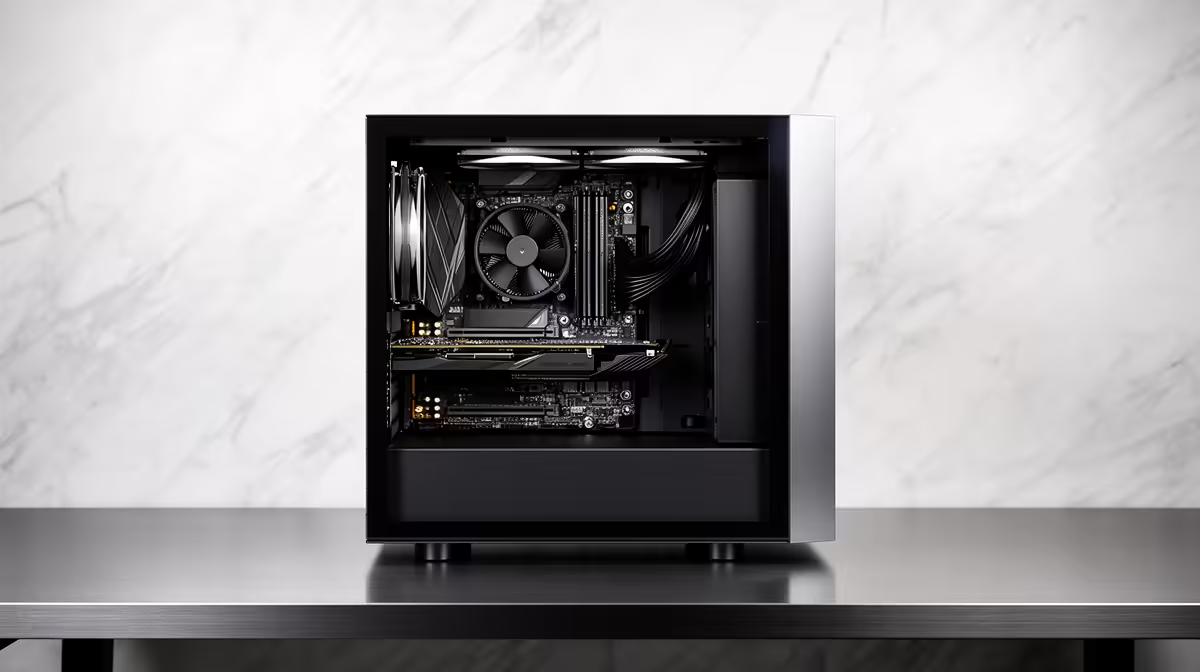
Office PCs feel memory pressure through ordinary browsers, calls and spreadsheets long before gaming enters the picture. The RAM crisis for home and office PCs makes installed capacity and upgradeability details worth checking closely.
Quick Answer
Office and home PC buyers should care about RAM capacity because a low-cost machine can feel slow long before its CPU is obsolete. The 2026 memory market adds price pressure, but the purchase still comes down to workload and upgrade path. Check installed capacity, module count, soldered memory, open slots and maximum support on the exact PC. For Windows multitasking, 16GB is a practical floor for many buyers, while 32GB suits heavier family use and longer ownership.
Office work can fill memory quietly
A browser, video call, email, spreadsheet and cloud sync can run together all day. Each item looks light on its own and the combination can push an 8GB system into constant paging.
An SSD makes paging less painful than a hard drive and cannot match DRAM. Slow Alt-Tab, reloading browser tabs and frozen calls can come from capacity pressure.
Measure Available and committed memory on the current PC during the busiest session. That trace gives you a capacity target for the next one.
Read the pre-built specification in full
Do not stop at Core i5 or Ryzen 5. Look for 8GB, 16GB or 32GB, DDR generation, one or two modules and whether the memory is soldered.
A laptop can have part soldered and one SO-DIMM slot. A mini PC can use replaceable SO-DIMMs or fixed LPDDR. The model manual settles it.
Single-channel memory can reduce integrated-graphics performance on platforms that rely on system RAM. Two supported modules may improve bandwidth.
Upfront capacity can avoid a difficult service
Buying more memory with the PC makes sense when the system is sealed, soldered or hard to service. An ordinary desktop with open slots gives you more flexibility.
Price the exact higher-capacity configuration against a supported upgrade kit plus installation. Include the risk of mixing modules later.
Do not buy excess capacity for email alone. Spend where the measured workload and years of use justify it.
Family PCs need the whole household test
Children's school portals, photo libraries, printing tools and several user profiles can leave background processes active. A home PC shared for work and light gaming benefits from headroom.
Keep the page file system-managed and close software you do not use. More RAM should solve capacity, not compensate for a broken browser extension.
Review exact kits through the DDR5 memory range. For an upgradeable PC, open the memory best-seller page and compare one complete matched capacity.
FAQ
Does the shortage affect non-gaming PCs?
It can affect component and configuration costs. Compare the exact PC and installed capacity rather than a market headline.
How much RAM does an office PC need?
Many current multitasking workloads suit 16GB, with 32GB for heavier use. Measure the actual application set.
Should RAM come before CPU?
Avoid too little of either. Capacity that prevents paging can matter more than a small CPU tier increase.
Check installed RAM, module count and upgradeability on the exact PC before comparing processor badges or shortage headlines.