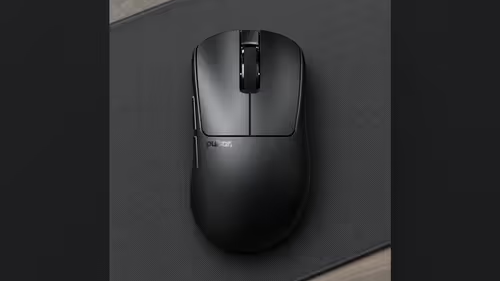
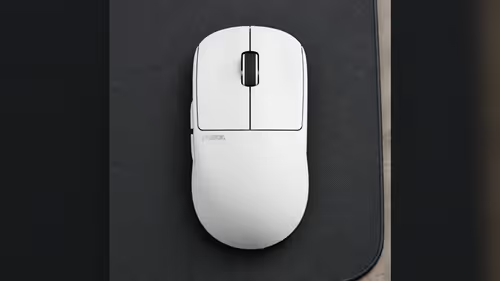
One address in a browser tab can configure a keyboard and a mouse. Bibimbap web software is the tool behind the Pulsar PCMK 3 HE TKL keyboard and three Pulsar mice that ship with a Link 8K Receiver: the Pro Series CARPE-X, the Pro Series BUZZ-X and the ZywOo The Chosen Gen.2. For a desk that holds one of each, that means a single place to learn.
Quick Answer
Yes: Bibimbap web software sets up the Pulsar PCMK 3 HE and the Link 8K Receiver mice with one browser tool. On a mouse it handles DPI, polling rate and button mapping. On the keyboard it handles actuation anywhere from 0.01mm to 4mm, Rapid Trigger and Quick Tap, and it saves up to 3 profiles on the board. You need a Web HID browser: Chrome 129 or newer, Edge 128 or newer, or Opera 113 or newer.
🌐 What Bibimbap covers on a mouse
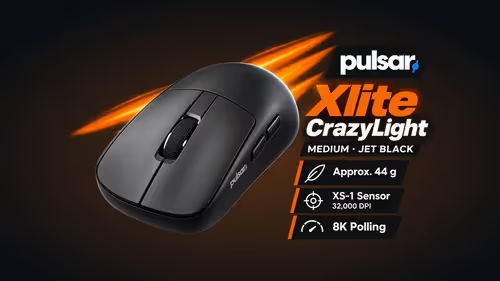
Three Pulsar mice list Bibimbap as their software: the CARPE-X, the BUZZ-X and The Chosen Gen.2. All three come with a Link 8K Receiver, and all three use the XS-1 sensor.
On any of them, the browser tool sets:
- DPI, in the range the sensor supports, up to 32,000 DPI.
- Polling rate, up to 8000Hz when your PC meets the maker's bar of a Ryzen 5 or Core i5 class CPU and a USB 3.0 port.
- Button mapping.
The receiver itself helps. It has two buttons and an LED, so a quick DPI change in the middle of a game does not need a browser at all. Bibimbap is for the longer settings session; the receiver is for the moment-to-moment tweak.
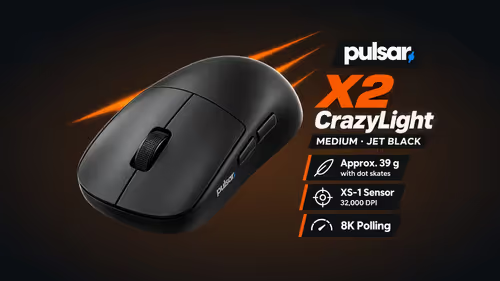
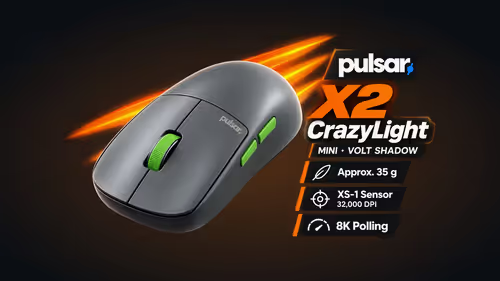
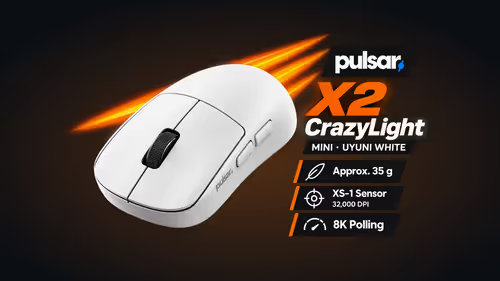
The rest of the Pulsar mice work differently. Their settings live in a desktop program for Windows 7 or higher, and that covers every CrazyLight model plus the Susanto-X and the JV-X. If you are choosing between a Bibimbap mouse and one of those, the software model is part of the decision.
⌨️ What it does on the PCMK 3 HE
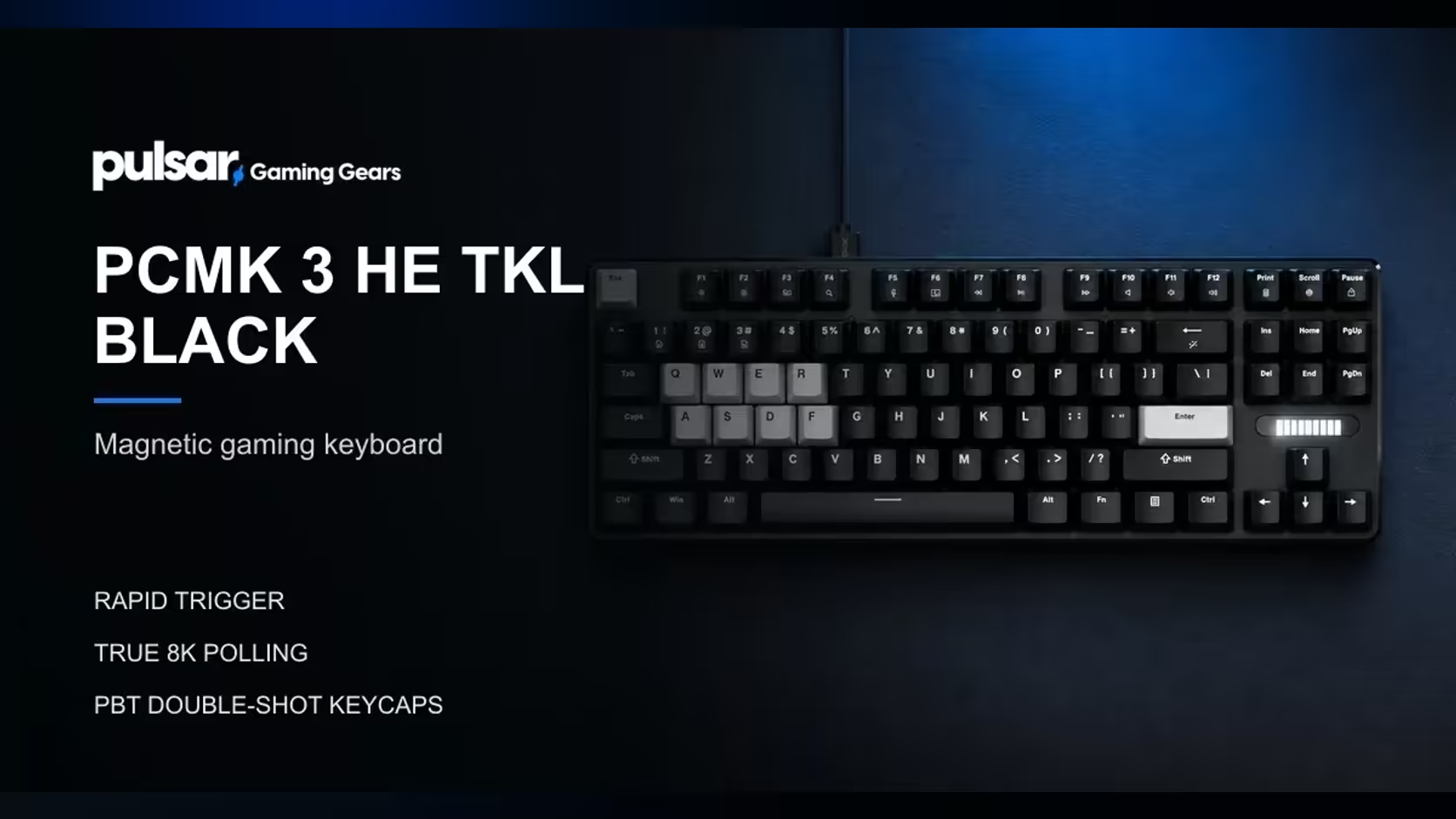
On the PCMK 3 HE, a TKL board with 87 ANSI keys and Hall Effect magnetic linear switches, the browser tool is where the character of the keyboard is set. In Bibimbap you set actuation anywhere from 0.01mm to 4mm, and you can turn on Rapid Trigger, which resets a key the moment it starts to rise, and Quick Tap. The keyboard polls at a true 8000Hz with a 35K scan rate, and settings are kept as up to 3 profiles on the keyboard itself.
That last detail matters for a shared PC. A profile saved on the board travels with the board, so you are not tied to the one machine where you made your changes.
💻 Why one tool helps on a shared PC
A household or a small office often shares one computer between several people. Every extra program to learn becomes a question someone has to answer later. With a keyboard and a Link mouse both managed in the same browser tool, a user needs to know one site, one layout and one habit. Open Bibimbap, plug the device in, make the change, save it.
A few habits keep it painless:
- Use a supported browser. Web HID is the feature the tool relies on.
- Plug the device in before you open the page.
- Save the keyboard profile you want to keep, since the board stores up to 3.
🖥️ Building the desk around it
If you are putting a desk together, the same browser tool will cover the keyboard and a CARPE-X, BUZZ-X or The Chosen Gen.2 mouse. A pad completes the setup, and Evetech lists several under its gaming mouse pads range, while the gaming mice category shows every mouse side by side. The product page for each carries its price at Evetech.
Evetech sells these devices in South Africa. The keyboard and the mice that work with the browser tool are listed on the Pulsar catalogue.
Frequently Asked Questions
Which devices does Bibimbap run?
The PCMK 3 HE keyboard, and the three mice that ship the Link 8K Receiver: BUZZ-X, CARPE-X and The Chosen Gen.2.
What does it set on a mouse?
DPI, polling rate and button mapping. The receiver's two buttons can also change DPI without the browser.
What does it set on the keyboard?
Actuation from 0.01mm to 4mm, Rapid Trigger, Quick Tap and up to 3 saved profiles.
Which browsers does it need?
A Web HID browser: Chrome 129 or newer, Edge 128 or newer, or Opera 113 or newer.
Do the other Pulsar mice use it?
No. Those take their settings from a desktop program for Windows 7 or higher: the CrazyLight mice, Susanto-X and JV-X.
Where are the keyboard profiles stored?
On the keyboard, up to 3 of them, once you save them.
Ready to set up your desk with one tool?
Browse the gaming mice and mouse pads at Evetech and choose the devices that share a browser-based setup.