


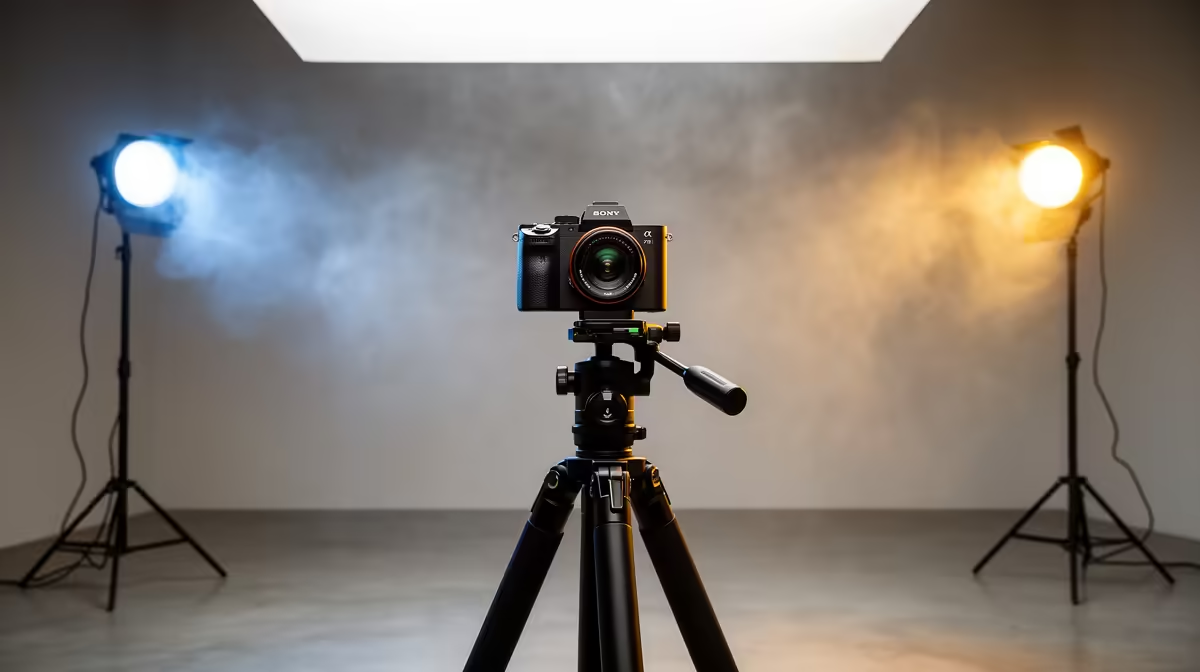
LED video lights are consistent and controllable, but the camera does not automatically know how to read them. Left on automatic settings, the camera guesses at white balance, exposes for the wrong plane, and produces footage where skin tones land somewhere between grey and orange. Optimising camera settings for LED video lights is a fifteen-minute process that pays back on every shoot in footage that needs minimal correction.
Quick Answer
Lock manual white balance to a grey card under your LED, set ISO between 400 and 800, and keep shutter speed at roughly double your frame rate. This holds natural skin tones stable across the session and removes the drift auto mode introduces when the scene changes.
🧠 Manual White Balance: Grey Card Over Guesswork
Auto white balance drifts mid-clip whenever anything in frame shifts. Under a dedicated LED that is the primary source, the algorithm can lock on to a slightly off reading and then recalculate when the subject leans forward or the scene brightens. The result is a visible colour shift that is costly to fix in post without degrading other elements.
The fix is a manual grab. Hold a white or neutral grey card at your shooting position under the LED and trigger a custom white balance read. The camera locks to what neutral looks like under that specific panel at its current brightness. If your camera does not support a custom grab, input the LED's printed Kelvin value directly. Do not use auto white balance while the panel is dimmed: a dimmed LED reads differently, and the algorithm compensates incorrectly. Grab the white balance at the brightness level you will actually shoot at.
⚡ ISO and Shutter Speed
A bright LED lets you stay at ISO 400 to 800, which keeps noise off skin tones. Only push higher if the scene genuinely needs it. Shutter speed follows the 180-degree rule: set it to roughly double your frame rate. At 25fps that is 1/50; at 30fps aim for 1/60. This keeps motion natural and prevents the banding artefact that appears when shutter speed falls out of sync with the LED's refresh frequency.
Pro Tip ⚡
If horizontal bands roll through your footage, step through shutter speeds near your target, typically 1 50, 1 60, 1 100, until the banding clears. The LED's flicker frequency determines which value is clean, and it varies between panels.
🎨 Picture Profile and Skin Tone Rendering
Vivid or saturated picture profiles push colours past natural values, which makes skin look processed under a strong single-source light. A neutral or standard profile with saturation reduced about 10 percent from default produces a more accurate baseline. South African skin tones span a wide range, and a correctly set manual white balance on a neutral profile renders that range more faithfully than any vivid preset, saving significant correction time in post.
Frequently Asked Questions
Why does manual white balance outperform auto under an LED?
Auto white balance recalculates continuously, producing visible colour shifts mid-clip when subject position or brightness changes. A manual grab off a grey card locks the white point for the entire session and keeps skin colour stable regardless of what else moves in the frame.
My skin looks orange under the light. What do I adjust?
White balance is the most likely cause. If the camera reads the LED as cooler than it is, it pushes warm tones. Raise the manual white balance value toward the LED's actual Kelvin rating until the orange disappears. A grey card grab is more reliable than dialling in the label Kelvin directly.
How does shutter speed create banding on LED-lit footage?
LEDs cycle at a specific refresh frequency. A shutter speed that does not align with that frequency captures partial cycles, showing as horizontal brightness bands. Step through speeds near your frame-rate double until the banding clears, then use that value for the rest of the session.
Is it worth correcting skin tones in editing instead of at capture?
Minor corrections are fine. Pushing hue or saturation more than ten percent to fix a fundamentally wrong white balance degrades quality unevenly across different skin tones in the same shot. Getting it right at capture keeps post corrections small and the result cleaner.
Ready to get footage that needs less fixing after every shoot? Browse the LED video light range and find a panel that gives your camera settings a consistent, lockable output from the first take.










