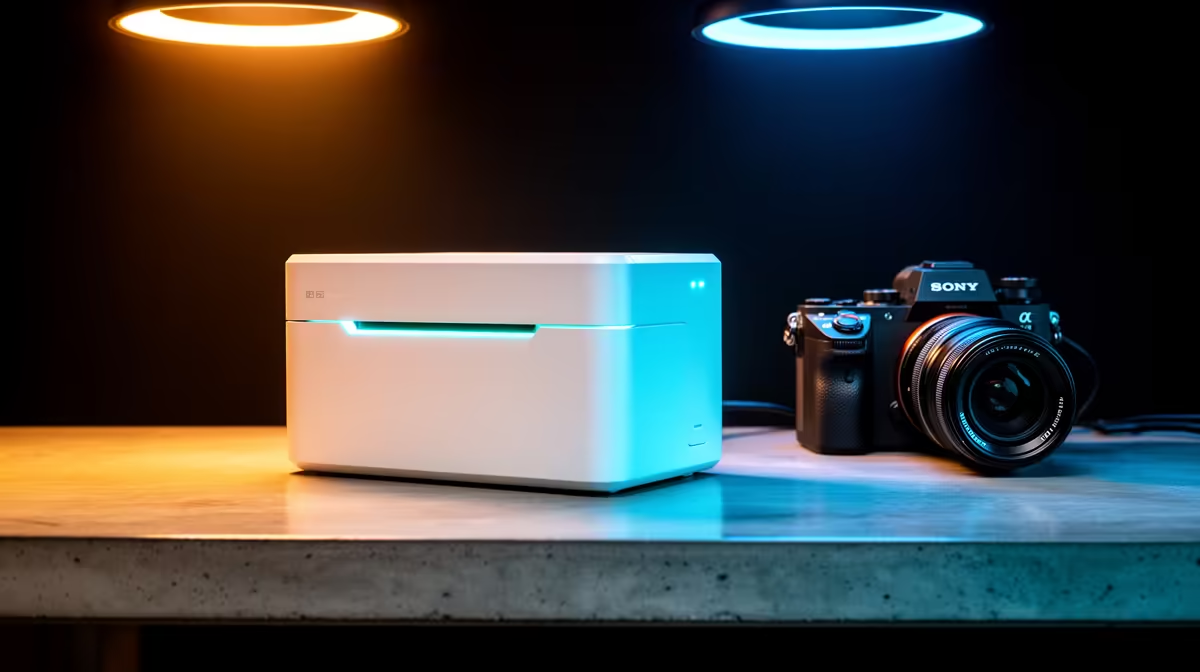
A photo printer is unnecessary for web browsing and office documents unless the user also prints photographs or colour proofs. Office work benefits from low page cost, dependable text and duplex handling. Photo models prioritise image media and ink range, which can raise maintenance cost for routine paperwork.
Count document and photo output
Track black pages, colour charts, scans and borderless photos for one month. Compare replacement ink yield and paper cost rather than the printer price alone. The supplied factpacks contain no verified photo-printer SKU or price, so current models must be checked for driver support, media sizes, duplexing and consumables. A print service may cost less for occasional high-quality photos.
Test both jobs
Print a text document with fine tables, then produce one image from the usual phone or computer. Check drying time, colour consistency and whether switching paper creates friction. Place the machine where paper stays dry and users can clear rear jams. Run maintenance only when print quality requires it, and keep spare ink within practical shelf-life limits.
Choose a photo-capable model when image output happens often enough to justify its supplies. For invoices, letters and study pages, a laser or tank printer may offer better daily value. Keep digital originals backed up regardless of paper output.
Choosing a mixed-use printer? > Check Evetech availability and compare current models by yield, media and duplex support.