


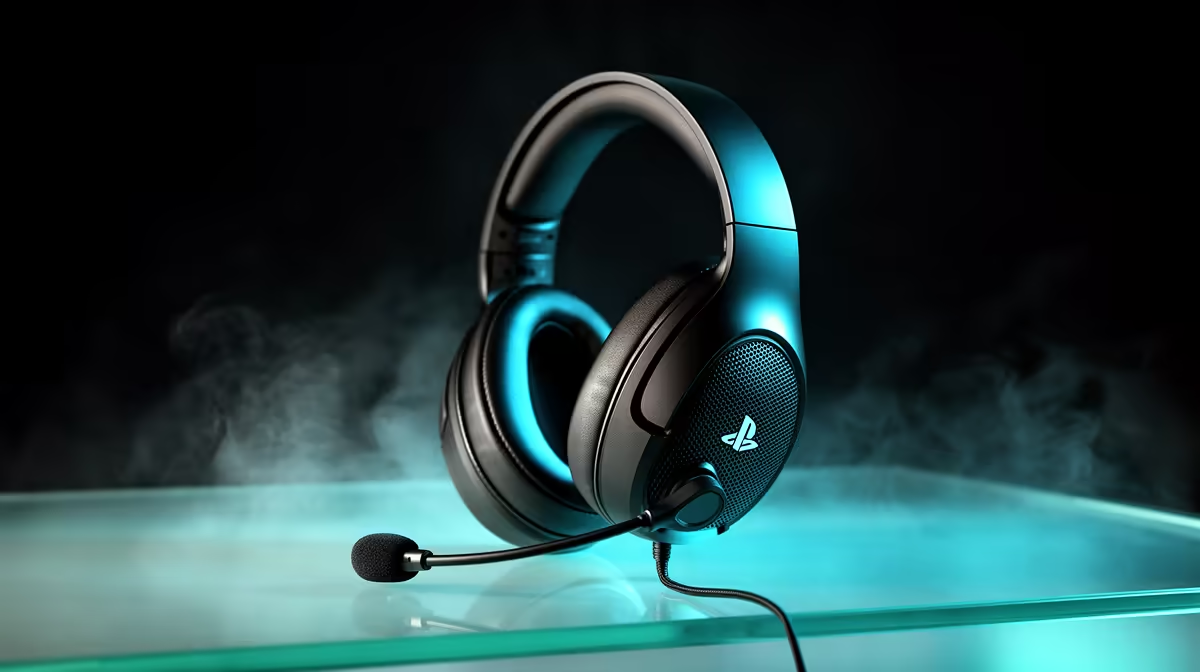
Most streamers assume audio routing ends at the PC, but PS5 party chat lives in the controller. Plugging a headset directly into a capture interface for PS5 chat works well when your card has the right jacks to bridge the gap, and getting it right means you hear your squad and the stream captures their voices at the same time.
Quick Answer
Yes, a headset plugs straight into a compatible capture interface for PS5 chat. The card needs a 3.5mm headset jack and a chat-link input. A 4-pole TRRS cable runs from the DualSense controller to the card, pulling party voice into both your ears and the recording.
🔌 Why Party Chat Lives in the DualSense
Sony routes PS5 party voice through the DualSense's 3.5mm jack rather than through HDMI. It is a deliberate split: game audio travels via HDMI to the capture card, while the voice-chat stream goes to whatever is plugged into the controller. Capturing both requires a physical bridge between the controller and the card's chat-link input.
That bridge is a 4-pole TRRS cable, the same four-conductor format found on smartphone earbuds. The extra conductor carries a microphone return signal alongside the left and right audio channels. Plug one end into the DualSense and the other into the card's chat-link jack, and party voice flows in both directions over that single cable.
Without this cable, the capture card sees game audio only. Party chat plays in the headset but stays invisible to the recording.
🎙️ Reading Your Capture Card's Jacks
Not every card supports this. The standard single 3.5mm headphone output only sends game audio back to your ears. Cards built for console chat routing add a second jack, sometimes labelled "headset", "chat link", or a combined input accepting a 4-pole plug.
Check the card's rear panel before buying. If the card only has a single 3.5mm output, you cannot route PS5 party chat through it regardless of the cable.
Cards that support the full chat workflow split the incoming signal two ways: one path to your headset so you hear party voice in real time, and a second path into the recording mix alongside game audio.
✨ Pole Count Changes Everything
A 3-pole TRS cable carries stereo audio but has no dedicated microphone conductor. Plug that into a DualSense and you get chat audio out but no mic return, breaking the two-way conversation entirely.
A 4-pole TRRS cable adds a fourth segment that carries the mic signal, completing the loop so you can speak and hear simultaneously while the card records the exchange.
Standard smartphone earbuds use this format, making the cable inexpensive and widely available. Confirm it is CTIA wired rather than the older OMTP layout, since a mismatched wiring scheme produces no mic audio or crossed channels.
Frequently Asked Questions
Why does my headset get chat audio but nothing records on stream?
The most common cause is a missing chat-link connection. If the card captures game audio over HDMI but chat is absent, the 4-pole TRRS cable is either unplugged, the wrong pole count, or connected to the wrong jack. Check the headset input specifically, not the general headphone output.
Will routing through the capture card introduce audio lag?
No. Analog 3.5mm audio moves without digital buffering, so the signal reaches your ears and the recording within a few milliseconds. This is imperceptible in streaming conditions and aligns cleanly with the captured video track.
Can the card control chat volume in the recording?
Many cards with a chat-link input include a software or hardware mix dial that adjusts game audio and chat volume independently. If chat sounds faint in the recording but loud in your headset, raise the chat-link gain in the card's mixer rather than the DualSense volume wheel.
Does this setup capture my own mic voice too?
Only if the card has a separate mic input with a mic plugged into it. The TRRS cable from the DualSense captures party voice, not your commentary. A full recording including your voice needs a dedicated mic connected to the card alongside the chat-link cable.
Ready to capture every voice in your squad? Browse the capture card range to find a card with full chat-link support, and pair it with a quality headset built for console streaming.










