


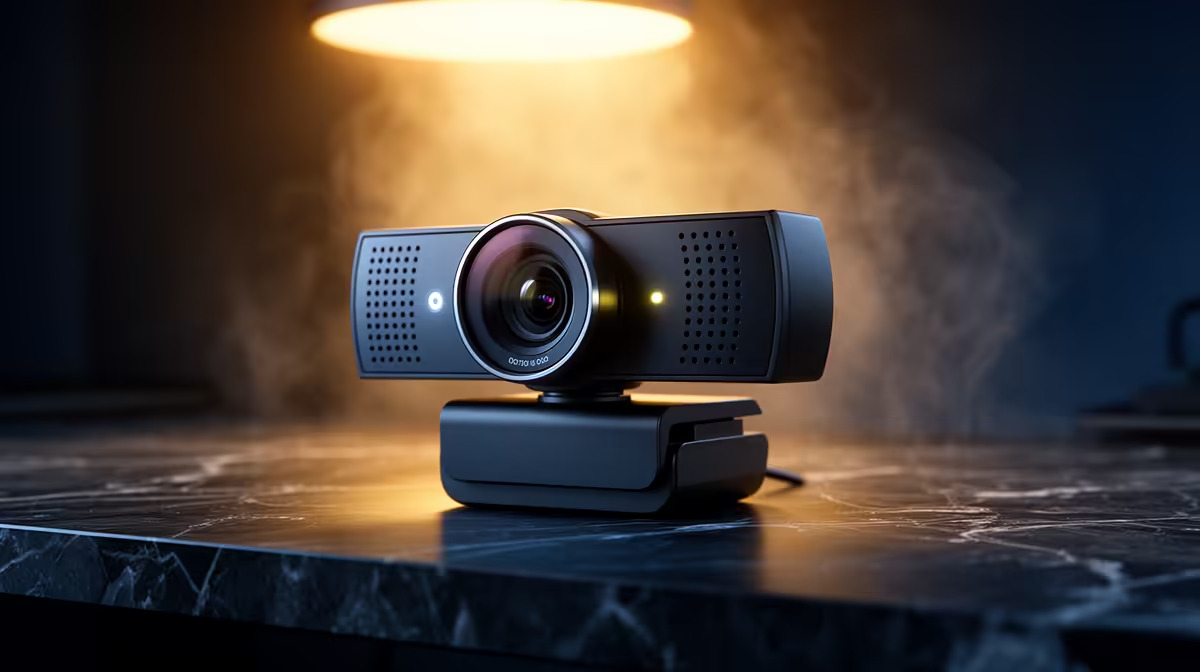
Nothing kills a stream's credibility faster than an empty chair. AI auto tracking solves the out-of-frame problem by continuously watching where you are and panning the camera's crop window to follow you, so the moment you lean across the desk or spin to grab something, the frame moves with you rather than leaving a gap where your face used to be.
Quick Answer
AI auto tracking maps your face and body in real time, then shifts a cropped window within the wide sensor to keep you centred. You can move about 30 to 50cm left or right and the system re-frames smoothly. The feed still looks sharp because the crop draws from a high-resolution sensor.
🎯 The Mechanics Behind the Crop
These cameras do not physically rotate. The lens stays fixed while the sensor captures a field far wider than the output frame needs. The AI watches that full wide view, finds your face, and defines a smaller crop rectangle around you. As you shift position that rectangle repositions, producing what looks like a camera following you around the room.
Because the tracking happens on dedicated processing inside the device, your PC carries none of that load. The stream application simply sees an ordinary webcam feed, already tracked and centred.
🔆 What the System Handles Well
Normal presenter movement sits comfortably within the tracking range. Leaning forward to read something, sliding sideways to point at a second monitor, or turning briefly to grab notes all register smoothly. The algorithm anticipates gradual movement and pans ahead slightly so the reframe finishes before you stop moving, which is why it looks fluid rather than jerky on the viewer's end.
Very sudden motion, a fast spin or an unexpected jump, can briefly lag behind. The crop catches up within a second or two, but that delay is the upper limit of what smooth detection can handle. For a presenter or streamer, rather than a dancer, that ceiling is essentially never hit.
⚡ Where Tracking Breaks Down
Step fully outside the sensor's wide capture area and the lock drops. The wider the lens, the further you can wander, but every camera has a boundary. Dim conditions are the other common culprit. The face detection that underpins tracking relies on sufficient contrast. Drop below around 300 lux, roughly what a single desk lamp provides, and the system starts losing confidence in where your face is, causing the crop to drift or stutter.
A front-facing window that throws harsh backlight in the afternoon can cause the same issue, washing out facial detail until the AI cannot distinguish your face from the bright background.
🔧 Getting Consistent Results
Flat, even lighting is the single biggest reliability upgrade. Two soft sources at 45 degrees, one on each side of the face, remove the contrast problems that confuse detection. If the tracking keeps drifting, check whether a light behind you is brighter than the one in front.
Most tracking implementations include a speed or sensitivity setting. A slower pan speed smooths the reframe for presentations where gradual movement is the norm. Faster sensitivity suits gaming setups where quick turns need to be caught immediately.
Frequently Asked Questions
How does the frame stay centred when I move around?
The webcam sensor captures a wide field, wider than the output video. Onboard processing tracks your face position within that full field and repositions the output crop to keep you centred. The result reaches your streaming software already framed, so the app itself does not need to do anything special.
Will the tracking work if I stand up during a stream?
Yes, within the vertical range the sensor covers. Most auto tracking systems handle the shift from seated to standing if the lens angle and crop room allow for it. Very tall or unusually wide setups may push against the sensor's limits, so test it in your actual stream position before going live.
Can the system keep up with fast presenter movements?
For regular presentation speed, yes. Leaning, gesturing, and sliding sideways all track smoothly. Very abrupt, rapid movements can cause the crop to lag slightly before catching up, though for most streaming and meeting scenarios that lag is brief enough that viewers rarely notice it.
Does tracking affect the image quality of my stream?
Slightly, yes. The tracking crops into a large sensor, so a camera with a 4K-wide capture area delivers something close to 1080p detail in the cropped output. A camera with a narrower base sensor will show more softening after the crop. Choosing a webcam with a 4K or higher sensor preserves sharpness when tracking is active.
Why does tracking drift when the room gets dark?
Face detection needs sufficient light to identify where your features are. When ambient light drops, the sensor struggles to distinguish face from background, and the confidence score the AI uses to lock position falls. Adding around 300 lux of forward-facing light gives the detection algorithm enough signal to maintain a stable lock throughout the stream.
Ready to stay locked in frame every stream? Browse the streaming webcam range with built-in AI tracking and pick the setup that keeps you centred no matter how much you move.










