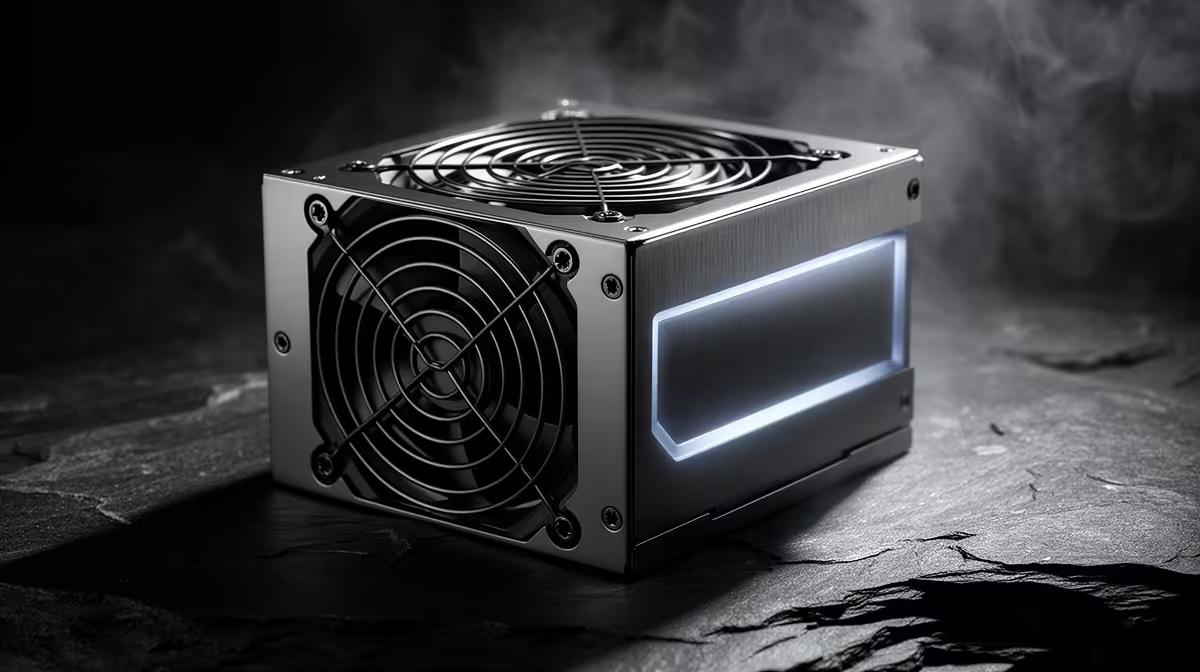
A quality PSU is worthwhile in a Fusion 360 desktop because stable power and proper protections support every component during modelling and rendering. It does not make sketches calculate faster. Capacity should match the processor, graphics card, drives and planned upgrades rather than the software name. Case fit and cable support matter too.
Size the unit from the workstation
The DeepCool PF750 power supply costs R550, while the Corsair RM850e costs R1,900 in the verified facts. Confirm current stock, efficiency certification, protections, connector set, physical dimensions, supported input, graphics-card guidance and warranty. Wattage alone does not establish build quality or fit.
List the complete workstation and confirm every required connector without unapproved adapters. Run a representative model, render and export while watching temperatures, errors, unexpected restarts and electrical noise. Check case airflow around both the PSU and graphics card. A larger unit makes sense only when component demand or a credible upgrade requires the headroom.
Keep Fusion projects in versioned backups because good power hardware is not a recovery plan. Use a correctly sized UPS when controlled shutdown time matters. A suitable PSU earns its value through dependable operation, safe connections and support across long workloads. Extreme unused capacity adds no CAD performance, so choose the best match for the measured build.
Powering a Fusion 360 workstation? > Ask Evetech to match a PSU to the exact components.