A quality PSU matters in a kids learning corner only when the computer is a standard desktop. It supports stable component power but does not make homework software faster. A laptop, mini PC or all-in-one uses an external or proprietary power design and cannot accept a normal desktop PSU. Identify the computer format first.
Size a desktop unit correctly
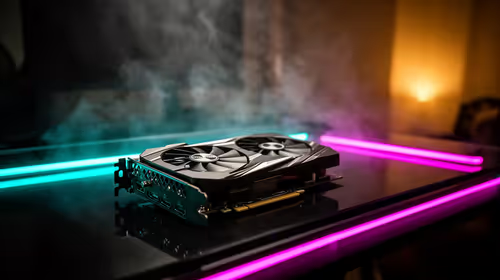
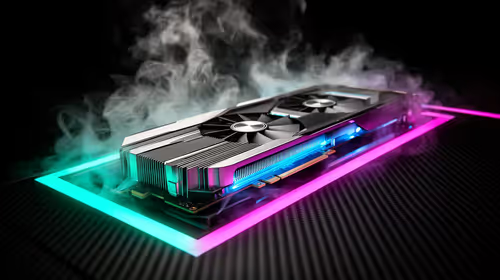
At R550, the verified FSP Performance PF750 provides 750W capacity. Confirm current protections, warranty, dimensions and connectors. A family homework desktop without a powerful graphics card may not need that wattage. Record motherboard, processor, graphics, drives and case format, then check manufacturer guidance. Proprietary office desktops can use non-standard wiring that requires an approved replacement.
Keep the learning computer safe
Back up assignments before opening the case. Ask an experienced technician to install the PSU and use only cables approved for that exact model. Keep internal leads away from fans and close the case before testing. Route the wall cable where children cannot pull or trip over it, and investigate hot or damaged outlets through a qualified electrician. Choose the PSU for compatibility and protection rather than an oversized number.
Store the component list with family recovery notes so future repairs do not depend on opening the computer during school hours.
Test the restored learning profile before children return to an assignment deadline.
Maintaining a family desktop? > Ask Evetech to verify PSU format, connectors and capacity against the exact component list.