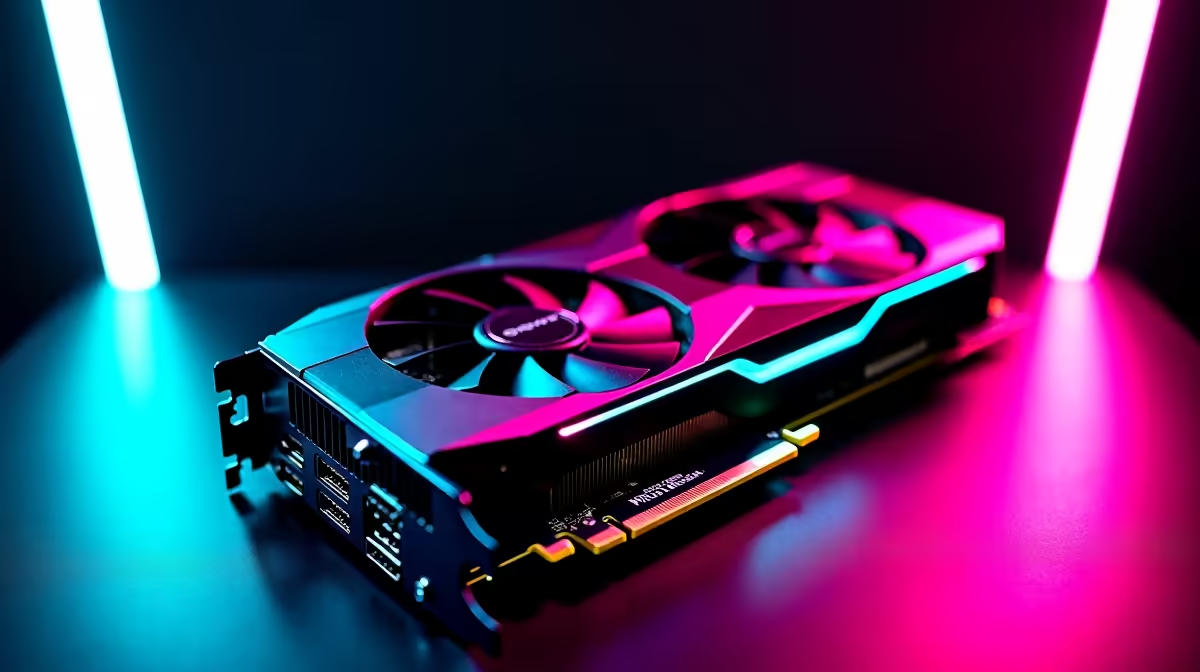
Dropping over R15,000 on a brand-new GPU should guarantee buttery-smooth frame rates... not stuttering screens and random crashes. If you are battling RTX 5070 Ti driver issues in 2026, you are not alone. Nvidia's latest powerhouse is incredible, but early software bugs are frustrating local gamers. Let us look at the most common glitches and exactly how to fix them so you can get back to grinding.
Identifying Common RTX 5070 Ti Driver Issues
When upgrading your rig, you expect top-tier performance. But even the best desktop graphics cards can suffer from launch-window software gremlins.
Many users report flickering texture colours in Unreal Engine 5 titles. Others experience sudden black screens when alt-tabbing out of full-screen games. Another frustrating RTX 5070 Ti driver issue involves the GPU failing to wake up from sleep mode... a massive headache if you leave your PC on overnight to download massive game files. Some gamers also notice their fan curves acting erratically, spinning up to maximum speed when simply browsing the web.
How to Fix Display Glitches and Crashes
The most reliable fix for persistent display glitches is a completely clean software installation. Simply updating via GeForce Experience often leaves old files behind. These leftover files frequently conflict with the new Blackwell architecture.
If you recently invested in one of the latest high-performance gaming PCs, you want to ensure your software foundation is flawless.
Clean Install Pro Tip 🔧
Always use Display Driver Uninstaller (DDU) in Windows Safe Mode before installing new RTX 5070 Ti drivers. This wipes all residual files and registry keys... ensuring your new Nvidia drivers install perfectly without any background conflicts.
Resolving Power and Stuttering Problems ⚡
Sometimes the problem is not the display... it is the power delivery. Windows often tries to save energy by aggressively throttling your GPU. Micro-stutters in competitive shooters can easily cost you the match.
To fix RTX 5070 Ti driver issues related to stuttering, open your Nvidia Control Panel. Navigate to the 'Manage 3D Settings' tab. Scroll down to find 'Power Management Mode' and change it to 'Prefer Maximum Performance'.
Whether you are upgrading an older rig or looking at reliable pre-built PC deals, optimising these power settings is crucial for stable frame rates. Interestingly, this power-throttling bug also affects mobile gamers. If you game on the go, similar tweaks apply to the newest gaming laptops in South Africa to keep performance smooth.
Keeping Your System Updated for the Future 🚀
Nvidia is actively rolling out hotfixes in 2026 to patch these early RTX 5070 Ti driver issues. Make sure you monitor their official driver page for the latest stable releases.
Do not let software bugs ruin your gaming weekend. Keep your Windows updated, monitor your temperatures, and enjoy the incredible ray-tracing performance you paid for. If your older CPU or motherboard is causing unexpected bottlenecks, it might be time to browse the latest tech and component specials to find hardware that keeps up with your new GPU.
Ready for a Flawless Gaming Experience?
Troubleshooting hardware is stressful, but finding the perfect setup should not be. For maximum power, choice, and value in South Africa, Evetech has you covered. Explore our massive range of PC specials and find the perfect machine to conquer your favourite games.