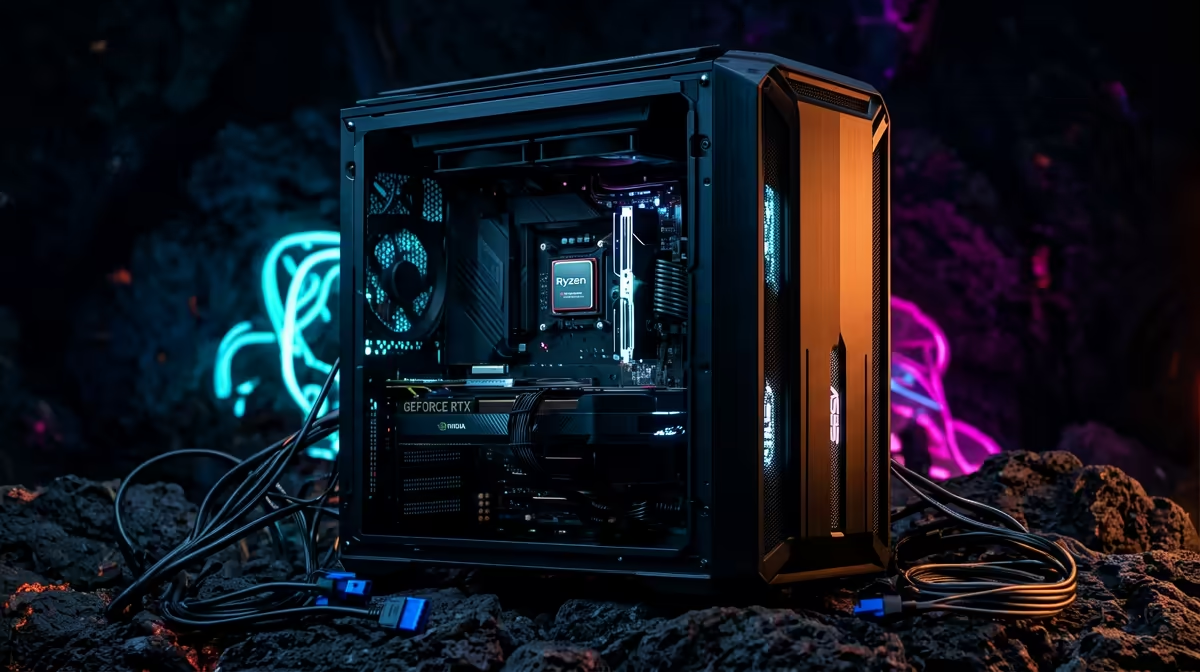
A Ryzen 7 9700X paired with a RTX 5080 for Sea of Thieves is best read through load behaviour, not a single percentage. South African buyers get a cleaner answer by checking GPU usage, frame pacing and thermals at their real resolution than by chasing an online label.
Quick Answer
Balanced — no meaningful bottleneck at sensible settings. The Ryzen 7 9700X feeds the RTX 5080 without stalling, so at 1440p or 4K you land squarely GPU-bound, which is exactly where a high-end GPU should sit. Run both at the same scene and you should see the GPU near full load while the Ryzen 7 9700X stays comfortably below its limit.
How Ryzen 7 9700X and RTX 5080 split the work in Sea of Thieves
Sea of Thieves is a stylised co-op adventure, so the load profile is what matters more than the model names on the box. At 1440p or 4K the RTX 5080 carries the frame, while the Ryzen 7 9700X handles draw calls, AI and physics. Watch GPU usage in a busy scene: if it holds near full while frame pacing stays smooth, the pairing is doing its job. A high-end GPU like the RTX 5080 targets roughly 144fps territory at this game's typical preset, which is plenty for a fast 144Hz panel.
Settings that actually move the needle
Resolution scale, upscaling mode (DLSS or FSR), shadows and view distance shift pressure between the two parts. Drop the internal resolution and a healthy GPU will idle while the Ryzen 7 9700X takes over; push native 4K and the RTX 5080 becomes the limiter again. For Sea of Thieves the sweet spot is leaving upscaling on Quality, capping frames near 144Hz to keep temps and coil whine down, and confirming your case has front intake so the RTX 5080 does not throttle after a long session.
Pro Tip
Cap frames a few Hz below your panel's refresh to smooth pacing and keep the GPU quieter during long Sea of Thieves sessions.
FAQ
Will the Ryzen 7 9700X bottleneck the RTX 5080 in Sea of Thieves?
No. At 1440p or 4K the Ryzen 7 9700X holds the GPU near full load, so frame rate is governed by the RTX 5080, not the processor. You only see CPU limits if you drop to very low resolutions with this game.
What resolution suits this pairing?
1440p or 4K is the natural target. The RTX 5080 has the headroom to push higher, but matching it to your actual monitor avoids paying for frames you cannot display on a typical 144Hz SA gaming panel.
Do I need to upgrade anything else for a stable build?
Plan for at least 16GB of RAM (32GB is the comfortable norm now), a CPU cooler rated for the Ryzen 7 9700X, and a PSU with headroom for the RTX 5080. Those three checks matter more than chasing a higher GPU tier for Sea of Thieves.
Match the RTX 5080 to your monitor first
Browse Evetech's RTX 5080 range and size the card to your panel's resolution and refresh rate before you buy, then pair it with a board and cooler rated for the Ryzen 7 9700X.