An NVMe SSD can sit in the thirties at idle and climb through the sixties under a long transfer without being in trouble. Controller, NAND and composite sensors can report different values, and the throttle point is model-specific. Use the drive maker's operating range instead of one universal 70C ceiling.
Quick Answer
Log temperature and transfer speed during the workload that concerns you. Check every sensor exposed by the drive. If speed falls as a sensor reaches the model's throttle threshold, inspect pad contact, slot airflow and heatsink fit. A short warm spike with stable performance needs less concern than repeated sustained throttling.
Browse the general solid-state drive range, check best-selling SSD choices and narrow the interface through the NVMe catalogue. Read the exact model specification before choosing cooling.
Know Which Sensor You See
NVMe Composite Temperature represents the controller's selected overall measure. Additional sensors may sit near the controller or NAND. Monitoring applications can label them differently, so compare sensor numbers and the drive utility.
The controller often runs hotter than the flash. NAND can prefer some warmth during programming, while excess controller heat can trigger protection. Cooling every component as low as possible is not the goal.
Test a Sustained Workload
A quick benchmark may finish inside the SLC cache before the drive and motherboard heat soak. Copy a bounded large file set or use a controlled sustained test while logging speed and temperature. Stop if the drive disappears, reports a critical warning or exceeds its documented range.
Keep free space, background work and file source consistent. A transfer can slow because the dynamic cache fills or the source drive runs out of speed, even when NVMe temperature stays flat.
Improve the Thermal Path
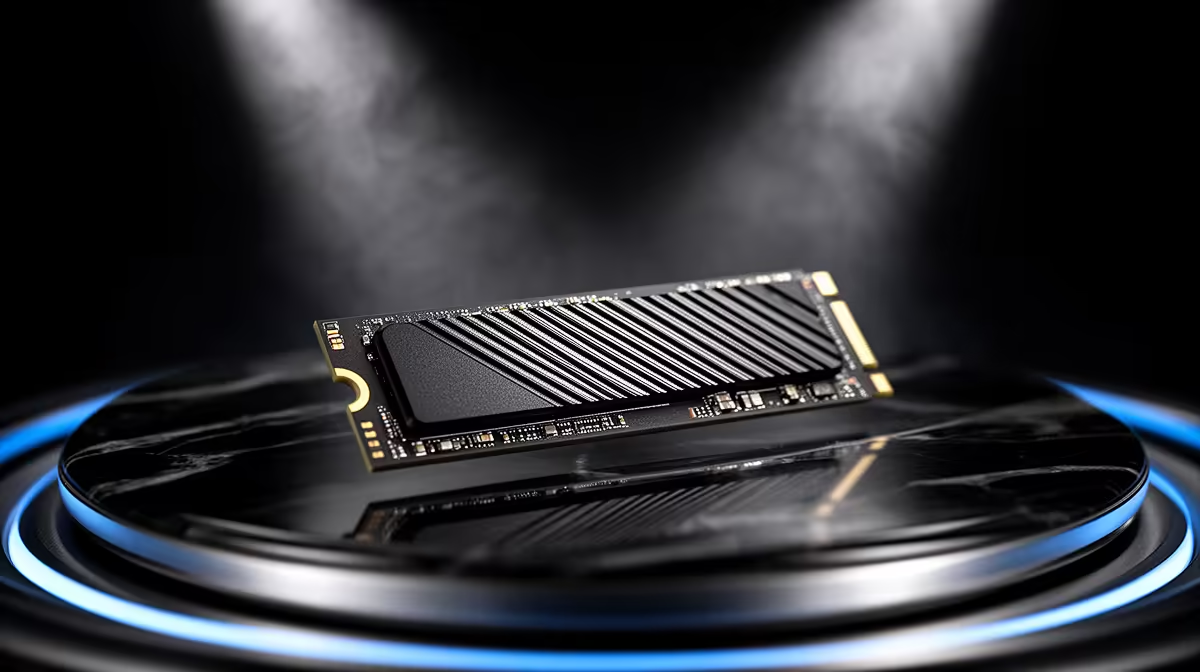
Remove the protective film from the motherboard pad and use the specified pad thickness. One heatsink should make even contact without bending the SSD. Direct a small amount of case airflow across the M.2 area.
Slots under a hot graphics card can run warmer. Another CPU-connected or chipset slot may have different speed, lane sharing and boot support, so check the manual before moving the drive.
Compare Idle With Ambient
An idle reading changes with room temperature and nearby components. Log the SSD after ten minutes at the desktop, then repeat after the GPU has warmed the case. This shows whether the M.2 area is receiving hot exhaust.
Laptop and console enclosures have fixed airflow paths, so desktop heatsink advice may not fit. Keep covers and factory pads in their designed positions, and clean vents before judging the drive. A portable enclosure also needs its own operating specification and sustained test.
FAQ
Is 70C dangerous for every NVMe SSD?
No. Use the exact model's operating and throttling specifications and the sensor being reported.
Does a speed drop always mean thermal throttling?
No. Cache exhaustion, source speed and background activity can create a similar graph.
Should I cool the NAND as much as possible?
No. Aim for the maker's operating range and stable sustained performance across the whole drive.
Log every NVMe sensor beside sustained speed, compare the peak with the exact drive specification and fix pad contact or airflow only when the evidence calls for it.