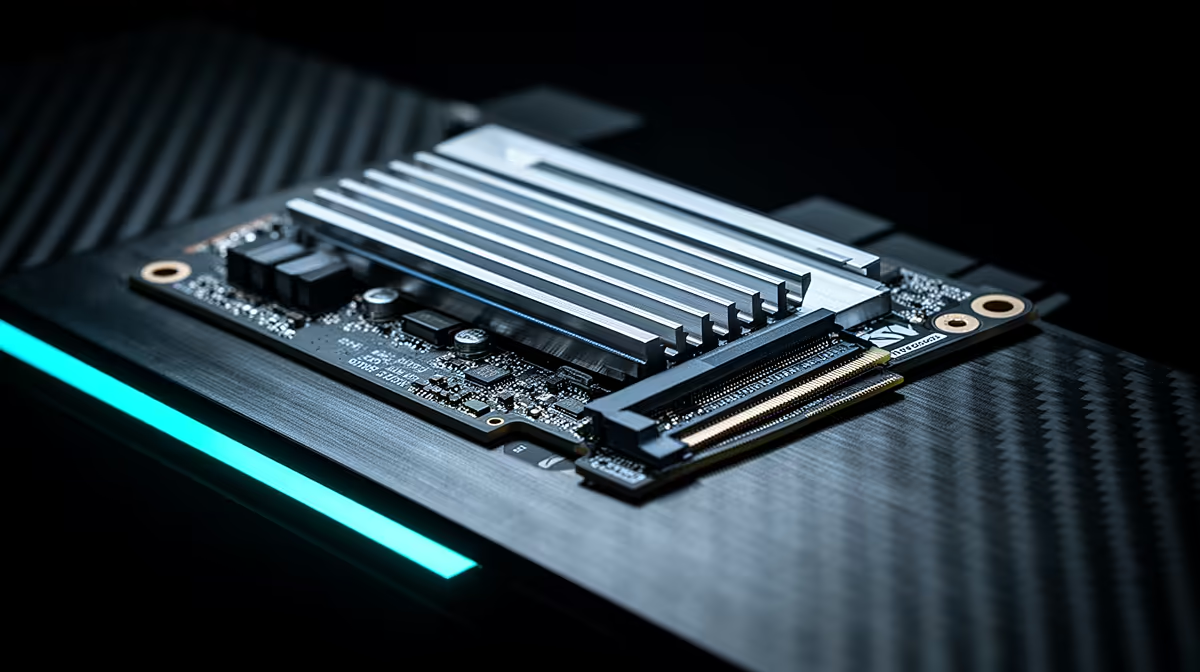
Record-setting sequential speed looks spectacular and may leave game loading almost unchanged. The Samsung 9100 Pro earns its Gen5 premium in workloads that move huge files, sustain queues and can cool the drive properly.
Quick Answer
The Samsung 9100 Pro earns its Gen5 premium when you move large files, scratch heavy media or run storage work that can use its high queue and sequential performance. Its advertised read ceiling near 14,700MB/s is a best-case specification, not a promise for every transfer. Games and everyday Windows use often show far smaller differences from a strong Gen4 SSD. Check the exact capacity, sustained tests, motherboard Gen5 slot and cooling before buying. The July 2026 price snapshot lists Hiksemi's external T100 Pocket 1TB at R1,299, a named storage reference from another class rather than a performance substitute.
Match the benchmark to your work
Large sequential numbers matter when source and destination can both keep up. Copying from a slower drive, network or camera card caps the result. Video cache, scientific data and workstation scratch can create a stronger case than game loading.
Look at sustained write after the fast cache fills, mixed workloads and latency. A short empty-drive benchmark represents the headline, not a nearly full system drive after an hour.
Gen5 needs the right slot
Confirm the motherboard M.2 slot provides the required PCIe generation and lane width with your CPU. Some slots share lanes with graphics or other storage. Read the board manual before moving drives.
The SSD can run at a lower negotiated link, but then you pay for speed the platform cannot expose. Check firmware and Samsung's supported management route after installation.
Cooling is part of sustained performance
Use the drive or motherboard heatsink specified for the setup, with its protective film removed from the thermal pad. Case airflow must move heat away. Do not stack two heatsinks or force a thick module under a motherboard cover.
Log temperature and transfer speed through the real workload. Throttling after a short burst tells you more than the peak result.
Gamers should buy capacity first
A larger Gen4 drive can hold more games and may feel the same in most load screens. Compare title-specific load and DirectStorage results, then decide whether a few seconds or a production task earns the premium.
Fast storage still needs a backup
High endurance and premium controllers cannot make one SSD a safe archive. Keep important projects on another device or service and test restoration. Monitor drive health through supported tools, but treat warnings as a signal to copy data rather than a forecast of the exact failure date.
For a workstation, plan what happens when the scratch drive is unavailable. A second project path can matter more than another gigabyte per second.
Browse solid-state drives and SSD best sellers for exact capacities and live listings.
FAQ
Will a 9100 Pro make every game load twice as fast?
No. Game engine, CPU work and asset handling limit load times beyond the drive's sequential rate.
Does it need a Gen5 M.2 slot?
It needs the supported Gen5 link to reach its headline interface performance. A slower slot caps the connection.
Should I use a heatsink?
Follow Samsung and motherboard guidance for the exact installation, then verify temperature under sustained load.
Compare the Samsung 9100 Pro with Gen4 SSDs using your real transfer size, slot and capacity target.