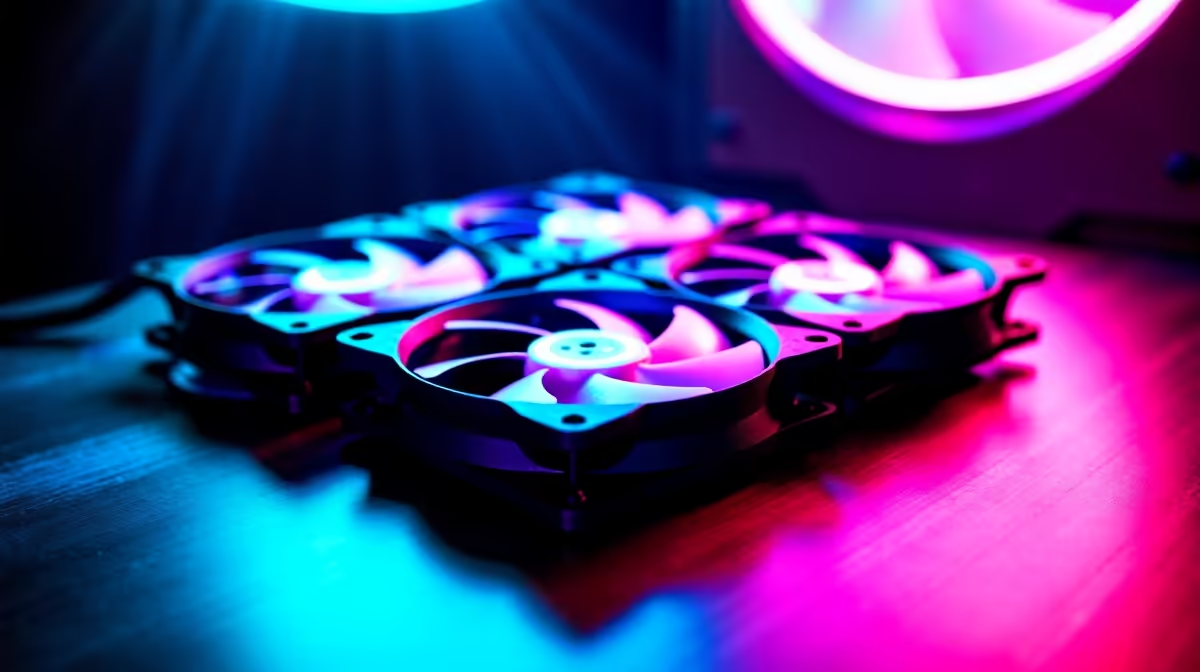
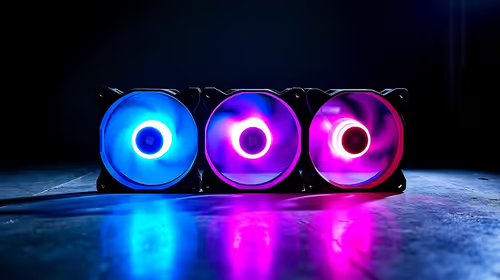
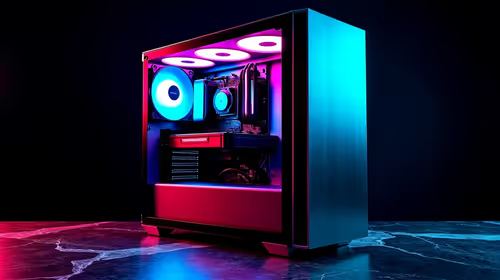
A set of case fans is worth buying for GTA V when measured temperatures, throttling or noise show that the case lacks airflow. The game title does not determine fan count. Component heat, chassis vents and room conditions do.
Test a repeatable game route
Clean the system, record CPU and GPU temperatures, fan speed and frame times during the same drive through the game. Map intake and exhaust, then add or reposition one fan at a time. Repeat after the computer warms fully. More fans can create turbulence or extra noise without improving cooling.
Check fan size, connector type, motherboard-header current and case mounting. Keep cables out of the airflow and clean filters regularly. A blocked front panel or carpet placement may be the greater problem.
Fan curves should be tested after the side panel is installed, since open-case results can mislead. Listen for tonal noise as well as overall loudness. A slightly warmer but quieter setting may be preferable when temperatures remain safely within component guidance.
After changing airflow, inspect dust patterns a month later to confirm the intended vents are actually drawing air into the case.
No case-fan set has a verified SKU or confirmed price in the supplied facts. Compare airflow, noise, speed control, connectors, warranty and exact case fit.
Tuning gaming-PC airflow? > Browse Evetech cooling options after measuring temperatures.