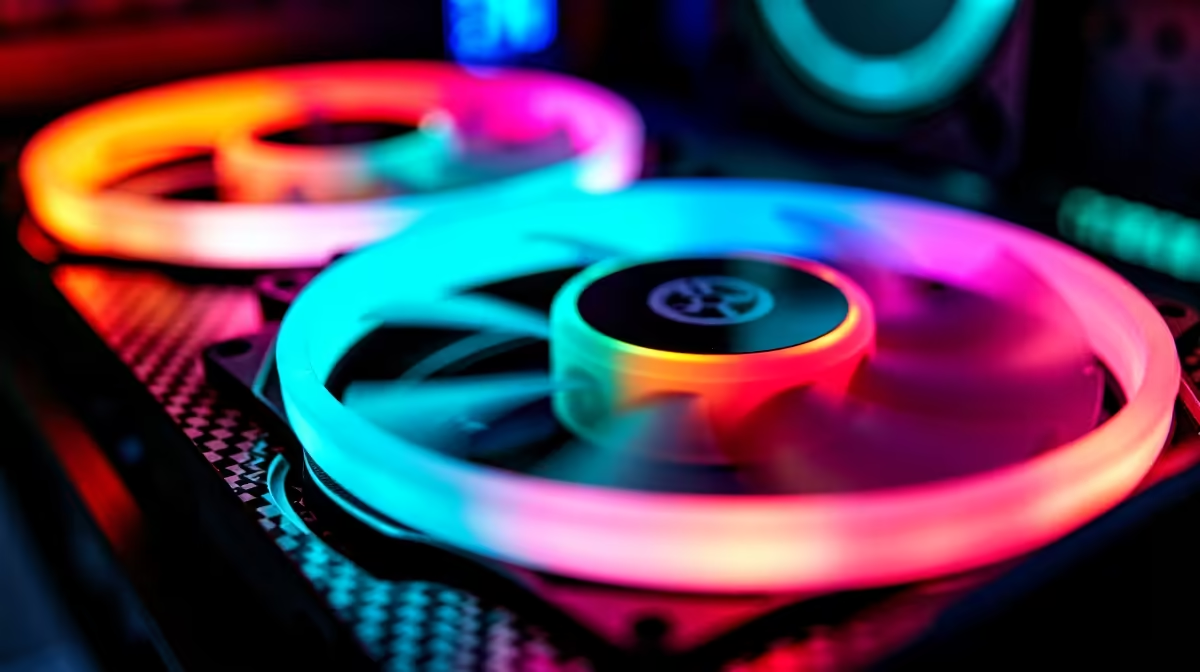
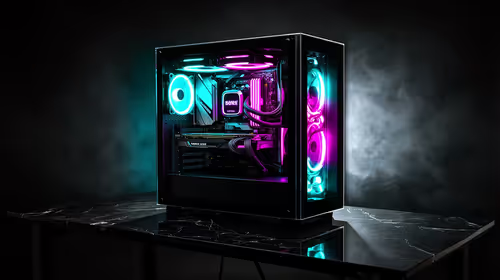
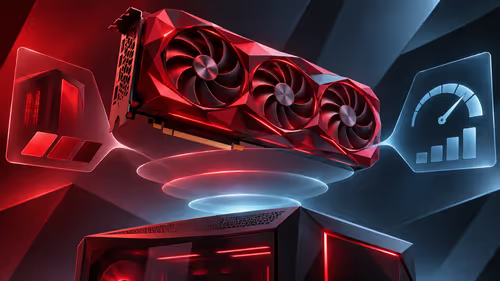
Extra case fans are worth buying for a first PC only when the chosen case and components need more airflow than the included cooling provides. A console background does not determine the answer. Graphics-card heat, processor cooling, case layout and room conditions do.
Finish the parts list before adding airflow
The verified facts do not provide a confirmed fan kit or price, so check current Evetech listings rather than assuming a specific model. Read the case specification for included fans, supported diameters and radiator conflicts. Check the motherboard for available fan headers, then confirm connector type, speed control and any lighting connection. A splitter or controller should only be added when the electrical and control requirements are understood.
Build the system with a clear front-to-back airflow path and keep cables away from blades. After installing the operating system and game drivers, run a demanding game while monitoring processor and graphics temperatures, fan speed and noise. If temperatures remain stable without excessive noise, more fans may add clutter rather than value. If heat builds during a long session, add cooling where the case can use it effectively.
Clean intake areas regularly and keep the tower off thick carpet. Balance intake and exhaust instead of filling every mount. The useful goal is repeatable temperatures at acceptable noise, not the largest possible fan count or the brightest lighting.
Moving into PC gaming? > Ask Evetech to match a compatible case, cooling layout and component build.