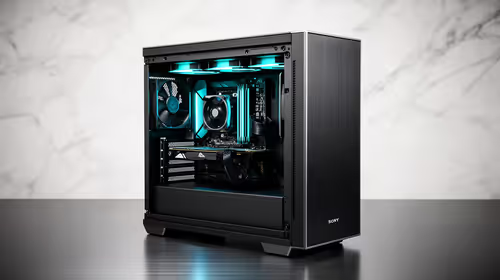
A set of dust filters is worthwhile in a kids learning corner when the computer sits near the floor or an open intake collects visible dust quickly. Filters do not child-proof the PC or replace regular cleaning. Incorrect mesh can reduce airflow and raise temperatures.
Inspect the case with an adult
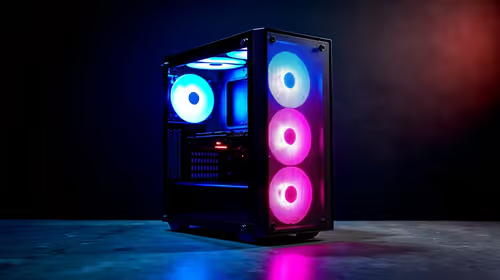
Power the computer down, identify intake and exhaust fans and photograph current dust patterns. Clean the system safely, then record temperatures during a lesson, game or creative task. Measure only the intake openings that need compatible covers, checking fan clearance and case mounting points.
No dust-filter set has verified pricing in the supplied evidence. Compare candidates on exact size, frame material, mesh density, mounting, cleanability, fan clearance, warranty and whether the case manufacturer offers a matched part. Avoid loose material that can enter the case.
An adult should disconnect power and handle internal cleaning. Prevent fans from spinning under compressed air, keep liquids away and back up assignments before maintenance. Place the computer where children cannot pull filters, cables or panels loose.
Buy filters when they fit mapped intakes and sustained temperatures remain safe. Moving the tower off the floor and improving room cleaning may reduce dust more effectively.
Set a recurring adult maintenance date rather than waiting for visible blockage.
Keeping a family PC cleaner? > Browse Evetech cases and cooling gear after checking airflow.