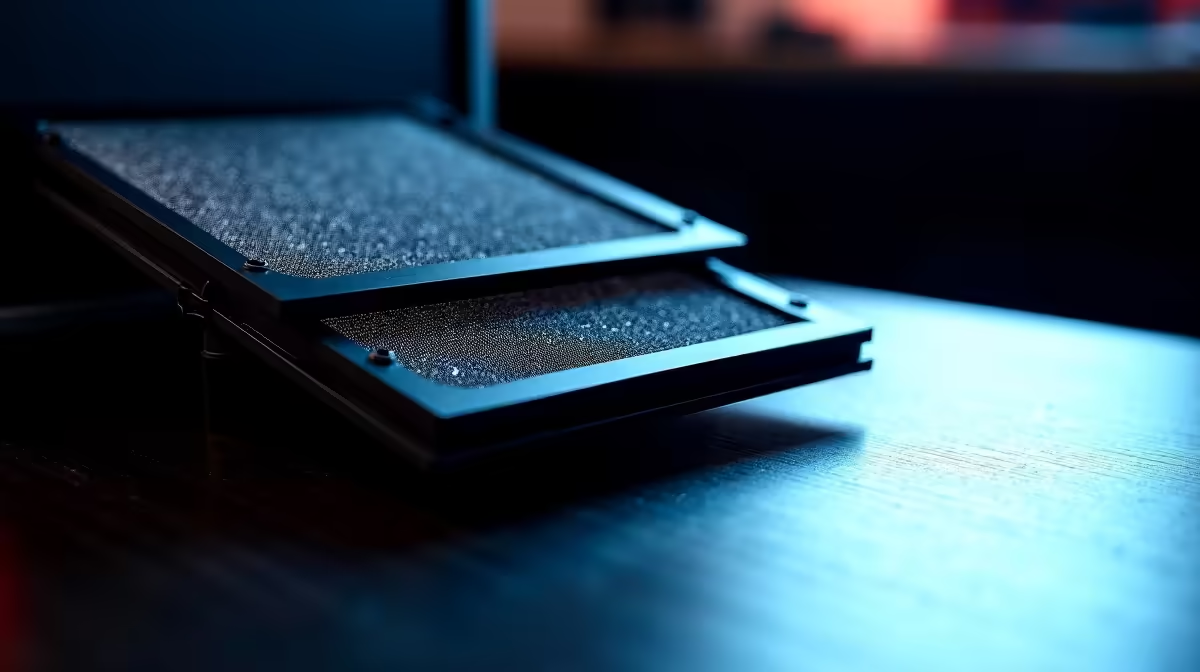
A set of dust filters is worthwhile when a Photoshop desktop draws air through unfiltered vents in a dusty room. Filters protect cooling surfaces; they do not accelerate Photoshop. A clogged or restrictive filter can raise temperatures, so the case needs enough intake area and a cleaning schedule.
Inspect the existing airflow
Shut the computer down, disconnect power and inspect intake grilles, fans and heatsinks without opening the power supply. Identify which vents pull air inward. A filter belongs on the intake path, not over every opening. Check temperatures during a large export before and after cleaning so you know whether dust affects the workload.
The supplied facts do not verify a dust-filter SKU or price. At a verified R400, the GAMDIAS AURA GC11 provides one low-cost enclosure reference. A verified R800 price applies to the Antec AX1000 ARGB enclosure. Buyers must check current filter inclusion, fan layout and component clearance on the listings rather than assuming either case solves the problem.
Maintain the filter without starving fans
Choose a removable mesh sized for the vent and secure it so edges cannot reach a moving blade. Clean it before visible buildup blocks airflow. Repeat the same Photoshop export and compare temperature, fan speed and microphone noise. Keep the tower off carpet and leave clear space around intakes.
Buy filters for the room and case, then maintain them. Photoshop performance still depends on processor, memory, graphics and storage.
Protecting a creator tower from dust? > Ask Evetech to compare cases and cooling layouts for the installed components.