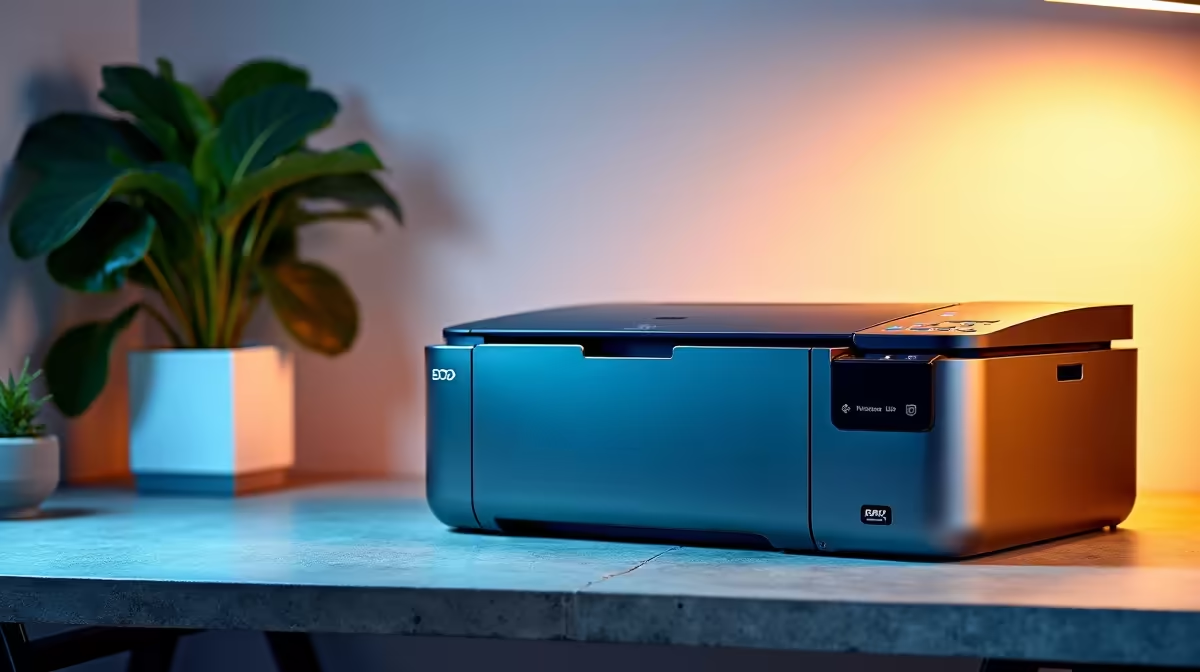
A shared office printer is worthwhile for a home office when several people print, scan or copy often enough to justify one managed device. It is unnecessary when pages are rare or confidential work needs separation. Paper size, operating-system support and consumable cost matter more than headline speed.
Audit the household print queue
Review recent work, school and personal jobs. Separate monochrome text, colour graphics, photographs and scans, then estimate monthly volume and deadline peaks. List every computer and phone that needs access. Confirm desk space, tray clearance, ventilation and a location that will not disrupt calls.
No verified shared-office printer with current pricing appears in the factpacks. Compare live models by supported paper, duplexing, scanning, network administration, operating-system drivers, memory, consumable yield, service access and warranty. Calculate replacement ink or toner from the real page mix rather than the lowest cartridge price.
Print a multipage job from every important device and check text, greys, wake behaviour and queue recovery. Set sensible default colour and duplex options. Collect confidential output promptly and give users a clear process for stalled jobs.
Buy one shared printer when measured volume and simpler maintenance justify it. Use a print service or smaller personal device when jobs are infrequent, photo quality dominates or privacy requires separation.
Equipping a home office? > Browse Evetech printers and verify drivers, paper and consumables.