


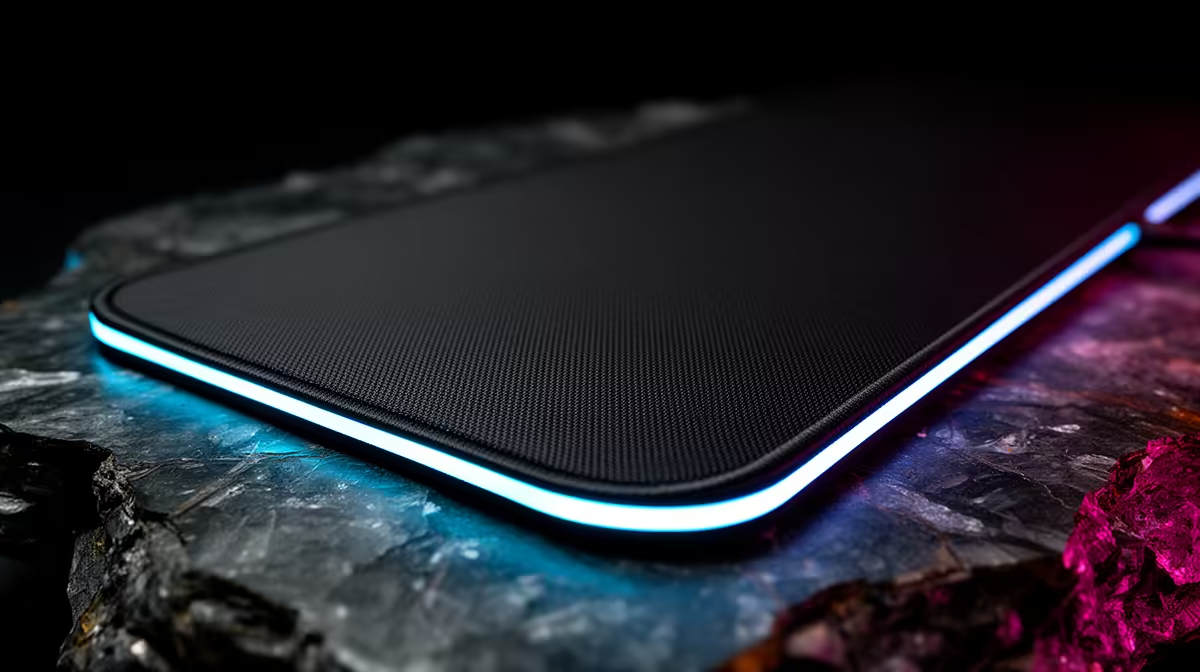
For low-DPI players, a control mousepad is about stopping power, not a bigger logo on the desk. If you play with broad arm movement, the surface has to let the mouse glide cleanly, then stop exactly where your crosshair lands.
Quick Answer
Choose a control mousepad when your current pad feels too fast, slippery or inconsistent at lower sensitivity. Prioritise 800 DPI tracking behaviour, a stable rubber base and a surface that gives clear stopping control without dragging on your wrist.
Feel First, Size Second
Low-DPI gaming usually means longer swipes, so the pad must support both movement and reset space. A medium pad can work for compact desks, but players who lift and reset often should check the usable width before choosing. The important test is simple: can you move from one side of your normal aim range to the other without hitting the keyboard, monitor stand or desk edge?
Control surfaces are usually slower than speed pads. That is useful if you overshoot targets, but it can feel heavy if you already use a tense grip. Look for a weave that feels even across the full pad, not only in the centre. A good surface should make micro-adjustments easier during tracking, flicks and recoil control.
Check Grip, Thickness And Edges
The base matters as much as the top layer. If the pad shifts during a fast swipe, your aim will feel inconsistent even with a good mouse sensor. Check for a rubber or anti-slip underside, stitched edges that do not scratch the wrist, and enough thickness to smooth out minor desk texture.
For most South African PC desks, the practical choice is the pad that stays flat after being rolled, cleans without leaving a shiny patch, and gives predictable movement at 800 DPI or similar sensitivity. If you use a lightweight mouse, avoid surfaces that feel sticky after a few minutes of warm hands.
When A Control Pad Makes Sense
A control mousepad is strongest for FPS players, low-sensitivity users and anyone who wants more braking at the end of a flick. It is less useful if you prefer very fast glide, tiny wrist-only movement or a cramped desk where a large pad creates keyboard pressure.
Before buying, measure your desk space and compare it with your real aiming motion. The right pad should improve confidence without forcing a new grip, a new keyboard position or constant edge awareness.
current aim space with one full low-DPI swipe. If your mouse hits an edge, choose size first; if it overshoots, choose a stronger control surface.
FAQ
Is a control mousepad better for low-DPI gaming?
It can be, especially if you overshoot targets or struggle to stop cleanly after wide swipes. The surface should add control without making tracking feel heavy.
What size control mousepad should I choose?
Measure the space between your keyboard and desk edge, then allow room for one full swipe and a reset. Low-DPI players usually need more usable width than wrist aimers.
What should I avoid with a control mousepad?
Avoid pads that slide on the desk, curl at the corners or feel rough on the wrist. Those issues become more obvious during long aim sessions.











