Upgrading versus replacing an ultrawide for LAN party preparation comes down to whether your current panel can hold high frames at its resolution and survive transport, not whether a newer model sounds better. The decision is practical, weighing performance and portability.
Quick Answer
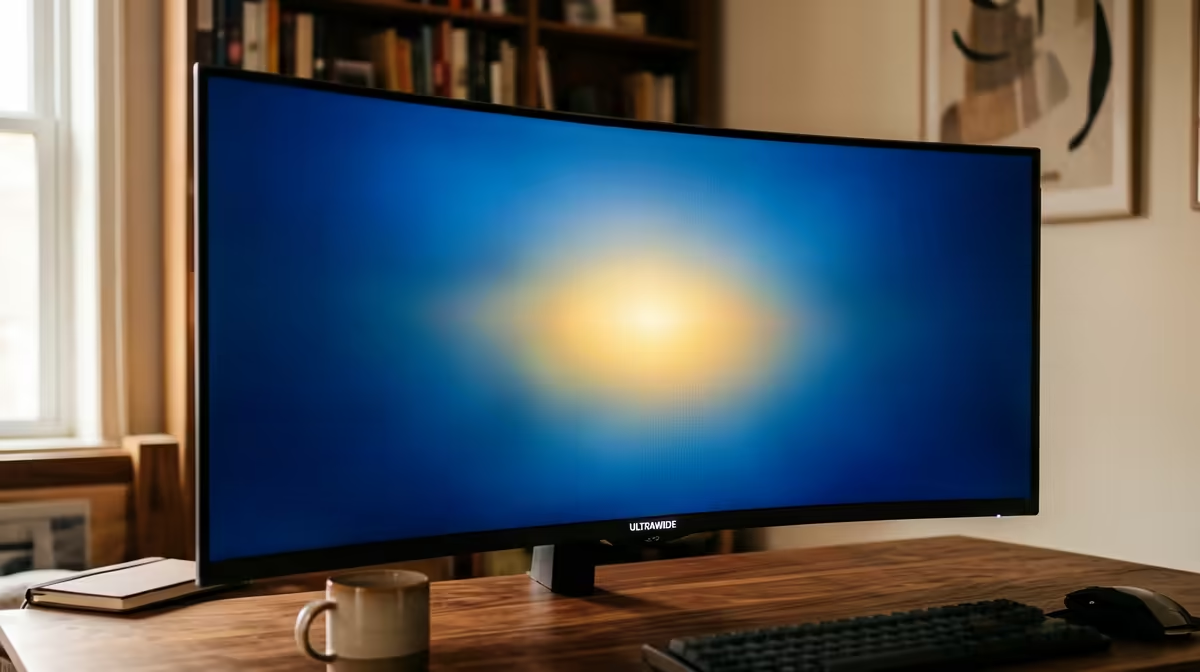
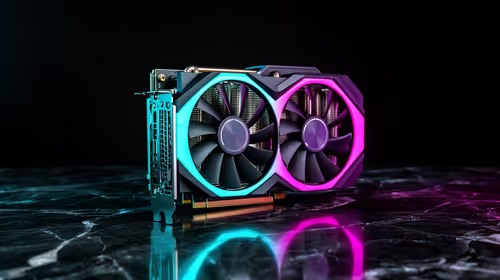
For LAN party prep, replace your ultrawide only if it cannot hit the refresh your GPU feeds or is too bulky to transport safely; otherwise keep it and add a VESA travel arm. A 34-inch 3440x1440 144Hz panel around R7,000-R9,500 suits LANs if your GPU drives it; an RTX 4070 pushes 80-120 fps at this resolution in many titles.
When To Keep Your Current Panel
If your ultrawide already runs at a refresh your GPU can feed and packs reasonably, there is little reason to replace it for a LAN. A 34-inch 3440x1440 100-144Hz panel paired with an RTX 4060 or 4070 delivers smooth competitive frames, and adding a slim VESA travel arm or a padded case solves transport. Replacing it only makes sense if the panel is low-refresh (60Hz), so it bottlenecks fast games, or so large and fragile that hauling it to a LAN risks damage. Otherwise, upgrade the transport, not the screen.
When Replacement Makes Sense
Replace the ultrawide if its refresh rate caps your competitive performance or its size makes LAN transport impractical. A 60Hz ultrawide holds back a strong GPU at a LAN, where smooth high frames matter, so a 144Hz panel is a real upgrade. If your current screen is a huge 38-49 inch curved unit, a more portable 34-inch panel travels far better. Match the new panel's refresh to your GPU output: pairing a 144Hz screen with an RTX 4070 that feeds 80-120 fps at 3440x1440 makes sense, while a 240Hz panel your GPU cannot feed wastes money.
Buying Sensibly In SA
A 34-inch 3440x1440 144Hz ultrawide at R7,000-R9,500 suits LAN gaming if your GPU drives it; a VESA travel arm and padded case add R500-R1,500 for safe transport. Before replacing, confirm whether your current panel's refresh actually limits you and whether better transport solves the portability issue. Spend on a new panel only if refresh or size genuinely holds you back, and match its specs to what your GPU can feed for the smoothest competitive experience at a LAN.
FAQ
Should I replace my ultrawide for LAN gaming?
Only if it is low-refresh and bottlenecks fast games, or too bulky to transport safely. If it runs at a refresh your GPU feeds and packs reasonably, keep it and improve the transport instead.
What refresh rate suits LAN ultrawide gaming?
144Hz pairs well with a strong GPU at 3440x1440, where an RTX 4070 feeds 80-120 fps in many titles. Avoid a 240Hz panel your GPU cannot feed, since the extra refresh goes unused.
How do I transport an ultrawide to a LAN?
A padded monitor case protects it in transit, and a slim VESA travel arm makes setup quick. These cost far less than replacing a working panel just to improve portability.
Check whether your ultrawide's refresh actually limits you, then either add a padded case and VESA arm for transport, or upgrade to a 144Hz panel your GPU can feed.