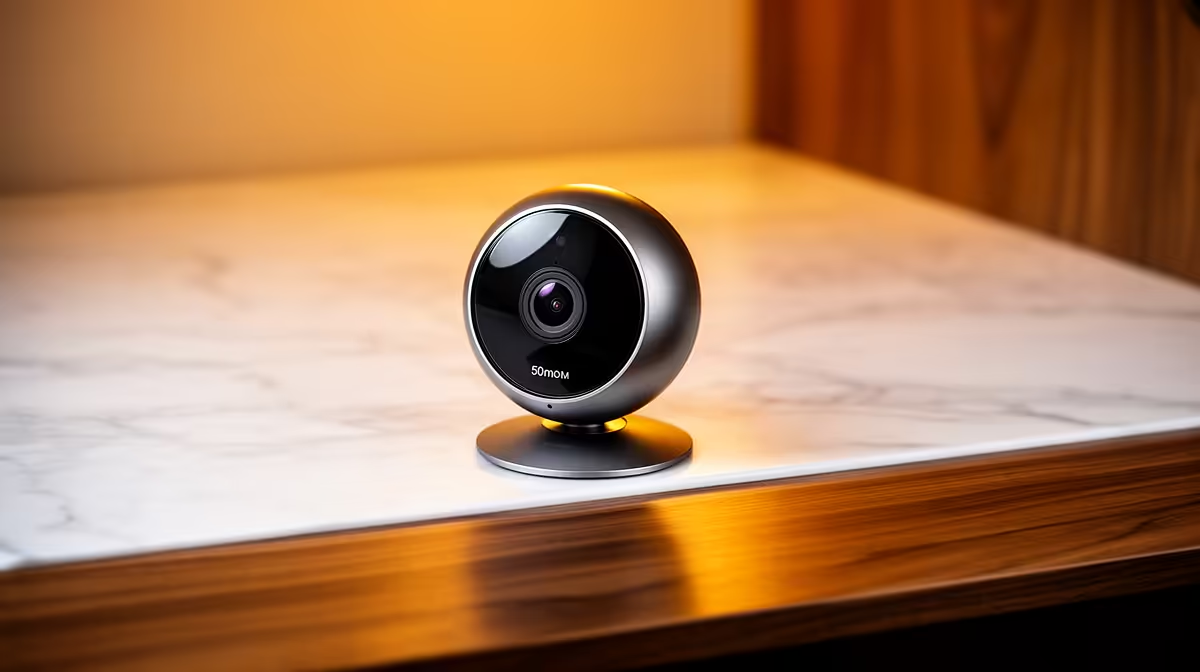
A smart-home camera can provide a limited view of a small point-of-sale or stock area, but it should not be treated as a complete business security system. Retail use raises questions about coverage, retention, access control, privacy and evidence export. Define those requirements before installing a consumer device.
Map the area and purpose
Mark entrances, tills, shelves and blind spots. Decide whether the goal is live checking, incident review or stock-process observation. One wide view may miss faces, hands or item labels. Positioning must respect staff and customer privacy, and the business should set a clear access and retention policy consistent with applicable obligations.
For this limited indoor role, the TP-Link Tapo C212 pan-and-tilt camera is verified at R451. It is an indoor smart-home reference, not proof of suitability for every retail site. Confirm storage options, image quality, night performance, app permissions, account security, network requirements and current warranty. Keep it away from weather and locations where tampering is easy.
Treat network and evidence as part of the system
Use a unique password, multi-factor authentication where supported and prompt firmware updates. Restrict viewing access to named staff. Test whether a clip can be found, exported and opened on another device. A camera that sends alerts but cannot preserve usable evidence may not solve the business need.
For higher-risk premises, multiple cameras, protected storage and professional installation may be justified. Buy the smart-home device only when a written site assessment shows that its limited role is adequate.
Connecting indoor monitoring hardware? > Ask Evetech to compare compatible cameras and network equipment for the site layout.