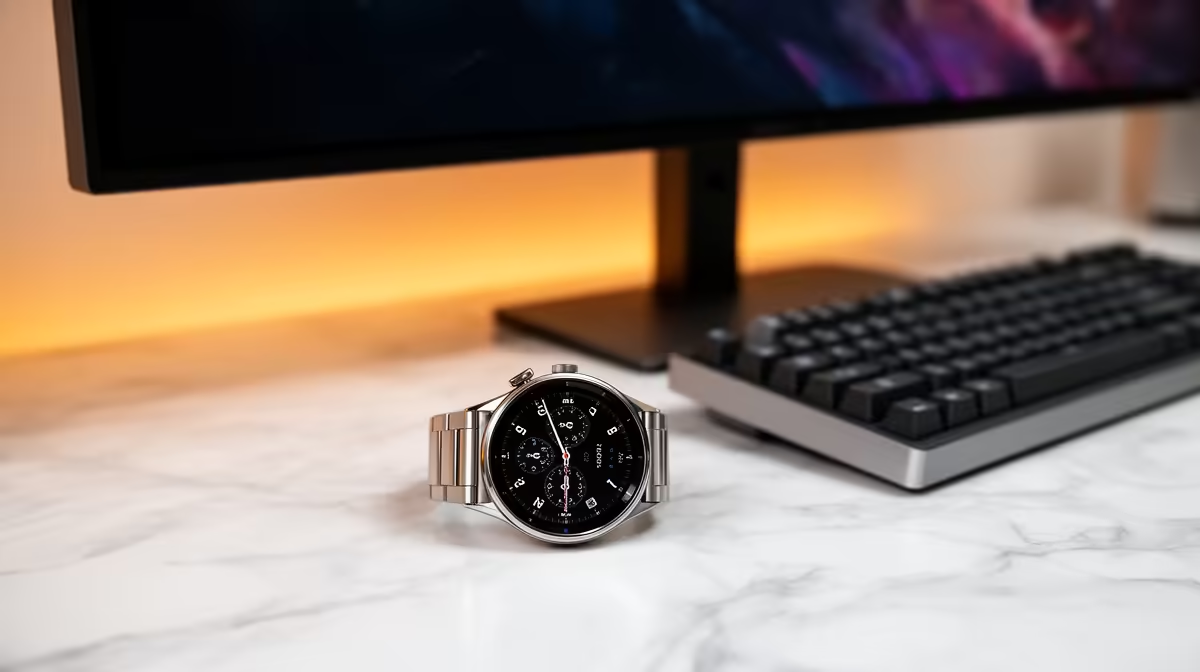
Dell SE2726H 27in FHD 144Hz at R1,797 suits a neat South African desk where the main screen needs more space and smoother motion than a basic office display. A smartwatch can help with alerts, timers, and quick glances, but the bigger upgrade for a tidy two-screen setup is still a well-chosen monitor that reduces window switching and keeps cables predictable.
Best monitor first for a cleaner dual-screen setup
The Dell SE2726H 27in FHD 144Hz at R1,797 is the most sensible lead choice if one screen will handle browsing, docs, dashboards, or a video call while the second screen stays free for notes. The 27in size gives the desk setup breathing room, and the 144Hz refresh rate makes pointer movement and scrolling feel cleaner during long work sessions.
For a smaller second screen, the Dell SE2426H 23.8in FHD at R1,532 is easier to place beside a laptop stand or main display. Its 23.8in FHD spec keeps text and browser tabs practical without making the desk feel crowded, which matters more than wearing another device that only mirrors notifications.
Tidy two-screen desk in a South African study corner
A compact home study, student desk, or small work-from-home corner benefits from screens that match the space instead of chasing oversized hardware. The Dahua LM27 100Hz at R1,500 is a budget-friendly 27in option when the second screen needs to show reference pages, email, or a calendar without pushing the whole setup into clutter.
The MSI PRO MP275W at R1,850 is another strong 27in-class choice when the desk needs to look cleaner and more coordinated. Pairing one larger main display with a smaller support screen often does more for focus than relying on watch notifications during active work.
Ready to choose the right monitor?
Use Dell SE2726H 27in FHD 144Hz at R1,797 as the monitor shortlist benchmark, then check whether its listed spec matches the space, workload, and upgrade path.