


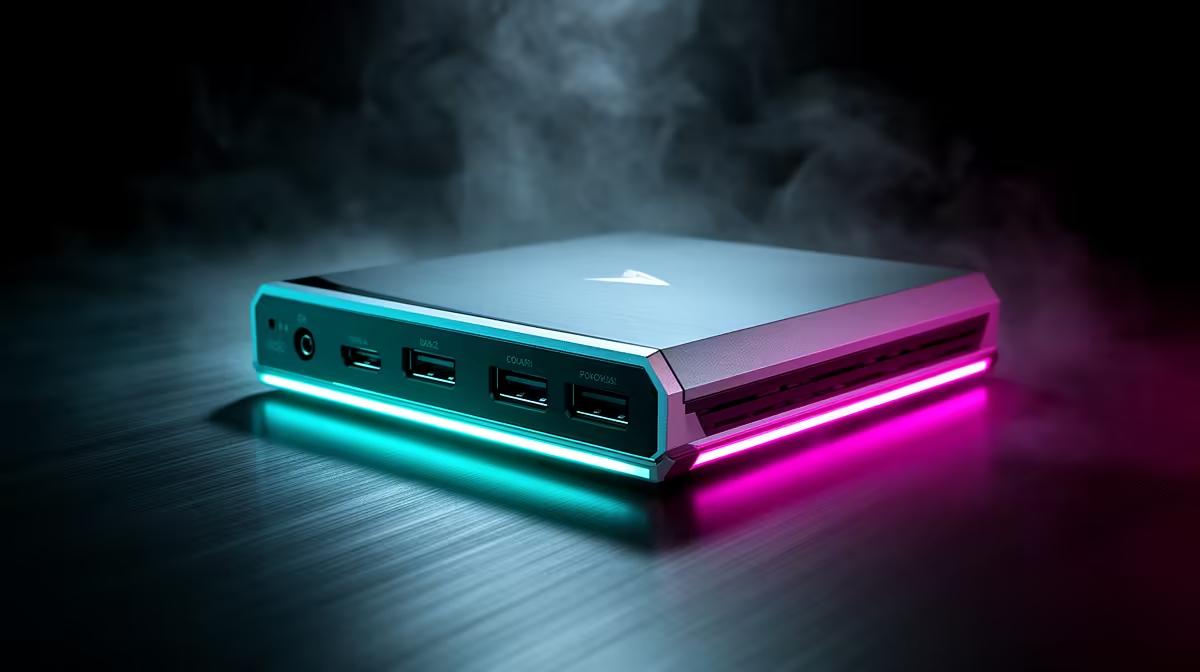
Every streamer has burned time hunting down the right driver, only to find it conflicts with the last one. Driver-free capture hardware cuts that entire chain out of the setup process. Plug the device in, select it as a source in your software, and broadcast. The secret behind this convenience is a standard that has been baked into every major operating system for years.
Quick Answer
Driver-free capture cards use the UVC standard built into Windows, macOS and Linux. The operating system recognises them automatically at plug-in with no driver download, no installs and no version conflicts. You are live in minutes rather than debugging for an hour.
🔌 The UVC Standard: Why the OS Already Knows the Device
UVC stands for USB Video Class, and it is a specification that tells the operating system exactly how to talk to a connected video device without needing manufacturer software. Think of it as a shared language. Windows, macOS and Linux all ship with UVC support built in, which means the moment a compliant capture card touches the USB port, the system has everything it needs.
This is the same mechanism used by most webcams. The OS reads the device descriptor, identifies it as a UVC-compatible video source, and makes it available immediately. Your streaming software sees a new capture source without any intervention from you.
The practical result is that a driver-free card travels between machines without ceremony. Take it from your desktop to a laptop at a LAN event in Joburg, plug in, and it works. No driver USB stick, no remote download on spotty venue Wi-Fi.
🧠 What Zero Driver Installation Actually Prevents
Driver conflicts are not abstract. They show up as a capture device that disappears from the source list mid-session, a software crash on launch, or a card that works on Windows 10 but not 11 after an update. These failures happen because a driver is a piece of software, and software has versions, dependencies and incompatibilities.
With no driver to install, none of those failure modes exist. The card cannot conflict with software it never installed. It cannot fall out of date if a Windows update changes driver handling. There is no entry in Device Manager to corrupt and no software package to reinstall after a clean Windows setup.
For someone running a locked-down work or school laptop where IT policy blocks driver installs, a UVC capture device is often the only way to add video capture at all. The policy targets installable software. UVC operates below that layer and passes through with no admin rights required.
🎯 Capability Check: What UVC Handles and Where It Stops
Driver-free does not mean feature-limited for most use cases. UVC handles 1080p30, 1080p60, and on supported hardware up to 4K30 capture without any additional software. In OBS Studio, Streamlabs, Zoom, Microsoft Teams and Google Meet, the card appears as a standard video source and works without any per-application configuration.
The category where vendor software occasionally earns its place is at the top end of professional production. Features like onboard hardware encoding to a proprietary low-latency format, multi-channel audio routing, or frame-accurate timestamping sometimes sit behind a dedicated driver application. For most South African streamers capturing console or PC footage at 1080p60 or 4K30, UVC is more than enough.
If a capture card's marketing emphasises its software suite heavily, that is sometimes a signal that the hardware is average and the software is doing compensating work. A clean UVC device with good hardware usually needs no software to look excellent.
Frequently Asked Questions
How does a UVC capture card show up in OBS?
As soon as you plug it in and open OBS, it appears in the video capture device source list with its device name. Select it, set your resolution and frame rate, and the source is live. No driver installation, no restart, no additional configuration step between the hardware and the software.
What stops a driver-based card from conflicting, if I already own one?
Nothing, which is exactly the risk. Driver-based cards install software at the system level that can clash with updates, other capture software, or previous driver versions. The only reliable fix when conflicts arise is a full driver uninstall and clean reinstall. A UVC card avoids this entirely because there is no system-level software to conflict with anything.
Does UVC work on a laptop that IT has locked down?
In most cases yes. UVC operates as a class-level USB device that the OS handles natively. IT policies that block driver installation or software deployment do not typically block UVC devices because no installation occurs. That makes driver-free capture hardware useful in corporate, school and university environments where traditional driver installs are restricted.
Will a driver-free card work across different streaming apps?
Yes. The UVC standard is application-agnostic. Any software that can access a video capture device will see the UVC card: OBS, Streamlabs, Zoom, Teams, Skype, and browser-based conferencing tools. The card does not need to be configured differently for each application.
Ready to skip driver headaches and stream faster? Browse the plug-and-play capture card range at Evetech and find a driver-free option that connects, appears, and records without any setup detour.










