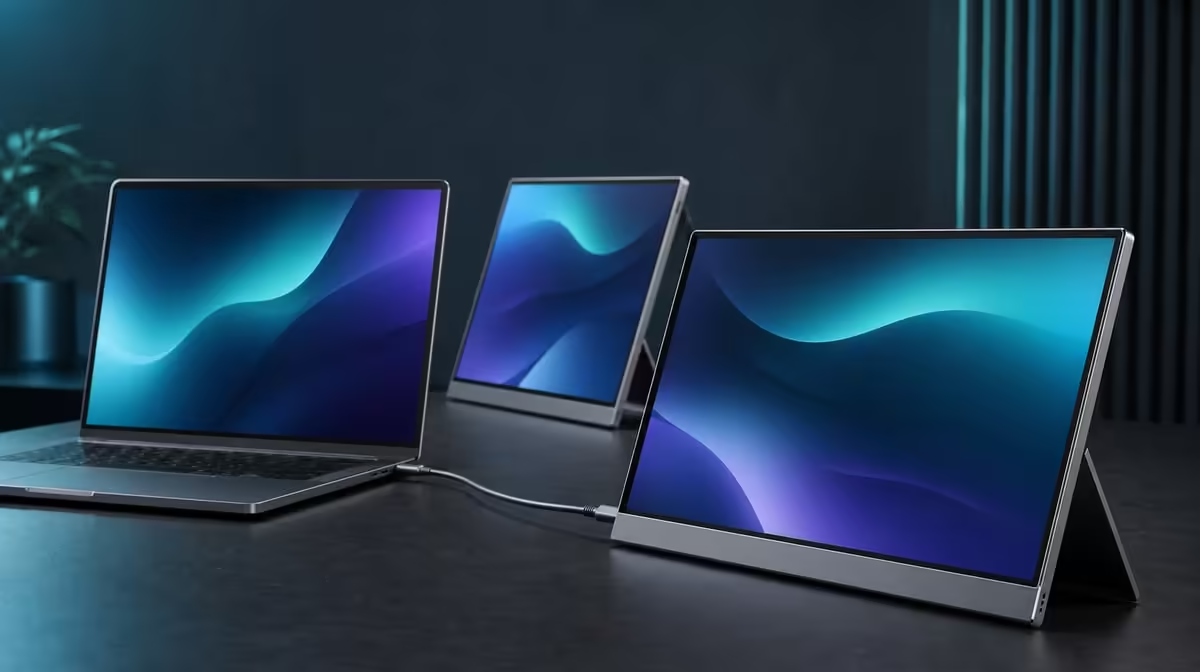
A one-cable monitor purchase should begin with the computer port, not the cable's shape. South African buyers checking a one-cable monitor need to prove the host video and power path, then test detection, stand stability and the complete travel kit. The UPERFECT Delta costs R4,299 and uses one approved USB-C route to operate two independent Full HD panels.
Quick Answer
Before buying the R4,299 Delta for one-cable use, confirm that the exact laptop USB-C port can run both screens while meeting their power requirement. Then test both 15.6-inch panels at native 1920 x 1080, extension, sleep, wake and reconnection. Connector shape alone is not proof, and the folded monitor still needs a physical bag-fit check.
🔌 Verify the laptop model and port
Identify the exact notebook and the socket that will drive the monitor. Multiple USB-C ports can have different functions even on one computer.
A successful charge or single display does not establish the complete Delta path. The host must expose both external screens and supply the required power route.
Record the approved port so each portable setup begins from the same evidence. Use the Evetech portable monitor category for current comparisons after the host requirement is clear.
🖥️ Test both independent panels
Deploy the Delta's integrated support before attaching the source. Keep the cable relaxed and outside the 360-degree hinge.
Detect both IPS screens, set each to 1920 x 1080 and choose extension for different content. Arrange them around the laptop display and move one window through the complete layout.
Test sleep, wake and a full disconnect. If one panel is missing, simplify the setup and change one variable at a time instead of lowering resolution or swapping everything together.
The 25ms response concerns motion after an image is present. It does not cause a missing signal and positions the monitor around productivity rather than speed-focused competition.
🔀 Check the alternative source mode
The two independent panels can show separate compatible devices, one source per screen. This differs from one laptop extending through a single approved host path.
Map the extra leads and controls before counting dual-device support as value. A mixed-source setup can be useful, but it creates a different desk and travel load.
When the workstation rarely moves, add Evetech's fixed PC monitor range to the decision.
🎒 Finish with the complete buying test
Work on a representative task, then close applications, disconnect and fold while supporting the panels. Put the closed display, notebook, power equipment and leads into the intended backpack for the test.
There is no stated closed measurement or fit assurance covering every bag. The compartment should close normally and hard plugs should remain away from the screen faces.
Rebuild on a second surface and confirm that the stand, approved port and display order produce the same useful workspace. Verify the Delta's live Evetech page, while its best-selling monitor selection supplies wider context.
Keep a buying checklist with the exact laptop model, approved socket, intended applications and travel bag. Add the desk surface and whether the notebook display remains active. These details prevent a successful test on one machine from being assumed for another.
Run the connection once with only the laptop and Delta, then restore normal peripherals individually. A hub, drive or other accessory should not be allowed to obscure whether the basic two-screen route works. Record both external panels in system settings before opening the heaviest workload.
Finally, time a normal departure and arrival. Save work, disconnect, fold, pack, reopen on the stand and reconnect to the known port. A one-cable purchase earns value when that sequence remains short and repeatable after the novelty has passed.
Frequently Asked Questions
Is USB-C shape enough for one-cable use?
No. The exact host port needs the required dual-display video and power capability.
What should appear in display settings?
Both independent Delta panels should appear alongside the laptop screen.
Which resolution should be used?
Start each external panel at native 1920 x 1080.
Can two devices use the monitor?
Yes. One compatible source can be assigned to each independent panel.
Does the built-in stand remove bag testing?
No. Test the folded monitor with the complete workstation kit.
Should the laptop screen be included in the plan?
Yes. Place it deliberately beside the external panels and confirm that the complete supported display layout remains readable.
What should happen before demanding applications open?
Detect both panels, confirm extension and move a simple window across the complete desktop.
What does the Delta cost?
The dual portable monitor is R4,299.
Ready to make one-cable convenience pass a real host and travel test?
Compare Evetech portable displays and approve the Delta path before making the purchase.