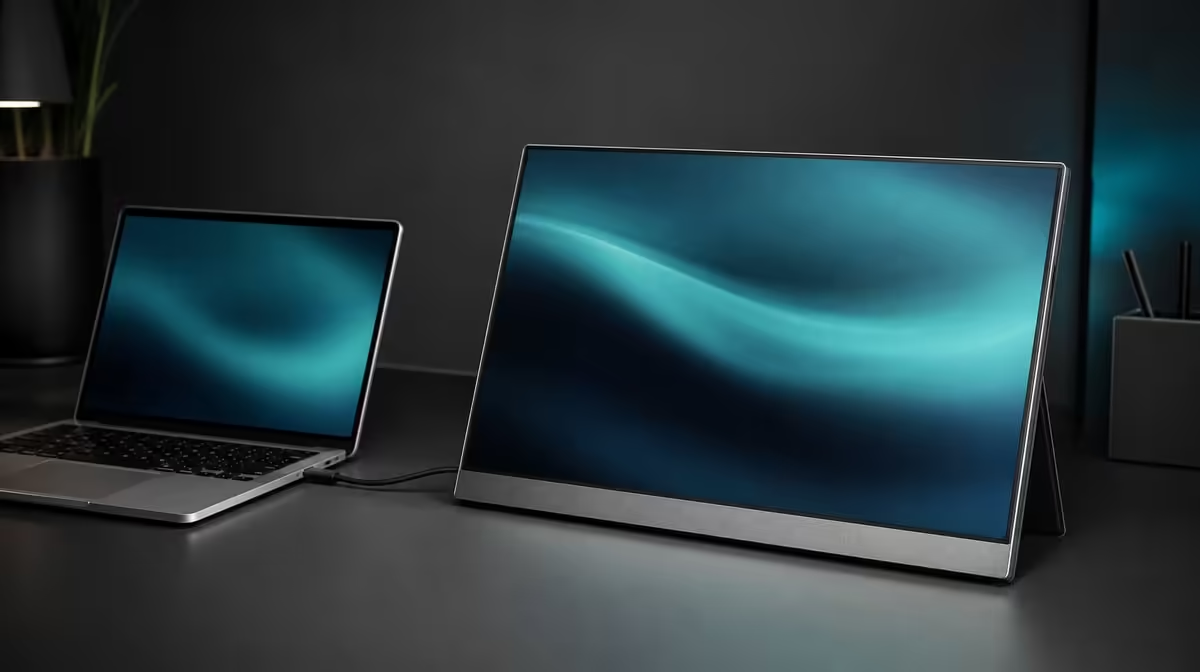
A USB-C plug is the start of a compatibility question, not its answer. SA buyers choosing a USB-C monitor should verify source video output, cable capability, monitor power, physical size, and readable settings before treating one connector as a complete portable workspace.
Quick Answer
Confirm that the exact source USB-C port outputs display video, that the cable supports the signal, and that the monitor has the required power. The R5,999 UPERFECT UColor J5 also includes HDMI as another route, while its 17.3-inch 3840 x 2160 IPS panel needs suitable scaling and enough desk and transport space.
🔌 Prove port and cable capability
USB-C sockets can look alike while serving different functions. Check the source device rather than relying on the connector. Then verify that the selected cable carries display video.
Connect directly, select USB-C on the monitor, and confirm host detection. Power indication alone does not prove that a picture signal is arriving. Evetech's portable monitor range lets buyers compare current input options before choosing.
🔋 Plan power and an alternative path
Do not assume that one video-capable USB-C lead will power every setup. Source, cable, and monitor must support the full arrangement.
The J5's HDMI input provides a dedicated alternative for compatible sources. Include the display's power plan, select HDMI, and test the same host where possible. Evetech's PC monitor category provides context for other connection mixes.
🖥️ Check the screen after connection
Set 3840 x 2160 when the source supports native output, then increase system scaling and programme zoom for readable text. Brightness does not make tiny interface elements larger.
The 400cd/m2 rating offers indoor headroom but cannot erase direct glare. A 17.3-inch panel also demands more bag and desk space than smaller portable formats.
Evetech's best-selling monitors offer another current reference. Confirm the R5,999 price and check present availability when shopping.
The best SA checklist records source, port, cable, power, input, resolution, scaling, brightness, and physical fit. A monitor that passes those checks is ready for the real device and room rather than merely carrying the right plug.
Add a recovery test before buying for critical work. Disconnect the screen, reconnect through the documented USB-C route, and verify that the host detects native 4K without trying several cables. Repeat over HDMI if that is the planned fallback.
Measure the 17.3-inch footprint beside the laptop and inside the protected bag. USB-C simplicity does not compensate for a panel that crowds the desk or stays home because it is inconvenient to carry.
Use 400cd/m2 as available indoor headroom, then find a comfortable room-specific level. If glare remains, change the panel angle or light source instead of assuming additional brightness will solve it.
Save the successful setup details by device. Another source may need a different cable, power arrangement, or input, and the monitor's dual paths are most useful when those differences are documented.
Check the chosen USB-C route with the intended application, not only the desktop. A source can detect the J5 while a game or programme uses an unexpected resolution or window arrangement.
Record the monitor input beside the physical source port. This prevents an identical-looking socket or stale input selection from creating the next blank-screen diagnosis.
Use the HDMI path as a planned alternative rather than an improvised rescue. Pack the required lead and power arrangement when the screen supports critical work away from home.
The R5,999 J5 should finish the checklist with readable native output, manageable brightness, and a physical format the buyer will actually carry. Passing the connector test alone is not enough.
Photograph or write down the working source port, cable, input, resolution, and scaling combination. That small record is valuable after travel or a desk rebuild because it separates a known-good setup from a new variable. It also makes HDMI a deliberate comparison route instead of a random last attempt.
Frequently Asked Questions
What is the first USB-C check?
Confirm that the exact source port supports display video.
Why must the cable be checked separately?
USB-C cables with the same connector can support different functions.
Should one-cable power be assumed?
No. Verify the capabilities of the source, cable, and monitor for the complete route.
How does HDMI reduce compatibility risk?
It provides another video input for sources with suitable HDMI output and a planned power path.
What local price applies?
The UPERFECT UColor J5 costs R5,999 in this comparison.
Ready to turn USB-C compatibility into a proven checklist?
Explore Evetech's portable monitors and match current inputs, cables, power, screen size, and 4K scaling to the devices you own.