



1000W PSU Planning for RTX 5090 Builds in SA
1000W for RTX 5090 needs a full-build check, not a simple yes. Review GPU guidance, CPU draw, transient load, connectors, PSU quality, and upgrade plans before deciding.
Read moreA plug-and-play 4K CMOS webcam needs no special drivers on Windows because it uses the built-in UVC standard that loads automatically over USB. You only install software for extras like AI framing or firmware updates, not for basic 4K capture.
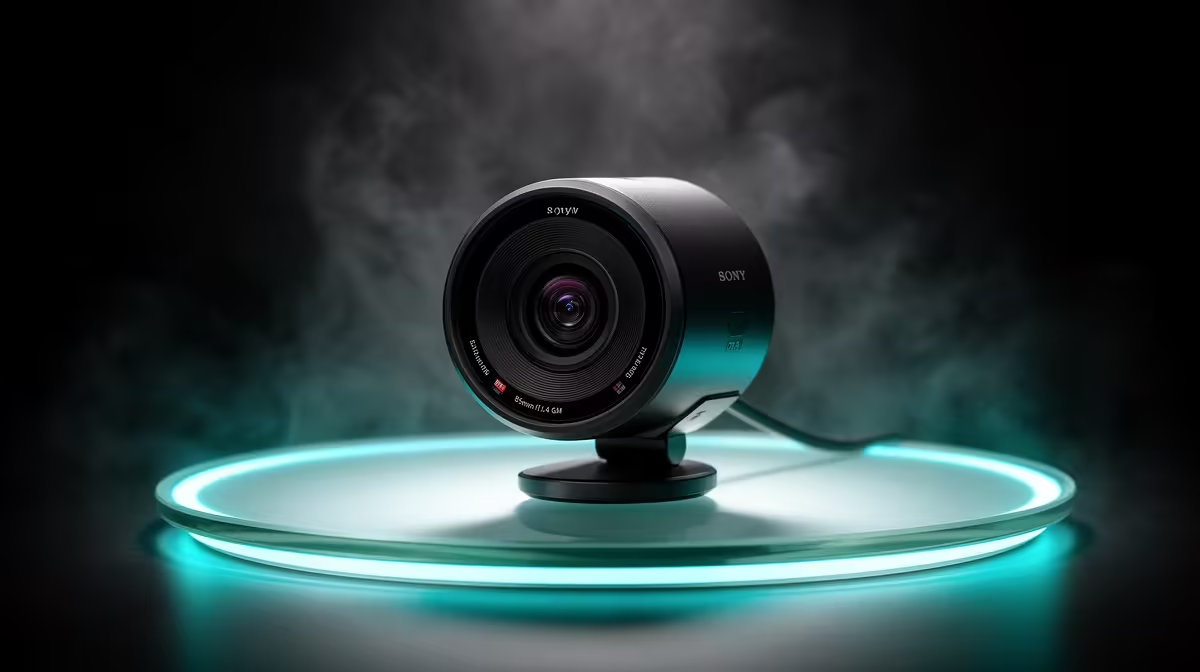
Plugging in a new webcam and watching Windows do nothing for a minute is a familiar frustration. With a quality plug-and-play 4K webcam, that wait should run about five seconds. No discs, no installers, no reboot required. Understanding why this works, and where software genuinely adds something, keeps expectations accurate before the box is open.
A plug-and-play 4K webcam uses the UVC standard that Windows loads automatically on connection. The camera appears in any app within seconds with no manual driver installation. Companion software is optional, needed only for extras like AI auto framing or colour calibration, not for core 4K capture.
The UVC standard, USB Video Class, is a shared specification agreed upon by webcam makers and OS developers. It defines how a camera identifies itself over USB, the commands it accepts, and how it hands video frames to the host machine. Because the specification is stable and universally adopted, Windows ships with a UVC class driver built in.
When you connect a compliant camera, Windows reads the device descriptor, identifies it as a standard video class device, and loads the driver in the background. Both Windows 10 and Windows 11 carry this driver. A 4K webcam purchased today works on either version without any manual preparation.
The driver handles 4K capture, but the port carrying the data must have bandwidth to match. 4K at 30fps generates far more data per second than 1080p. A USB 3.0 port handles it cleanly. A USB 2.0 port does not.
Connect a 4K webcam to a USB 2.0 port and the camera and driver negotiate downward, typically settling at 1080p to keep up. The camera is not faulty; the port is the constraint. USB 3.0 is identifiable by the blue plastic inside the connector and is standard on any PC made in the last several years. Older systems missing USB 3.0 can add one with an inexpensive PCIe or USB hub.
Basic 4K capture needs only the UVC driver and a USB 3.0 port. Manufacturer software exists for features outside the base specification.
AI auto framing, where the camera crops and pans to follow the subject, often requires a companion app to enable and configure. HDR modes, colour temperature presets, and 60fps unlocking at 4K also typically live in the software layer. None of these affect basic video capture. A 4K webcam without its app installed records clean 4K video. The app adds a second layer of capability on top of what Windows already provides.
No. Windows includes the UVC class driver by default, and it loads automatically when the webcam is connected. The camera is ready in any video application within seconds, with no download or installer required.
Yes. The UVC driver enables 4K capture directly, and applications like OBS or video conferencing tools can request that resolution without any companion software. The app adds controls beyond what UVC exposes, not the resolution capability itself.
Yes. USB 2.0 cannot carry 4K video at full frame rates, so the camera and driver negotiate a lower output, usually 1080p. A USB 3.0 port provides the bandwidth needed for full 4K output.
No. Firmware updates the camera's internal chip, changing how it processes video or focuses. A driver tells Windows how to communicate with the device over USB. The UVC driver on the PC does not change when you update the camera's firmware.
To reach features outside the standard UVC set. AI tracking, HDR output, adjustable colour temperature, and high-framerate modes all sit in the app's territory. The camera captures 4K without the app; the app opens the full range of what the hardware can do.
Ready to connect a 4K webcam and be streaming in under a minute? Browse the plug-and-play 4K webcam range and find the setup that works straight away on Windows, with no driver hassle and room to add features when you need them.
No. Windows includes the UVC class driver by default, and it loads automatically when the webcam is connected. The camera is ready in any video application within seconds, with no download or installer required.
Yes. The UVC driver enables 4K capture directly, and applications like OBS or video conferencing tools can request that resolution without any companion software. The app adds controls beyond what UVC exposes, not the resolution capability itself.
Yes. USB 2.0 cannot carry 4K video at full frame rates, so the camera and driver negotiate a lower output, usually 1080p. A USB 3.0 port provides the bandwidth needed for full 4K output.
No. Firmware updates the camera's internal chip, changing how it processes video or focuses. A driver tells Windows how to communicate with the device over USB. The UVC driver on the PC does not change when you update the camera's firmware.
To reach features outside the standard UVC set. AI tracking, HDR output, adjustable colour temperature, and high-framerate modes all sit in the app's territory. The camera captures 4K without the app; the app opens the full range of what the hardware can do.
1000W for RTX 5090 needs a full-build check, not a simple yes. Review GPU guidance, CPU draw, transient load, connectors, PSU quality, and upgrade plans before deciding.
Read more
RTX 5080 Super with a 750W PSU is more comfortable than lower wattage if the unit is quality. SA builders should still confirm GPU guidance, CPU draw, connector type, airflow, and upgrade room.
Read more
How to fix FPS drops after a RX 9070 XT starts with driver cleanup, chipset updates, thermals, and power checks. For SA gaming PCs, confirm PCIe seating, monitor refresh, frame caps, and per-game graphics settings before replacing parts.
Read more
How to fix low FPS Windows 11 Wi-Fi 7 issues starts by checking whether the problem is frame rate or network lag. Test ping, drivers, power settings, Ethernet, and game FPS before adjusting visuals.
Read more
AM5 is smart for SA builders because it supports newer Ryzen CPUs, DDR5 memory, and a longer upgrade path. Compare board cost, cooling, gaming needs, and local part availability before choosing your next PC platform.
Read more
AM5 gives Randburg gaming builders a longer upgrade path. For SA buyers, DDR5 support, newer board features, and future CPU options can justify the platform. Weigh board cost, cooler support, BIOS maturity, and upgrade timing before choosing.
Read more
A fake 113GB GTA VI ISO reportedly used empty padding around a small malware payload. SA gamers should delete unofficial builds, keep Windows security active and wait for official channels.

Wi-Fi 6E vs Wi-Fi 6 matters for 4K video editing when files move across a network. The real-world difference between Wi-Fi 6E and Wi-Fi 6 for video editing in 4K depends on NAS access, cloud uploads, router range, and SA creator workflows.

The difference between PCIe 5.0 and PCIe 4.0 for SA gamers is mostly bandwidth headroom. Compare GPU slot needs, NVMe speed, motherboard support, and upgrade timing before paying extra for a newer platform.

Gaming PC stuck pixel checks in South Africa should confirm the monitor fault first. Use colour tests, screenshot comparison, cable swaps, display menu checks, and clear photos before deciding on support.

Shokz OpenFit Air 2 earbuds weigh 7.2g each and use a redesigned dual-driver open-ear layout. SA buyers should choose them for comfort and awareness, not maximum isolation.

AMD's current driver now lists a Radeon RX 9050 4GB, while product coverage details a narrowed memory system. SA buyers should weigh the low VRAM ceiling against current local Radeon options.

Samsung Display has demonstrated a 16-inch 2.5K OLED laptop panel running at 300Hz. SA buyers should wait for a named notebook, full panel specifications and a local price before planning an upgrade.

Microsoft says some Windows 11 game crashes after recent updates are linked to RGB-related drivers. Affected SA gamers should confirm the update and driver before using the published registry workaround.
Shokz OpenFit Air 2 earbuds weigh 7.2g each and use a redesigned dual-driver open-ear layout. SA buyers should choose them for comfort and awareness, not maximum isolation.
A fake 113GB GTA VI ISO reportedly used empty padding around a small malware payload. SA gamers should delete unofficial builds, keep Windows security active and wait for official channels.

The ROG Flux Charger Dock combines 260W total output, 140W laptop charging and HDMI 2.1. SA buyers should check laptop USB-C limits, display needs and local warranty first.

ASRock's Rock 360 Digital AIO adds a 1.05-inch CPU temperature display, 360mm radiator and simplified wiring. SA builders should check case fit, socket support and local warranty.