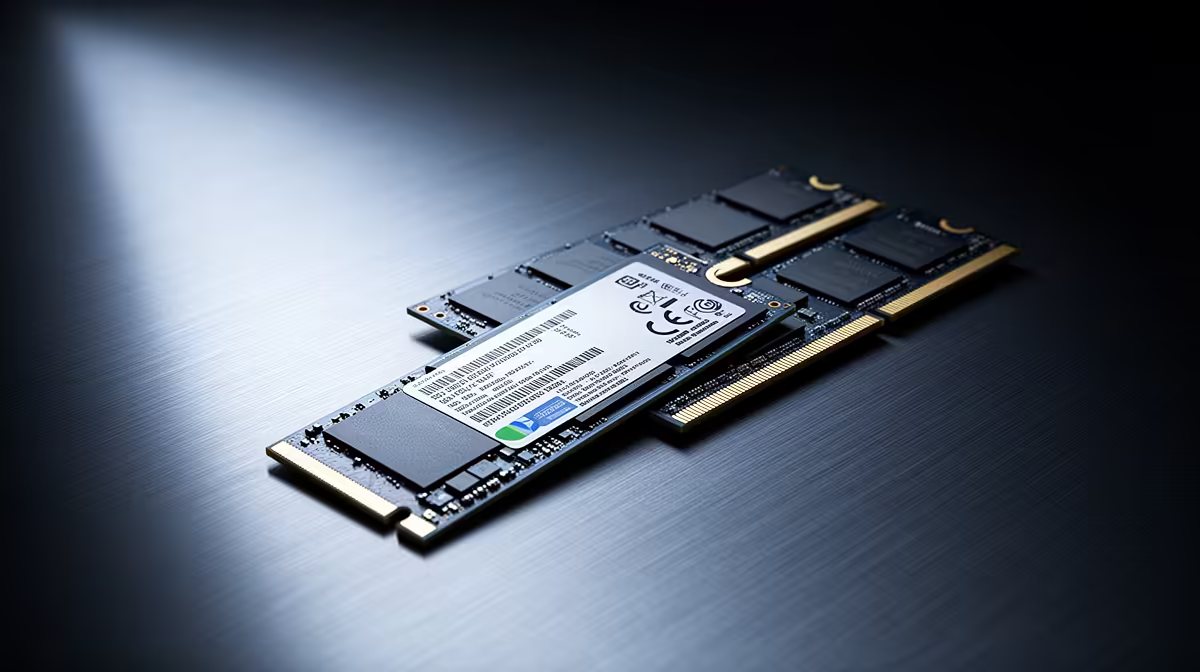
ADATA LEGEND 900 1TB at R948 suits a student or home-office user who needs faster SSD storage for recovering documents, reopening tabs, and getting back into work quickly after a brief power dip. Pairing an SSD with a sensible RAM kit is worth it when the machine is still basically reliable, because storage speed affects how quickly Windows, apps, autosaved files, and browser sessions come back after an interruption.
Best SSD picks for smoother restarts
The ADATA LEGEND 900 1TB at R948 is the value-first choice here because the 1TB capacity gives practical room for Windows, Office files, project folders, downloads, and cached work without immediately feeling cramped. For most everyday desktops and laptops, that storage headroom matters more than chasing the most expensive drive.
WD Blue SN5000 at R998 is the tidy middle-ground SSD pick when the machine is used for study notes, admin, browser-heavy work, and quick file access throughout the day. Its SSD format is the key upgrade over a sluggish older drive, helping the PC feel less fragile when you need to reopen work in a hurry.
Samsung 990 PRO at R4,648 is the premium SSD option for a creator desk or serious workstation where large files, project folders, and repeat app launches are part of the daily routine. The higher price only makes sense when the system is worth keeping and storage performance is a real bottleneck.
Student desk recovery after a power dip
At a student desk, the win is not that an SSD keeps the PC running during an outage. It is that ADATA LEGEND 900 1TB at R948 can make the return to notes, assignments, downloads, and saved browser sessions feel much quicker once power is stable again.
Ready to choose the right SSD?
Use WD Blue SN5000 at R998 as the ssd shortlist benchmark, then check whether its listed spec matches the space, workload, and upgrade path.