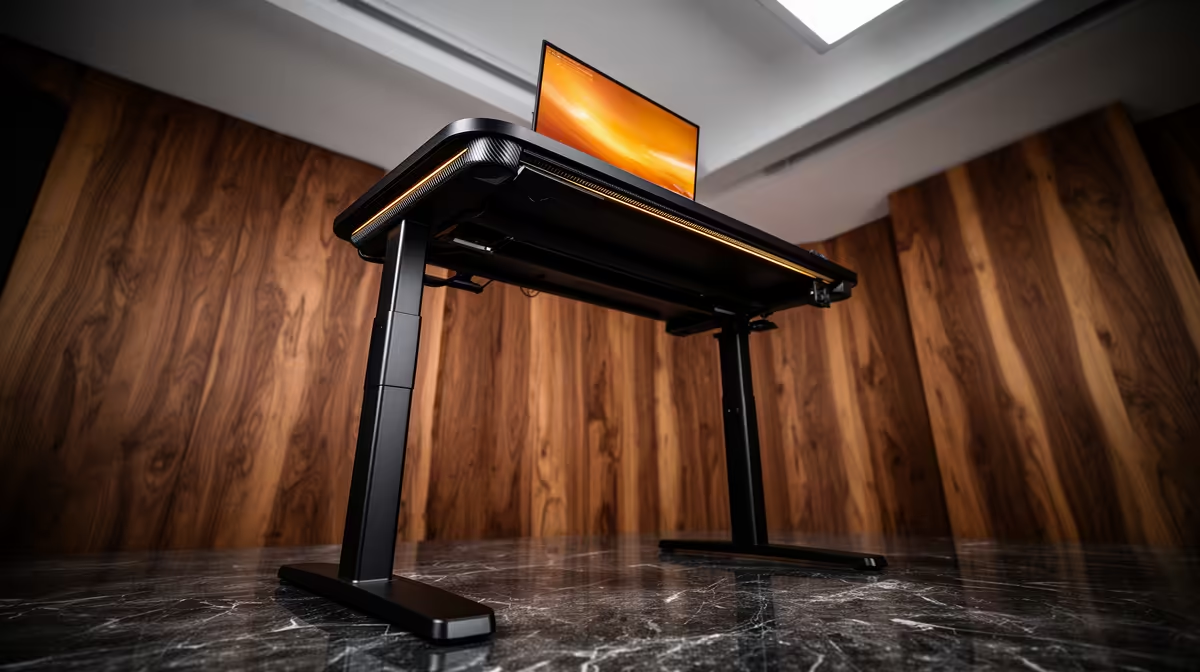
A standing desk can help a home-lab operator change posture during long configuration or monitoring sessions. It does not improve server performance and can create cable tension when the tabletop moves. Buy after checking equipment weight, rack placement and the full cable path at both desk heights.
Move the desk on paper first
The verified facts contain no standing-desk model or price. Check current Evetech availability, load rating, height range, stability and warranty. A heavy UPS, desktop tower or network switch should not ride on a moving surface unless the desk supports the total weight and airflow remains clear. Keep always-on equipment on a fixed shelf where practical.
Route power, Ethernet and display cables through a loose service loop. Raise the empty desk to maximum height and confirm that no connector pulls or catches. Keep extension leads off moving joints and never place a cable where the frame can crush it. Label both ends before adding devices.
Alternate sitting and standing rather than holding one posture for hours. Place the monitor near eye level and keep elbows relaxed at the keyboard. A stable fixed desk plus movement breaks may solve the same comfort issue. Choose the standing model when the measured height range fits every regular user and the lab remains serviceable in both positions.
Planning a home-lab workspace? > Ask Evetech to compare current monitors, networking and desk accessories.