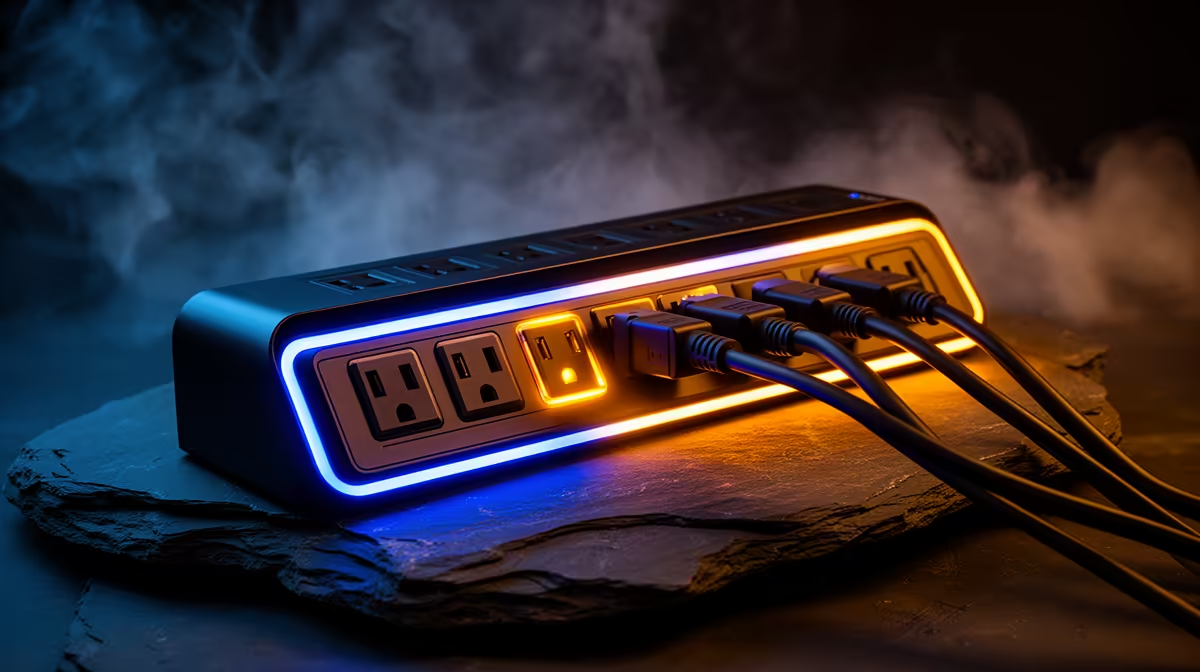
A surge protector is worthwhile for any desktop, mini PC, monitor and storage used for older-console emulation, but emulation itself does not change electrical protection needs. The product must suit the connected load and local socket, with clear protection specifications and safe replacement guidance.
List every connected device
Add the computer, display, speakers, powered USB hub and chargers that will share the outlet. Read their ratings and leave room for plugs without stacking adapters. Decide whether graceful shutdown during an outage is required, which would call for a suitable UPS rather than a basic surge strip. Keep product purchase records accessible.
No surge-protector model and price are verified in the available factpacks. Inspect Evetech’s current power range for South African socket support, maximum load, protection rating, status indicator, cable length, spacing, warranty and replacement conditions. Do not infer electrical protection from a multiplug shape alone.
Keep the unit dry, ventilated and free from extension chains. Replace damaged cables immediately and follow manufacturer end-of-life guidance after a significant event. Back up emulator settings, saves and legally held media independently, since protection hardware cannot prevent every data loss.
Buy a properly specified protector for the complete setup. Add a compatible UPS only when uninterrupted shutdown or short runtime is a documented requirement.
Protecting an emulation desk? > Check Evetech power products for verified ratings and socket support.