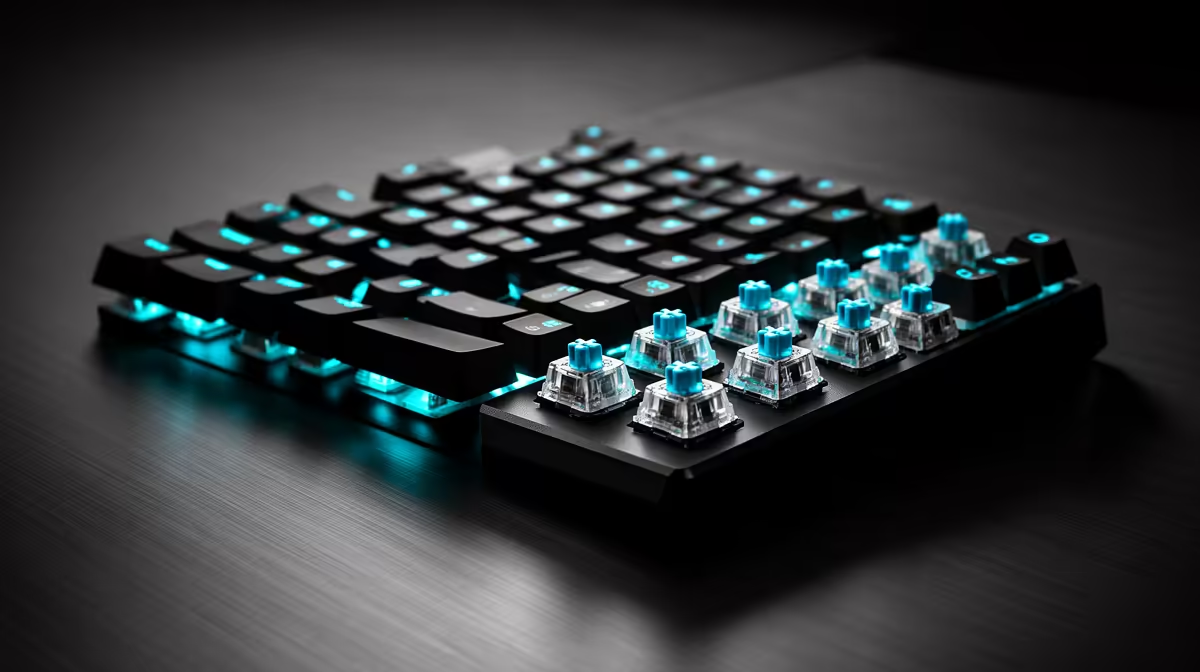
A TMR keyboard is a magnetic keyboard that uses tunnel magnetoresistance sensors to follow key travel. The sensor reads changes in electrical resistance caused by the moving switch magnet, giving the controller a continuous position signal.
Quick Answer
TMR offers high magnetic sensitivity with low power use. Keyboard makers can use that for fine adjustable actuation, rapid trigger and wireless designs. Hall Effect keyboards provide the same broad feature set through a different magnetic sensor principle.
Judge the finished board by its stability, software, switch feel and measured latency. Browse gaming keyboard offers for current model specifications and compare them with popular keyboard choices before choosing a sensor label.
What Happens Under a Key
The switch stem carries a magnet. Pressing the key changes the field at a sensor on the circuit board. A TMR element contains a magnetic tunnel junction whose resistance responds to that field. Electronics turn the response into a position estimate.
The keyboard can trigger a press at a point you choose rather than waiting for two metal contacts to meet. It can also detect when the key starts rising and reset the input after a selected return distance.
Why Gamers Care
Adjustable actuation lets you make movement keys sensitive while keeping other keys harder to trigger by mistake. Rapid trigger can shorten the reset travel between repeated directional inputs. Analog or multi-action features may appear on some boards, depending on firmware and game support.
High sensor sensitivity gives the designer a good starting signal. Scan rate, filtering, USB polling and software still shape the response you feel. A large resolution number on a box cannot guarantee the lowest end-to-end delay.
Check the Practical Parts
Confirm that profiles can be saved and switched without a fight. Check layout, keycap quality, stabilisers and switch compatibility. Magnetic switches vary in magnet strength and geometry, so follow the board maker's approved list.
For typing, use a deeper actuation point and a calmer rapid-trigger setting. A very sensitive profile can turn a resting finger into an unwanted keypress. Save a separate gaming profile for the keys that benefit.
Calibration Matters
The keyboard needs a clean map between sensor readings and key travel. Run the maker's calibration process on a flat desk with every key released. Repeat it after an approved switch change, a major firmware update or a profile that begins producing false inputs.
Test a text page and a game movement drill after calibration. Watch for a key that activates while untouched, refuses to reset or reports a different travel range from its neighbours. Restore a moderate setting before deciding the sensor has failed. Keep the firmware version and profile file in your troubleshooting notes.
FAQ
Does TMR mean the switch has no moving parts?
No. Sensing is contactless, while the stem and spring still move. Their quality determines much of the feel and sound.
Is every TMR keyboard wireless?
No. Low sensor power helps wireless design, but models can be wired, wireless or both. Check the connection modes and polling support.
Is TMR the same as Hall Effect?
Both track a magnetic switch without a contact point. TMR measures a resistance change in a tunnel-junction structure, while Hall sensors use the Hall effect.
Look past the TMR badge and choose a keyboard with stable sensing, usable software and switches you enjoy.