

Troubleshooting Frequent Connection Drops
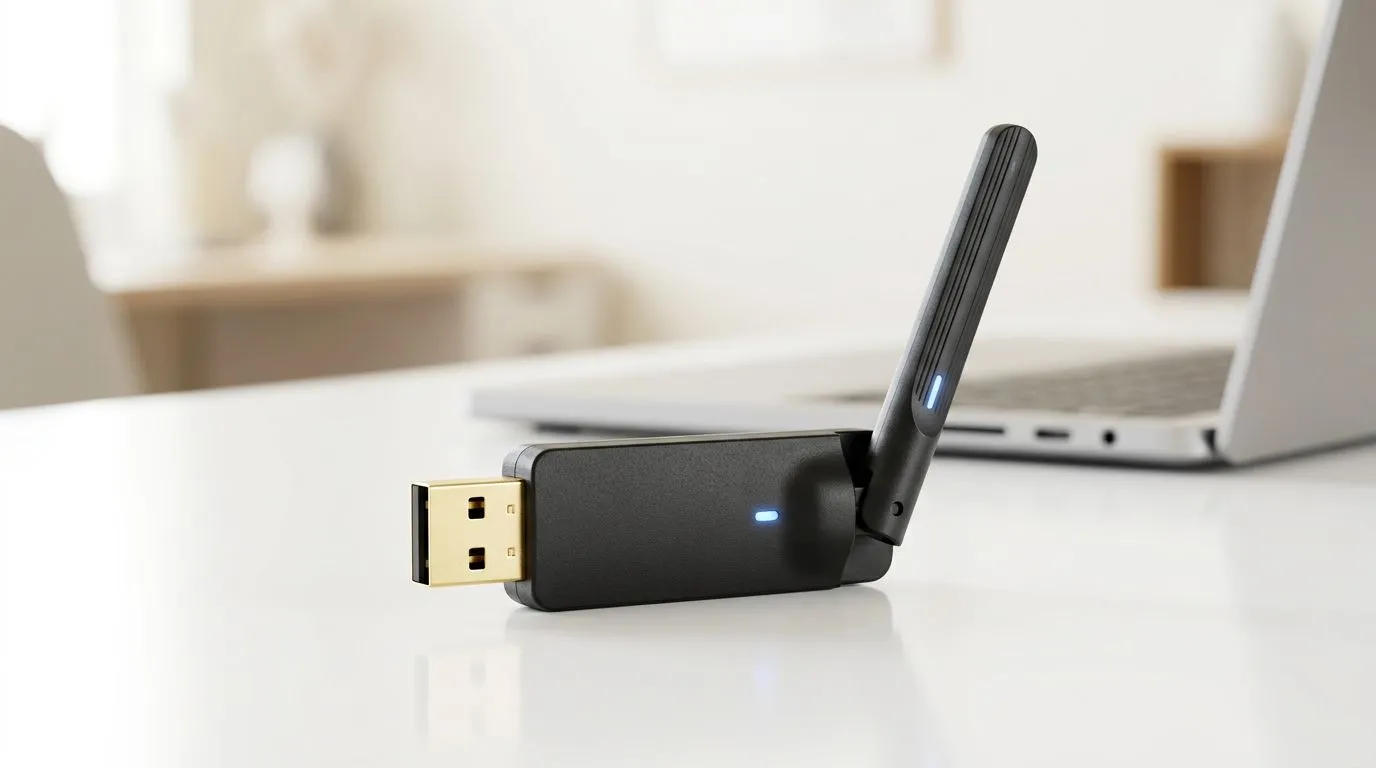
There is nothing more frustrating than being in the final circle of a Warzone match, only for your connection to vanish. If your USB WiFi adapter keeps disconnecting, you aren't alone. It is a common headache for South African gamers relying on wireless setups, but the fix is often simpler than buying a new rig. Whether it is a power management setting or a driver conflict, we can get you back online with stable pings. 🔧
Check Your Power Settings
Windows often tries to be "helpful" by turning off your USB devices to save power. Unfortunately, this usually results in your adapter dropping the signal during intense gaming sessions. Right-click your Start button, head to Device Manager, and locate your wireless adapter under Network Adapters. Right-click it, select Properties, and navigate to the Power Management tab. Uncheck the box that says "Allow the computer to turn off this device to save power."
Sometimes, your hardware is simply reaching the end of its life. If you are tired of constant reboots, it might be time to browse our latest network adapters to ensure your connection remains rock solid.
Update Your Drivers and Hardware
Outdated drivers are the silent killers of connectivity. Visit the manufacturer's website to grab the latest software. If you have been struggling with a generic or older card, brands like TP-LINK offer excellent stability for local broadband speeds. ⚡
Pro Tip: USB Port Matters 🚀
Avoid plugging your WiFi adapter into the front panel of your PC case. These ports often have lower power delivery and interference from internal cables. Always plug your adapter directly into the USB ports on your motherboard at the back of the PC for the most consistent performance.
Consider a Reliable Upgrade
If you have tried everything and the drops persist, your current adapter might be struggling with signal interference or heat. High-performance options from Cudy provide reliable throughput for competitive gaming, ensuring you stay in the game without the dreaded lag spike. ✨
Ready to Find Your Perfect Match? A stable connection is the backbone of every victory. Don't let a faulty adapter hold you back from your next win. Explore our massive range of network adapters and find the perfect hardware to keep your connection rock solid.











