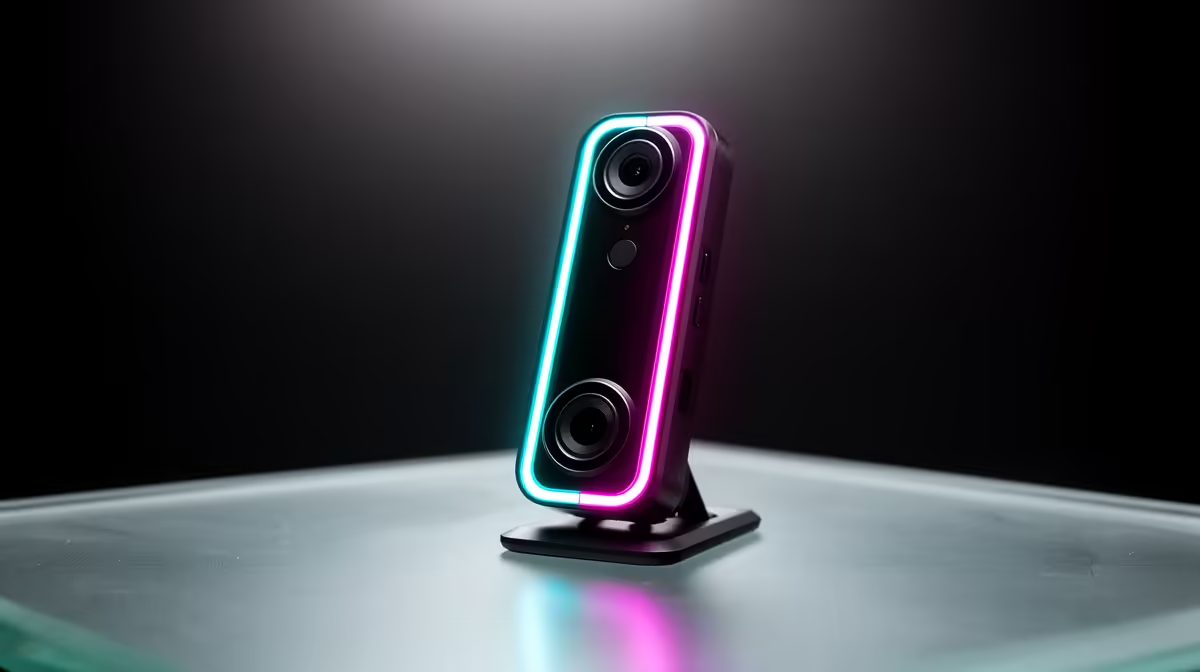
South Africa's social platforms are dominated by mobile screens held upright, and a horizontal 16:9 video feed leaves black bars on either side that signal the content was not made for the viewer's device. Portrait orientation webcam shooting native 9:16 video fixes this directly, filling the screen edge to edge for Shorts, Reels, and TikTok without cropping or compromising the source.
Quick Answer
A portrait webcam rotated or mounted vertically shoots a native 1080x1920 frame that fills a phone screen completely. With roughly 85 percent of SA traffic on mobile, vertical-first content is no longer optional for creators who want their video to look deliberate and not repurposed from a widescreen format.
📺 Why Vertical Beats Horizontal for SA Mobile
The numbers here are not abstract. Around 85 percent of traffic on South African platforms arrives from mobile devices, and almost all of those users hold their phones upright when browsing social media. A landscape video in that environment sits as a small rectangle in the middle of the screen, surrounded by empty black space. The viewer mentally registers it as filler.
A 9:16 vertical video occupies the entire screen, with no bars and no moment where the viewer adjusts their grip to reorient the phone. For a SA creator building an audience on Shorts or Reels, that distinction is functional rather than aesthetic.
🔧 What a Portrait Webcam Setup Actually Involves
A dedicated portrait webcam is either designed from the factory to sit vertically, or it is a standard webcam mounted on a tilt arm rotated 90 degrees. In either case, the output to the recording or streaming app is a 1080x1920 pixel frame, which is the vertical equivalent of 1920x1080 full HD.
When rotated, the sensor reads its long axis vertically. Your face fills the frame's width and the height gives room for upper body, a product, or desk context below the chin. The camera connects to OBS, CapCut, or a capture app, and the 9:16 output goes straight to the platform without re-letterboxing.
🎯 Practical Considerations: Resolution and Framing
Rotating a webcam does carry a trade-off worth knowing about. A 1920x1080 sensor reads 1920 pixels along one axis and 1080 along the other. When rotated 90 degrees, those dimensions swap: 1080 pixels across and 1920 pixels tall. The horizontal resolution drops from 1920 to 1080, which is a reduction of roughly 44 percent of the sensor's horizontal width.
For mobile viewing this is not a meaningful loss. Phone screens display at resolutions where 1080 horizontal pixels is effectively full detail. The portrait output is still genuinely 1080p in the dimension that matters for a phone screen. Where it would matter is if you simultaneously wanted to use the same clip on a desktop platform where horizontal resolution is visible at native scale, which a purpose-built portrait setup is not optimised for anyway.
Framing needs rethinking compared to landscape content. At 50 to 60cm from the lens, a vertical frame captures from the mid-chest up on most people. Sitting slightly further back brings in more of the upper body, which suits cooking, product, or music content better than tight talking-head framing.
Frequently Asked Questions
What exactly is portrait orientation on a webcam?
It refers to a camera positioned to capture video in a 9:16 aspect ratio, the same proportions as a phone screen held upright, rather than the standard 16:9 widescreen format. The output is 1080 pixels wide and 1920 pixels tall, filling a mobile display completely. This can be achieved by a purpose-built vertical camera or by rotating a standard webcam 90 degrees on a tilt mount.
Why does vertical video suit South African viewers specifically?
Roughly 85 percent of SA traffic arrives on mobile, and people hold phones upright while scrolling. A vertical video fills that screen naturally; a landscape clip forces the viewer to rotate or accept a shrunk letterboxed strip.
Does rotating a standard webcam reduce the image quality?
Technically yes, in one dimension. The horizontal pixel count drops from 1920 to 1080 when the sensor is rotated, since the shorter sensor axis now runs left to right. For mobile platforms this is not a visible loss because phone displays show 1080p clearly at their native sizes. The trade-off only matters if you need full 1920px horizontal detail for widescreen repurposing.
Which platforms accept native vertical video from a webcam feed?
YouTube Shorts, Instagram Reels, and TikTok all accept and display 9:16 natively. The platforms auto-detect the aspect ratio and present it without any reformatting. Uploading a vertical video to these platforms produced directly from a portrait webcam avoids the quality loss that comes from cropping a horizontal recording after the fact.
How do I keep myself centered in a vertical portrait frame?
Place your face in the upper third of the vertical frame and sit roughly 50 to 60cm from the lens so your shoulders fill the width naturally. If the camera has AI auto-framing, confirm it supports portrait mode so it tracks you in the 9:16 orientation rather than reverting to a horizontal crop.
Ready to make content that fills South African mobile screens properly?
Browse the webcam range suited to portrait and vertical content, and stop sending your audience a letterboxed feed designed for a different device.