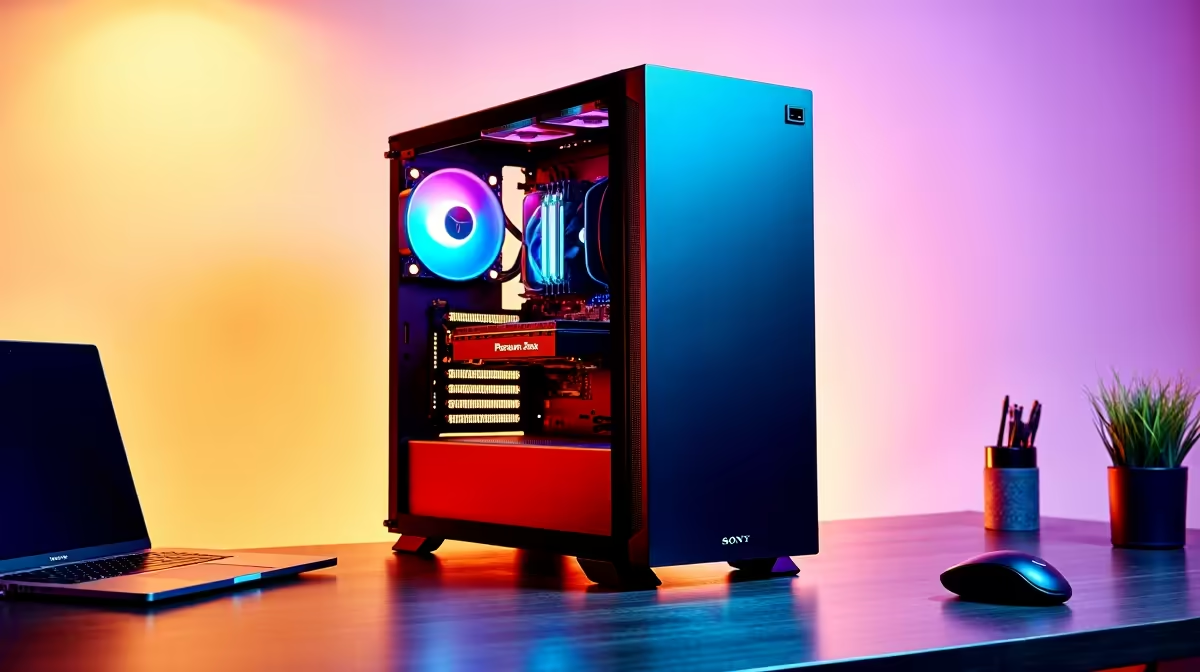
A video-editing PC is more than enough for general studying and assignments when it has a stable operating system, suitable office software and dependable storage. Editing hardware often exceeds the needs of browsing, word processing and video calls. The real question is whether the computer is quiet, economical and practical enough for daily coursework.
Check study needs beyond raw performance
List required campus applications, exam software, ports and portability. A large editing desktop can render quickly but cannot follow a student to class. The ASUS ExpertBook P1503 with Core i5-13420H, 8GB memory and 512GB SSD is a verified laptop reference at R9,858. Confirm whether its memory and battery behaviour suit the course rather than assuming every student needs a creator workstation.
If the editing PC already exists, create a separate study account or folder structure. Keep coursework away from scratch disks that are routinely cleared, and synchronise assignments to an approved service. Install only supported plug-ins and avoid changing graphics drivers immediately before a submission. A webcam and microphone should be tested with the institution’s meeting platform.
For a new purchase, buy editing power only when the curriculum or paid work uses it. The Palit RTX 3050 6GB at R2,700 is a verified entry graphics reference, but adding a GPU is not necessary for ordinary documents. Balance performance against monitor quality, backup, noise and electricity. A well-supported laptop may serve study life better, while a desktop suits a fixed room and heavier media modules.
Choosing a study computer with editing headroom? > Ask Evetech to compare laptops and desktops against the exact course and media workload.