


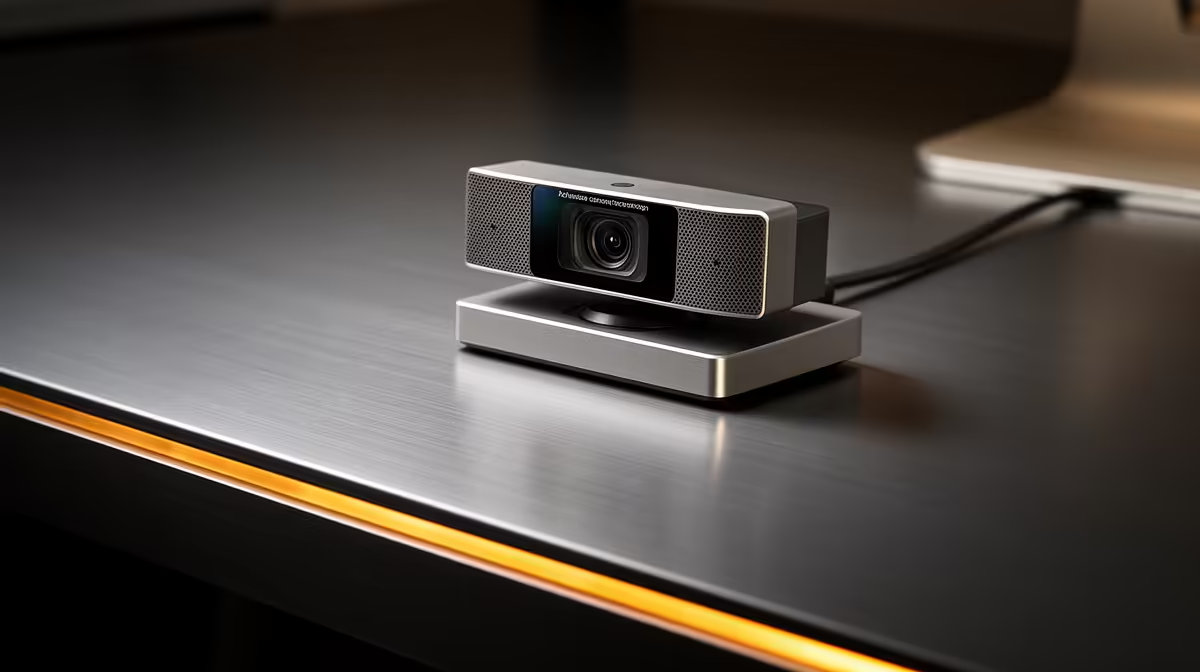
The microphone built into a webcam captures everything in the room with equal enthusiasm. Your voice, the ceiling fan, a car passing outside, and whatever keyboard is within two metres all arrive at the same level. Built-in webcam AI noise cancelling changes that by teaching the system to distinguish continuous ambient sound from speech, then removing the former while leaving the latter untouched.
Quick Answer
Webcam AI noise cancelling trains on the constant background noise in your room and subtracts it from the audio stream in real time. Steady sounds like fans, aircon hum, and keyboard clicks drop significantly. Your voice stays clear and natural. It is effective enough for professional conferencing without a separate microphone.
🧠 How the Algorithm Works
The processing works by building a continuous model of the noise floor in your environment. The system samples the ambient sound during pauses in your speech, identifies the frequency profile of steady background noise, and subtracts that profile from the outgoing audio stream. The result is that sounds with a stable, repeating character drop significantly in the mix while the varying, dynamic profile of your voice passes through largely unaffected.
Fans are the ideal target for this technology. A ceiling fan produces a consistent mechanical hum that the model characterises quickly and subtracts reliably within seconds of startup. Air conditioning compressors, computer case fans, and the low-frequency drone of traffic from a busy Cape Town or Joburg road all share this property of being sustained and relatively unchanging. The algorithm handles all of them well.
The technical limitation is transient sound. A sharp sudden noise, a door closing, something knocked off a shelf, a dog barking, has a very different profile from steady ambient hum. It occurs once rather than repeating, giving the model no time to characterise it before it has already reached the listener. These brief sounds can break through the cancellation. For the typical professional conferencing scenario, this is a minor issue. Meetings are rarely defined by whether a single unexpected sound slips past a filter.
🔌 On-Camera Versus Software Processing
Where the noise cancellation runs matters more than most buyers realise. Some webcams process the audio in dedicated on-camera firmware. Others rely on software in the vendor's companion app or operating system to apply the cancellation after the raw audio arrives at the computer.
On-camera processing works across every application at once. The webcam delivers pre-filtered audio, so whether you are on Teams, Google Meet, or a Zoom call with a client, the noise cancellation is already active. You configure it once and it applies universally without requiring any app to be running.
Software-based processing typically ties the cancellation to one application or requires the vendor app to stay open and active. On-camera processing keeps the overhead on the webcam's own chip, leaving system resources free for everything else -- useful on a work laptop running screen sharing and document collaboration simultaneously.
✨ Practical Performance for SA Remote Workers
For South African professionals working from home, the most common audio problems are consistent urban noise: traffic, neighbours, building systems. Built-in AI cancellation handles all of these comfortably at a medium setting.
Most webcams offer a cancellation intensity adjustment. At full strength, the algorithm cuts deeply into the audio spectrum and can produce a slightly artificial vocal quality, a thin or tunnel-like tone that careful listeners notice. At medium strength, the background drops substantially while the voice retains natural warmth and breath. For client-facing calls, medium is the practical setting.
One important distinction: AI noise cancellation in the webcam addresses the microphone input. It does not affect what you hear from the other participants. If you are concerned about audio coming through your speakers or headphones, that is a separate system, handled by your headset or by the conferencing app's speaker processing.
Frequently Asked Questions
What kinds of noise does webcam AI cancellation handle best?
Steady, repeating sounds are where the technology excels. Fans, air conditioning, traffic hum, and keyboard typing all have consistent frequency profiles that the algorithm characterises quickly. Once modelled, these drop reliably in the audio output. Sharp, brief sounds that occur once or unpredictably are harder to catch because the model needs time to recognise a new noise pattern before filtering it.
Does on-camera noise cancellation slow down my laptop?
No. When the webcam runs its noise cancellation in on-camera firmware, the audio arrives at your computer already processed. The laptop receives a clean audio stream and does no additional work. Software-based cancellation, running in a companion app or operating system layer, does consume CPU resources and can be noticeable on older or lower-specced machines during heavy conference call use.
Is webcam noise cancellation good enough for professional calls?
For Teams, Zoom, and Google Meet calls it is sufficient to sound professional and clear without background noise distracting the other participants. It cannot match a close-placed cardioid studio microphone for broadcast or podcast quality, but for client presentations, team meetings, and one-on-one video calls, the improvement over an unprocessed webcam microphone is large enough to matter.
Can noise cancellation make my voice sound unnatural?
At maximum strength, yes. Heavy cancellation can strip frequency content from your voice alongside the noise, producing a hollow or slightly robotic quality. Most users find that a medium cancellation level removes enough background noise to sound clean while leaving the natural tone of their voice intact. Reduce the intensity if voices start sounding processed.
Why is on-camera noise cancellation better than the app doing it?
The app-based version works only when that application is open and active. On-camera processing means every app receives clean audio, which is useful if you switch between Teams for one client and Meet for another. Beyond compatibility, on-camera processing removes the CPU cost from your machine entirely, which makes a practical difference on a thin-and-light work laptop already running a full conferencing session.
Ready to clean up your call audio without a separate microphone? Browse the streaming webcam range at Evetech and look for models with on-camera AI noise cancellation for clear conference audio across every app you use.










