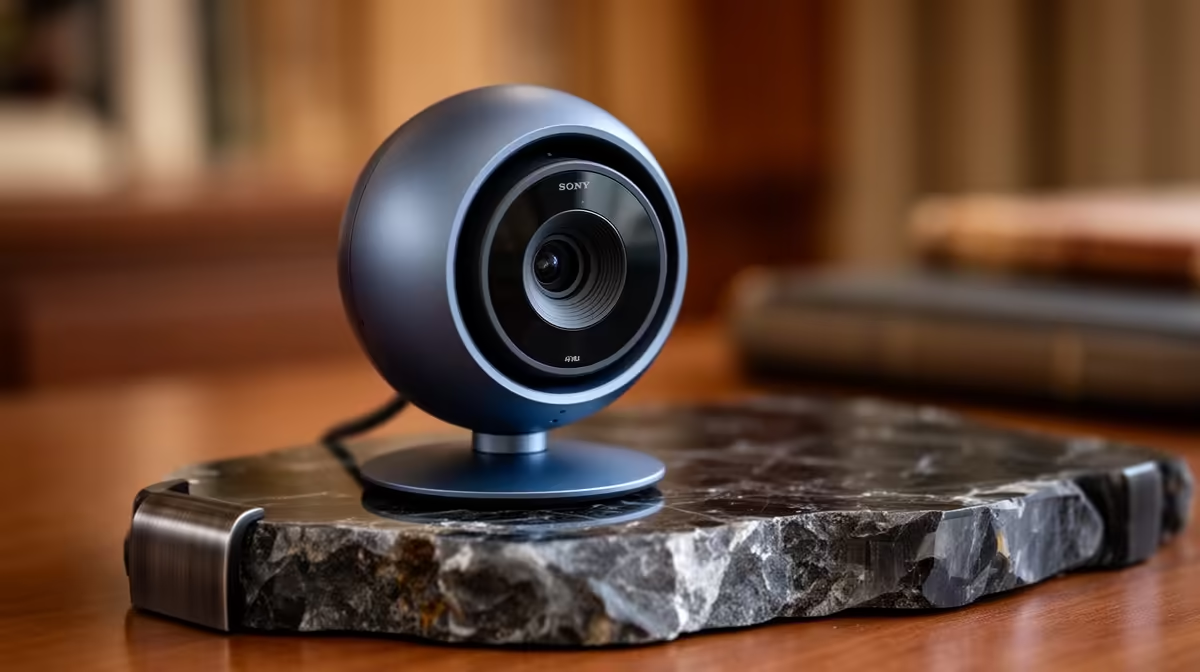
The Logitech C270 HD R252 is worth it for students who need a low-cost camera for distance-learning classes, because its HD spec is enough for clear check-ins, tutor calls, and group presentations. A separate webcam is especially useful when a laptop camera looks soft, sits at the wrong angle, or makes your study desk feel less professional during online sessions.
Best webcam picks for online study
For a budget student desk, the Logitech C270 HD R252 keeps things simple. Its HD spec suits lecture attendance, quick oral presentations, and weekly group meetings where stable framing matters more than cinematic detail. At R252, it is the practical starting point when the goal is to look clearer without spending into creator gear.
The Logitech Brio 100 FHD R458 is the stronger everyday study choice if you want a sharper image for streaming lessons, recorded assignments, or interviews. Its FHD spec gives more detail than HD, which helps when you are sharing notes, speaking to a lecturer, or recording a short presentation from a tidy desk corner.
The NearStream V08AF 4K R678 makes sense when your study setup also handles content creation, tutoring, or polished recordings. Its 4K spec gives extra clarity for face-to-camera work, and the R678 price still keeps it in reach for a student or young professional upgrading a desk setup without moving into expensive studio equipment.
Distance-learning desk in South Africa
For a residence room, digs desk, or shared home study space, a webcam is often worth it because it separates your camera quality from the laptop you already own. The Logitech Brio 100 FHD R458 is the balanced pick for most distance-learning studies in South Africa, while the Logitech C270 HD R252 is the safer low-cost choice and the NearStream V08AF 4K R678 is better for students who record often.
Ready to choose the right webcam?
Use Logitech Brio 100 FHD at R458 as the webcam shortlist benchmark, then check whether its listed spec matches the space, workload, and upgrade path.