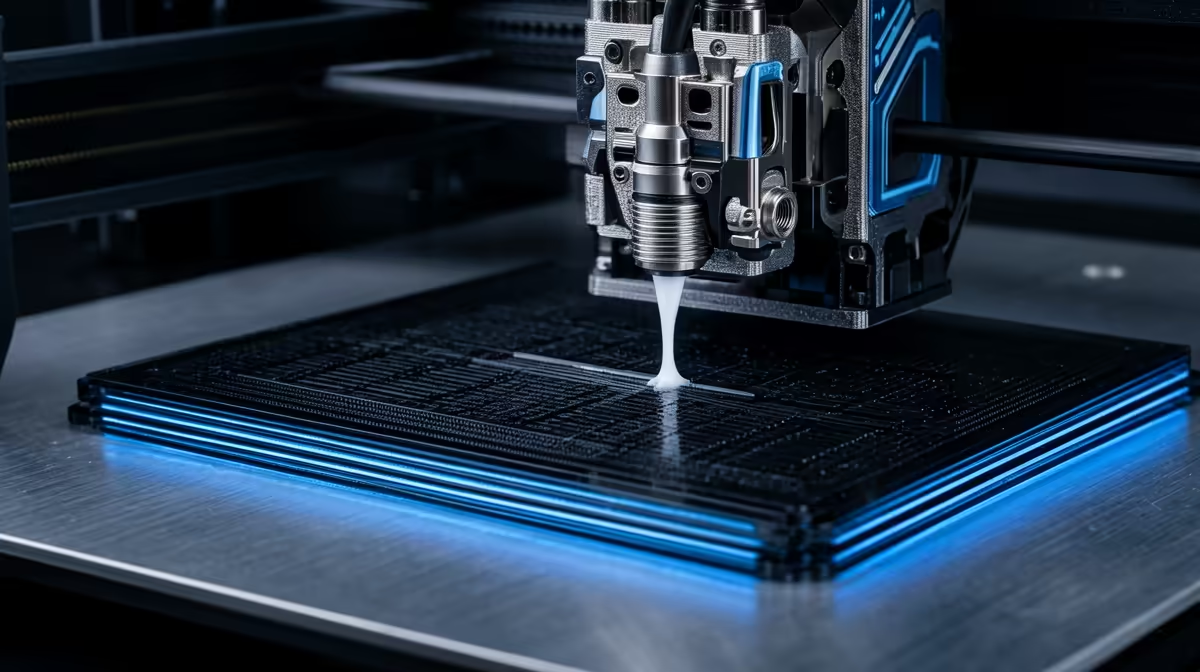
Blobs at every corner and pale, starved walls right after each speed change are the two faults that pressure advance was built to erase. The feature, named linear advance in Marlin firmware, treats the molten plastic inside your hotend like a pressurised fluid rather than a perfectly obedient stream. It predicts how that pressure lags behind the extruder motor and corrects the flow before the print head ever slows down or speeds up.
Quick Answer
Pressure advance adjusts how much filament the extruder pushes ahead of acceleration and deceleration, cancelling the pressure lag inside the nozzle. Tuned correctly it removes corner bulges and the thin under-extruded patch that appears straight after a fast move. On most printers a value between 0.02 and 0.08 for direct drive, or 0.3 to 0.8 for Bowden setups, is the working range.
What actually happens inside the nozzle
Molten plastic is not water. As the extruder pushes filament in, pressure builds inside the melt chamber, and that pressure takes a moment to rise and a moment to fall. When the print head accelerates into a straight wall, the nozzle is still catching up, so it lays down too little plastic and you get a faint, weak patch. When the head decelerates into a corner, the chamber is still over-pressurised, so it oozes a little extra and leaves a glossy bulge.
Pressure advance models that lag mathematically. Ahead of an acceleration it adds a small burst of extra extrusion. Ahead of a deceleration it briefly retracts or eases off. The result is consistent wall thickness from the middle of a straight line all the way through a sharp turn.
Pressure advance versus linear advance
They are the same idea under two names. Marlin calls it linear advance and exposes it through the M900 K command, where K is your tuning value. Klipper calls it pressure advance and sets it with SET_PRESSURE_ADVANCE ADVANCE=. The underlying physics, pressure lag in the melt zone, is identical, so a tutorial written for one firmware translates cleanly to the other once you account for the different value scales.
Bowden setups, where a long PTFE tube sits between extruder and hotend, need much higher values because that tube stretches and compresses under pressure. Direct drive machines, with the motor mounted right above the nozzle, need far smaller numbers.
How to tune it on your printer
The cleanest method is a tower or pattern test. Most slicers and the Klipper documentation include a calibration routine that prints a single object while stepping the value up gradually, so you can read off the height where corners look sharpest and walls stay even. Start low, increase in small increments, and judge by eye under good light. Once you have a value that holds corners crisp without starving the walls, save it to your printer profile so every print benefits.
If your current machine is showing its age and you want a platform that handles this kind of tuning out of the box, it is worth browsing the range of 3D printers stocked at Evetech before deciding whether to tune or upgrade. Stocking up on spare nozzles and a fresh PTFE tube from the printer accessories and best sellers also keeps your tuning honest, since a worn nozzle skews every measurement.
Frequently Asked Questions
Does pressure advance replace retraction tuning?
No. Retraction controls stringing during travel moves, while pressure advance controls flow during printing moves. You still tune retraction separately, though a well-set pressure advance value can sometimes let you lower retraction slightly.
My corners are still bulging after enabling it. Why?
Your value is probably too low, so the nozzle is still over-pressurised at corners. Run a calibration tower and step the value up until the bulges flatten, then stop before walls start to look starved.
Is it worth tuning on a budget printer?
Yes. The feature is free in firmware and costs only print time to calibrate. A cheap printer with a tuned value often produces noticeably cleaner corners than an expensive one left at default.
Does a faster print speed need a different value?
The tuned value itself stays roughly constant, but higher speeds make pressure lag more visible, so the benefit of having it tuned grows as you push your speeds up.
Ready to put a cleaner-printing machine on your desk? Compare current models and grab the spare nozzles you need at the Evetech 3D printer range and dial in corners that finish as sharp as your design intended.