

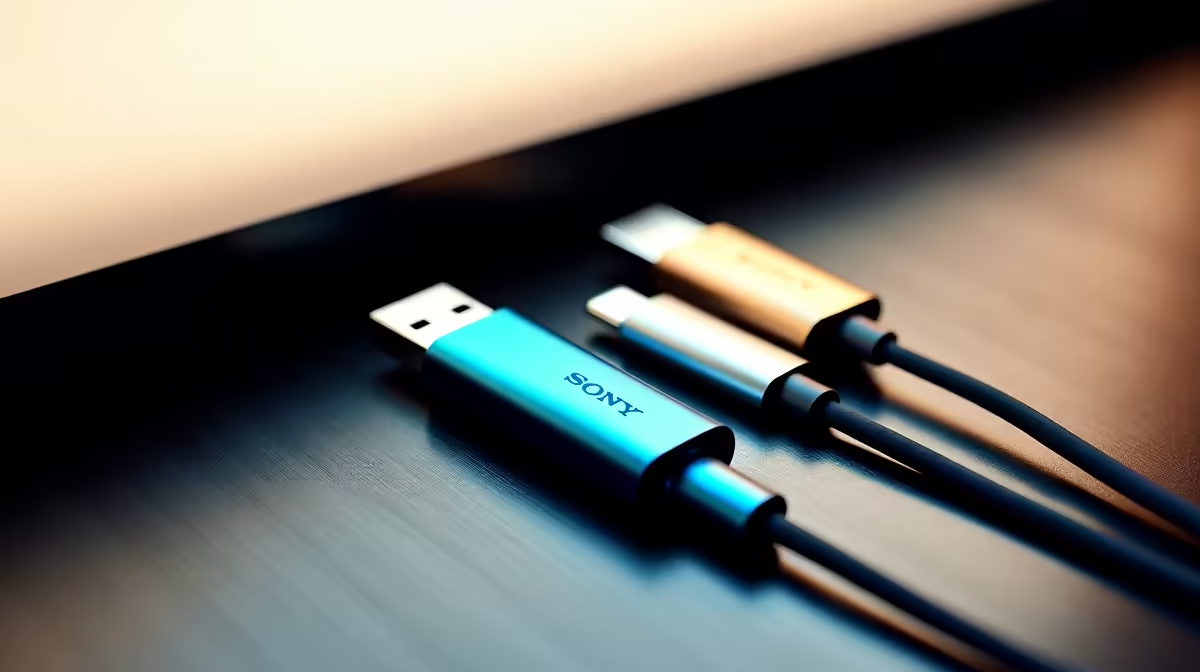
We’ve all been there. You’re about to jump into a gaming session or head out for a braai, and your phone hits 1%. You reach for a cable, but it doesn't fit. With so many standards floating around, figuring out which charging cable do I need can feel like a mission. Let’s clear the confusion and get you powered up. ⚡
The Rise of the Universal Standard: USB-C
USB-C is now the king of connectivity. Most modern Android phones and the latest iPhones use this oval-shaped connector. It is reversible... no more flipping it three times. If you are upgrading your setup, checking out the latest chargers and cables is the best place to start. It handles both power and high-speed data transfer, helping you optimise your desk setup.
Dealing with Apple’s Lightning and Older Tech
Apple moved to USB-C for the iPhone 15. However, many South Africans still use the older Lightning port. Reliable cables are essential to avoid the "Accessory Not Supported" error. For durable third-party options, Promate charging solutions offer great value for local users. They are built to withstand daily wear and tear. 🔧
Legacy Cables: Micro-USB and Mini-USB
Do you have an older Kindle or a PS4 controller? You likely need Micro-USB. It is a bit finicky and only goes in one way. While it is fading out, keeping one in your drawer is always a smart move. You can find high-quality replacements in our range of chargers under R1000 to keep your older gear running.
Cable Care Tip ⚡
Avoid tightly wrapping your cables around your power brick. This causes internal fraying over time. Instead, use a loose "over-under" coiling technique. A simple Velcro strap keeps them tidy without putting stress on the copper wiring inside.
Choosing the Right Wattage for Your Gear
Not all cables are built the same. A cheap cable might charge your phone but fail your laptop. Look for "Power Delivery" (PD) ratings for fast charging. If you need a quick fix for a secondary device, there are many affordable charging options under R500 that still offer decent speeds. While black is standard, some brands offer every colour imaginable to suit your style. Always check the wattage requirements of your specific device first. 🚀
Ready to Power Up? Finding the right cable shouldn't be a headache. Whether you need high-speed USB-C or a reliable Lightning replacement, we have the stock to keep you connected. Browse our full range of chargers and accessories and never run out of juice again.











