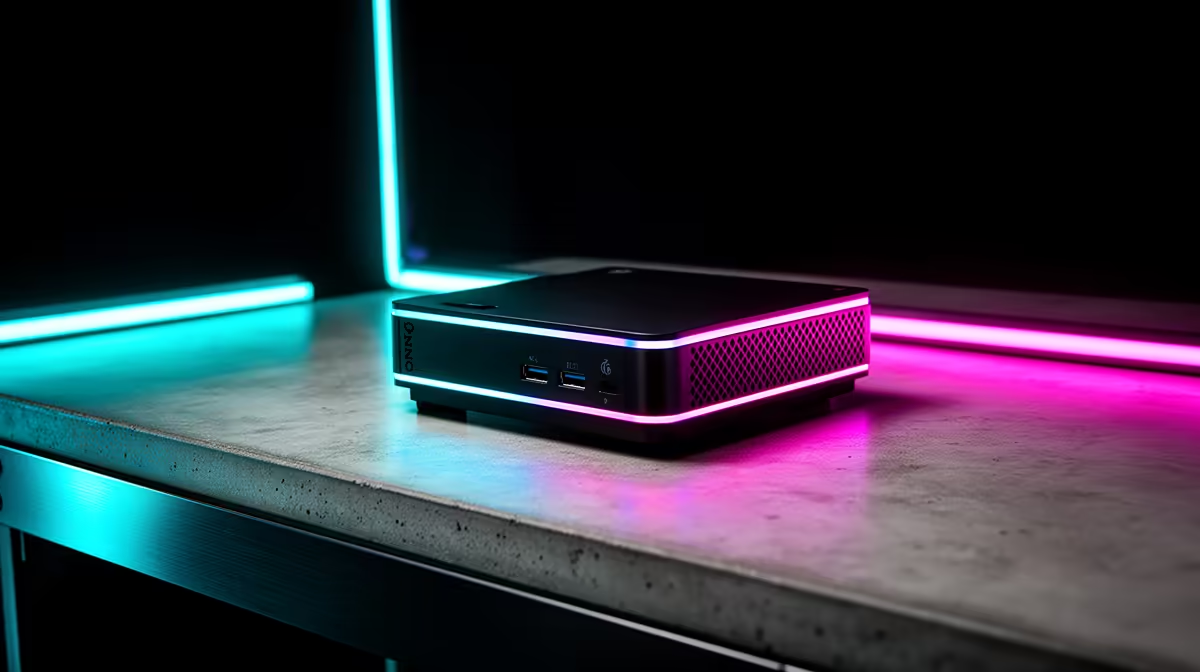
A spec sheet with fifteen different numbers on it does not mean all fifteen matter equally to how a game actually feels in your hands. Strip away the noise on a gaming mini pc and two figures do most of the heavy lifting for local gamers: how much memory sits on the graphics card, and how many cores the processor is carrying. Everything else supports those two, rather than replacing them.
Quick Answer
The GR70 leads on both fronts at R66,399, combining an 8GB RTX 5070 with a 16-core Ryzen 9 9955HX, which covers current game requirements at 1440p while leaving multitasking headroom that lower core counts often lack. Those two numbers, GPU memory and core count, are the ones worth checking first on any compact system you compare it against.
GPU Memory Sets Your Resolution Ceiling 🎯
Video memory determines how much texture and frame data a graphics card can hold ready for rendering, and running short of it causes stutters no amount of raw processing power fixes. An 8GB frame buffer, like the one on the RTX 5070 here, comfortably covers 1440p gaming across current titles, which is the resolution most serious SA gamers are actually running rather than the 4K numbers often used in marketing.
Games with high-resolution texture packs or ray tracing enabled lean on this figure especially hard, so checking VRAM before core count or clock speed is the right order of priorities for anyone shopping by spec sheet.
Core Count Prevents CPU Bottlenecks 🧮
A graphics card can only render what the CPU feeds it, and modern games increasingly split work across many cores rather than relying on one or two doing everything. Sixteen cores, as found in the Ryzen 9 9955HX powering this build, gives enough parallel headroom that the CPU rarely becomes the limiting factor, even while background applications, voice chat or streaming software run alongside the game itself.
Lower core count processors can still game well in single-threaded-heavy titles, but as more games and background tasks compete for CPU time simultaneously, higher core counts age better and stay relevant for longer.
Everything Else Is Support, Not the Headline 🔧
Memory capacity, storage speed, networking standards and the operating system all matter, but they support the experience the GPU and CPU are already delivering rather than defining it. Thirty-two gigabits of DDR5 and a 1TB NVMe drive keep the rest of the system responsive, but neither changes what resolution or frame rate a game targets the way GPU memory and core count do. You can check the complete breakdown on the GR70's product listing to see how these figures stack up together.
For comparison against other compact systems, the mini PC category is a useful next stop, and if GPU memory specifically is your main filter, the graphics card deals page lets you compare VRAM figures across tiers before deciding.
Frequently Asked Questions
Why does GPU memory matter more than clock speed?
Clock speed affects raw throughput, but running out of video memory causes stutters and texture pop-in regardless of how fast the core clock runs, making capacity the more critical figure for smooth gameplay.
Is 16 cores actually necessary for gaming?
Most games do not saturate 16 cores alone, but combined with streaming, chat and background tasks, the extra cores prevent the CPU from becoming a bottleneck during real-world multi-tasking sessions.
Does 8GB of VRAM limit 4K gaming?
It can in the most demanding current titles at maximum settings, but for 1440p, which is the more common target resolution locally, 8GB holds up comfortably.
Should I prioritise RAM over GPU memory?
No, system RAM supports multitasking and background load, but GPU memory directly determines what a game can render, making it the higher priority spec to check first.
Ready to focus on the specs that matter locally?
Browse ASUS's GR70 mini rig inside Evetech's selection of mini PCs for R66,399, made to match the specs that actually move the needle for SA gamers.