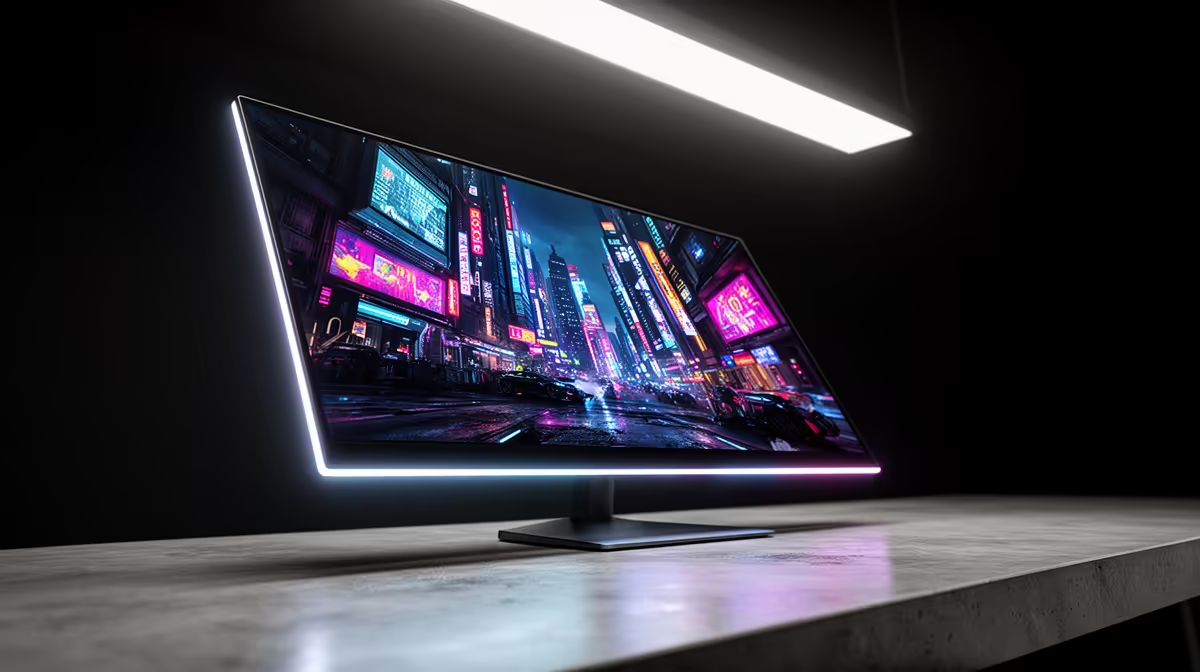
At 31.5 inches, 4K OLED gives both a huge work canvas and rich gaming contrast, so it appeals to SA builders who mix work and play. Decide your main use first.
Quick Answer
A 31.5-inch 4K OLED gives crisp 140 PPI text, vast desktop space and deep contrast, making it a productivity king as well as a gaming panel. Expect R15,000 to R30,000 in SA; it pays off if you mix work and play, but a 27-inch 1440p OLED is cheaper for pure gaming.
Contrast For Creative Work
OLED's deep blacks and accurate colour help with photo and video editing as well as games. If you grade footage or retouch images, that contrast and colour fidelity add real value beyond the gaming use.
Why 31.5-Inch 4K Excels At Work
At 31.5 inches, 4K lands around 140 PPI, giving sharp text and room for several windows side by side. For coding, spreadsheets or editing, that workspace is a genuine productivity upgrade over 1440p.
Gaming On The Same Panel
OLED contrast and fast response make this size great for immersive games too, though you will want a strong GPU to drive 4K. A 31.5-inch 4K is a do-everything panel rather than a pure esports screen.
Window Management And Scaling
The extra pixels let you run two or three full apps side by side without overlap, and Windows scaling keeps text readable. For SA builders who code or edit, that multi-window space is the standout daily benefit.
FAQ
Can I game on a 31.5-inch 4K OLED?
Yes, and OLED contrast makes games look superb, but 4K needs a strong GPU to hit high frame rates. It is a do-everything panel rather than a dedicated esports screen.
How many windows fit on a 31.5-inch 4K screen?
Comfortably two or three full applications side by side, thanks to the pixel count and screen area. That multi-window space is the main productivity draw for SA builders who work and game on one panel.
Do I need a big desk for a 31.5-inch monitor?
Allow about 70cm of viewing distance so the whole panel sits in comfortable view. Check your desk depth before buying, since a large 4K panel too close becomes tiring.
Buyer Tip
Before buying, list the games and work you do most, then pick the panel whose strengths line up; confirm your GPU and cable can drive it fully.