Quick Answer
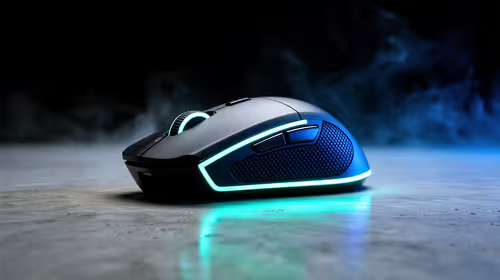
For most gamers in Bedfordview, 8000Hz mouse polling is overrated — the jump from 1000Hz to 8000Hz trims theoretical input latency by under 1ms, a difference almost no one can feel, while it raises CPU load and demands a high-refresh monitor to matter at all. A solid 1000Hz gaming mouse around R600-R1,200 serves competitive play just as well. Bedfordview gamers gain nothing meaningful from chasing 8000Hz over a reliable 1000Hz mouse.
Why the gains are tiny
At 1000Hz a mouse reports its position every 1ms; at 8000Hz, every 0.125ms. The real-world latency saved is a fraction of a millisecond, far below human reaction time of roughly 200ms. To even theoretically benefit you need a 240Hz-plus monitor and frames to match. For the vast majority of players on 144-240Hz panels, 1000Hz already delivers smooth, responsive tracking with no perceptible disadvantage.
The hidden costs of 8000Hz
High polling rates add measurable CPU overhead, which can lower 1% lows on a mid-range chip — ironically hurting the smoothness you were chasing. Some games also behave oddly at 8000Hz. For most Bedfordview setups on 144-240Hz monitors, 1000Hz is the sensible choice. The smarter spend is a good 1000Hz sensor, a quality mouse pad, and a higher-refresh monitor, all of which make a bigger felt difference than polling rate ever will.
FAQ
Is 8000Hz polling better than 1000Hz?
Barely. It trims theoretical input latency by under 1ms, below what anyone can feel, while adding CPU load. 1000Hz is plenty for competitive play.
Does 8000Hz polling need a special monitor?
To matter at all it needs a 240Hz-plus panel with matching frames. On a 144-240Hz monitor, 1000Hz already feels identically responsive.
Can 8000Hz hurt performance?
Yes. The extra polling adds CPU overhead that can lower 1% lows on a mid-range chip, slightly hurting the smoothness you wanted.
Before you buy
Skip 8000Hz hype — a quality 1000Hz mouse (R600-R1,200) plus a good pad and a high-refresh monitor make a far bigger felt difference.