Seeing a laptop from the side does not always mean the privacy filter has failed. The observer may be too close to the central viewing path, the screen may not match the filter, or the workspace may expose a direct rear view. Laptop screen privacy improves through diagnosis, not random changes.
Quick Answer
First confirm a correct 15.6-inch 16:9 match, central alignment and the observer's actual position. A R299 Laptop Privacy Screen Protector Filter for 15.6-inch screens combines anti-spy and anti-glare treatment. Test one variable at a time with safe content before moving the laptop, filter and brightness together.
🧭 Map the visible positions
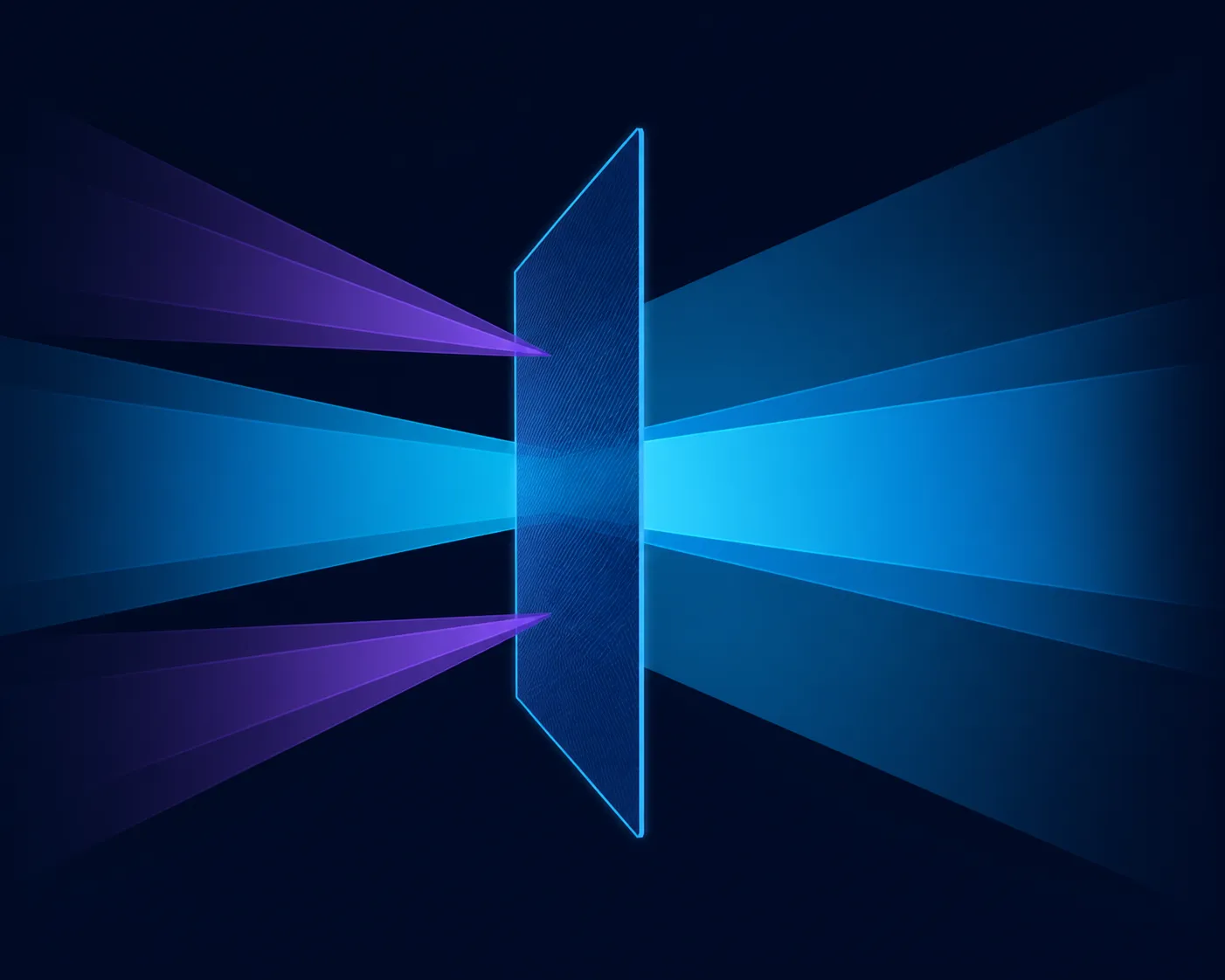
Place the primary user directly in front of the display. Ask a helper to stand or sit at the spot where visibility is a concern, then mark that location mentally. Someone directly behind the chair may share the centre line, while an adjacent seat creates a more realistic anti-spy test.
Move the helper first, not the equipment. Compare a side chair, a diagonal walkway and the rear position. This reveals whether the problem is a particular sightline. If the rear route stays exposed, rotate the desk or choose a seat with a wall behind it rather than expecting side filtering to solve the geometry.
The Evetech gaming accessory section can support a more considered mobile layout. Keep the privacy layer's job distinct from device locks and software security.
📐 Recheck format and edge placement
The protector is designed around a 15.6-inch diagonal and 16:9 proportions. Verify both from the laptop's display details. An accessory for another shape may leave areas exposed or overlap the active panel, making the side-view result difficult to interpret.
Inspect alignment from the central seat with the screen off, then with a harmless page open. Look along the edges for uneven coverage. Follow the fitting directions for this filter rather than assuming magnetic, adhesive or tab placement from another model.
🧪 Change a single condition
Keep the sample document, brightness and lid angle fixed while the observer moves. Next, keep the observer fixed and turn the laptop slightly. Only after those checks should brightness or room lighting change. This sequence exposes the variable that actually alters casual readability.
Use large headings, body text and a grid of invented values. A filter may make fine detail harder to read before bold shapes disappear, so multiple content types provide a fairer test. Never use live customer, student or company information for the demonstration.
Review other display-related aids in Evetech's monitor accessories range only after the cause is clearer. A new accessory cannot correct a seat facing a busy walkway.
🌥️ Keep glare out of the privacy verdict
This R299 model is anti-glare, but reflection reduction is not the same as side-view protection. A bright window can wash out the helper's view and create the impression of stronger privacy. Repeat the side test under ordinary, stable lighting.
Then return to the centre and assess glare on its own. Turn the laptop toward and away from the main light source, noticing reflected shapes across light and dark pages. The dual-purpose filter should be credited separately for the two outcomes.
If side visibility remains a concern after matching, alignment and seating checks, compare another correctly sized privacy option rather than claiming a universal degree. The useful standard is the real workspace and its nearby positions. Save the test layout and keep brief notes for a later repeat.
The filter is engineered around a frontal viewing position, not complete invisibility from every possible direction. A person who moves close to the user's line of sight may still fall inside the useful field. Correct 15.6-inch 16:9 alignment lets the privacy effect operate as intended, while seating position and sensitive-window discipline cover cases where an observer is no longer truly off-centre.
Move the laptop or close the sensitive window when someone enters the central viewing zone.
Frequently Asked Questions
What should I examine first when the side view seems clear?
Check whether the observer is genuinely off-centre and whether the protector matches the 15.6-inch 16:9 display before changing settings.
Can a person behind me still read the laptop?
Possibly. Someone on the central line may retain a direct view, so seat orientation and awareness of rear traffic remain important.
Why test with invented information?
It allows another person to assess readability without exposing real sensitive material. Use varied text sizes to make the comparison useful.
Does anti-glare prove that privacy is working?
No. Reflections affect visibility for different reasons. Stabilise lighting during the side test, then evaluate glare from the user's seat.
Ready to troubleshoot the sightline methodically?
Confirm fit, map observer positions and change one condition at a time before comparing privacy accessories through Evetech.