Quick Answer
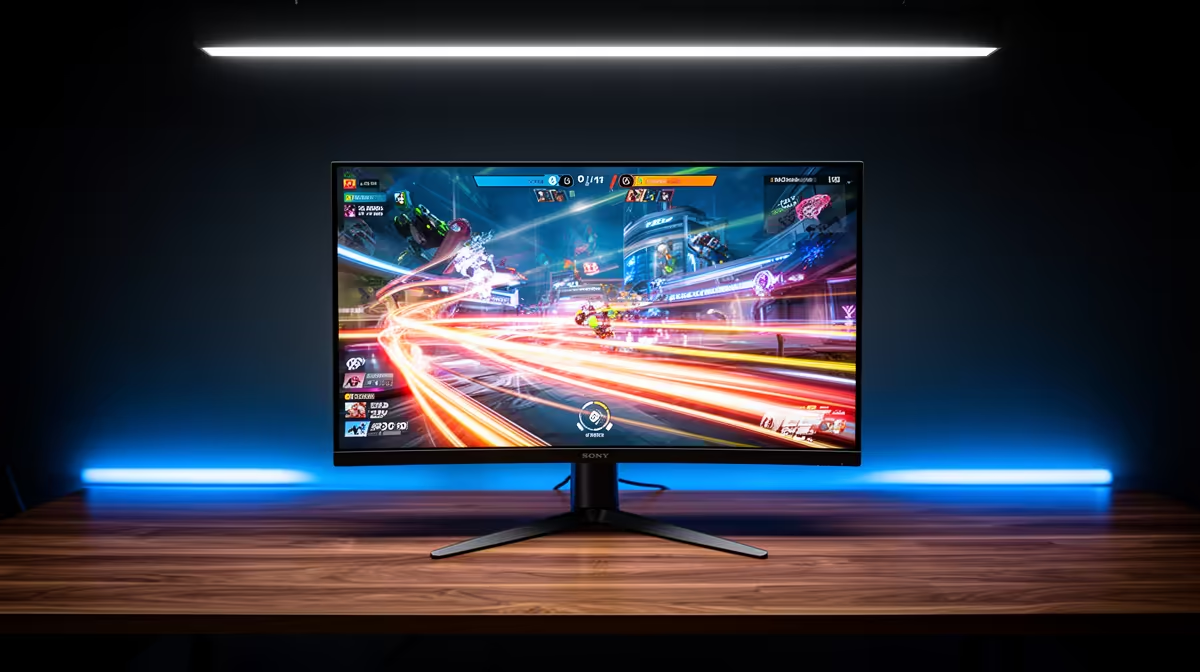
240Hz monitors are common in SA esports because competitive titles can reach very high frame rates on mid-range hardware. The practical SA answer is to match the screen to the GPU and desk distance, not just the biggest spec badge. 240Hz refreshes every 4.17 ms, compared with 6.94 ms at 144Hz, while the likely price band is R3,500-R8,000 for many 240Hz esports displays.
The spec that changes daily use
A display upgrade is visible every minute, so the right target matters. Buyers should compare size, resolution, refresh rate, panel type, and warranty before chasing one headline number. Valorant, Rocket League, and CS2 can sit near 200-300 fps on tuned settings, which is why the GPU and monitor should be planned together.
Useful reference points include 24.5-inch 1080p 240Hz monitors, RTX 4060, Ryzen 5 7600, and Core i5 gaming CPUs. For esports, refresh rate and response consistency matter more than 4K sharpness. For productivity, text clarity, stand adjustment, USB-C or KVM features, and burn-in protection can matter more than peak brightness.
SA buyer fit
SA fibre and LAN esports setups changes the value question because many buyers use one screen for gaming, work, study, and streaming. A 27-inch 1440p monitor is easier to drive than 4K and still sharp on a normal desk. A 31.5-inch 4K or OLED panel makes more sense when the user edits media, keeps several windows open, or owns a GPU that can feed it properly.
Do not ignore the cable and port check. HDMI 2.1, DisplayPort 1.4, USB-C display mode, and GPU support decide whether the advertised refresh rate works at the chosen resolution.
When the expensive option is worth it
The premium tier is worth it when the whole setup uses it: high frame rates for esports, accurate colour for creator work, or 4K workspace for productivity. It is wasteful when the GPU cannot reach the panel target or the buyer sits too far away to notice the resolution jump.
FAQ
Is 1440p better value than 4K for SA gaming?
Yes for most gaming PCs. 1440p is much sharper than 1080p, but it does not demand the same GPU spend as 4K.
Do I need 240Hz or 8000Hz gear to play competitively?
Only if the PC and game can hold very high frame rates. A stable 144Hz or 165Hz setup with low input lag is better than an expensive spec that stutters.
Are OLED monitors safe for productivity?
They can be excellent, but static toolbars and spreadsheets need care. Use pixel-shift features, sensible brightness, and hide static UI when possible.
Match screen and GPU
Before buying, check the GPU output port, target resolution, refresh rate, desk depth, and the games or apps used most often. That prevents paying for display performance the PC cannot drive.