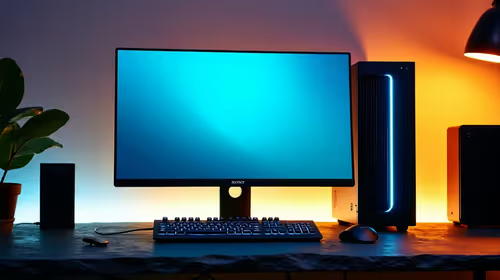
Dell SE2726H 27in FHD 144Hz at R1,797 suits a South African desk setup where one larger screen needs to carry charts, browser tabs, and live dashboards clearly. A RAM kit can help if the PC is genuinely short on memory, but for a three-screen layout, the visible upgrade is often adding the right monitor rather than overspending on internal parts first.
Practical monitor picks for a multi-screen desk
The Dell SE2726H 27in FHD 144Hz at R1,797 is the strongest starting point here because the 27in size gives more room for a main workspace, while FHD keeps text and interface scaling simple. The 144Hz spec is also useful if the same PC is used after hours for smoother everyday motion.
For side screens, the Dell SE2426H 23.8in FHD at R1,532 is a cleaner fit where the desk is narrower or the arm spacing is tight. A 23.8in FHD panel works well for watchlists, email, notes, or a second browser window without making the setup feel oversized.
The Dahua LM27 100Hz at R1,500 is the value option if you want another 27in panel without pushing the budget too far. The 100Hz spec gives it a smoother feel than basic office displays, while the MSI PRO MP275W at R1,850 is worth considering when you want a work-focused 27in screen with a neat, understated look.
SA home office trading desk reality
In a local home office, three separate screens usually solve the workflow problem better than one hidden internal upgrade. Put the Dell SE2726H 27in FHD 144Hz at R1,797 in the centre, then use a Dell SE2426H 23.8in FHD at R1,532 or Dahua LM27 100Hz at R1,500 as a side display depending on desk width.
Ready to choose the right monitor?
Compare the listed monitor range and pick the screen size, refresh rate, and price that fits your desk setup.