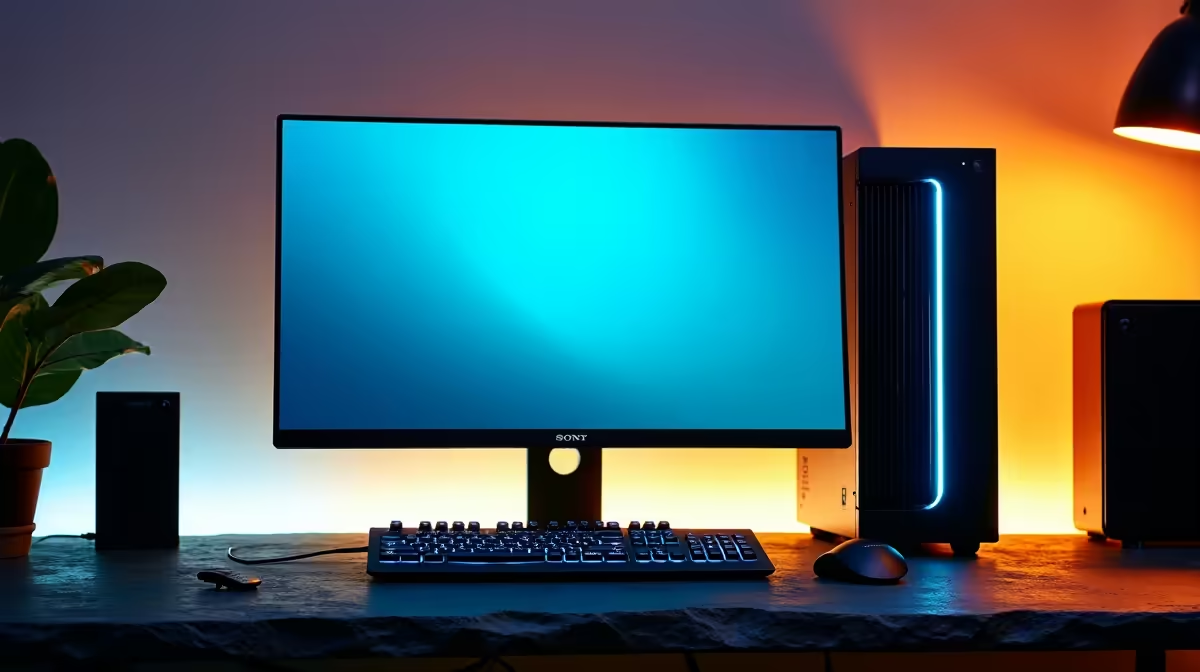
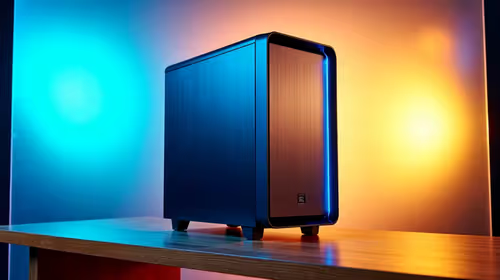
A photo-editing PC can run a home lab, but it is worth using only when its memory, storage, networking and uptime fit the planned services. Editing performance does not automatically make a good server. A desktop needed for daily creative work may also be a poor place for experiments that require reboots or uninterrupted availability.
Define services before reusing hardware
List containers, virtual machines, users and network ports. Estimate peak memory, storage growth, backup and acceptable downtime. Decide whether the lab runs only during learning sessions or provides household services continuously. A separate compact machine can isolate experiments from active photo catalogues and editing applications.
The Minisforum NAB6 Lite mini PC with Core i5-12600H, 8GB memory and a 512GB SSD is factpack-verified at R4,150. The Hiksemi Pocket 1TB external SSD appears at R900. Verify memory expansion, network interface, storage connection, operating-system support, sustained use and warranty. External storage alone does not provide redundancy or a complete backup.
Keep personal photos away from experimental services and use strong authentication. Maintain configuration backups and avoid exposing lab interfaces directly to the internet without understanding the risk. Reuse the editing PC when a measured lab workload does not interrupt creative work. Otherwise, choose separate supportable hardware sized for the services, leaving the photo system stable and available.
Planning a home lab beside photo work? > Compare verified mini PCs and storage with Evetech around isolation, memory and uptime.