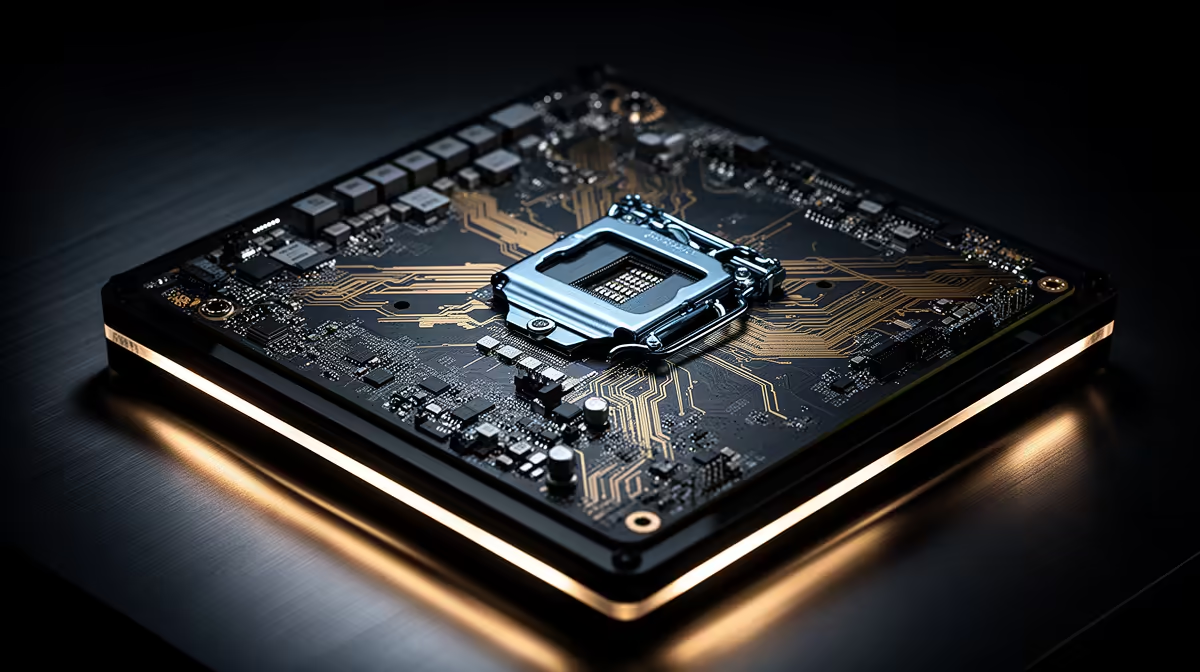
Anyone hoping to drop Intel's Nova Lake chip into their current motherboard is in for a disappointment. The new generation moves to a fresh physical socket, which means the CPU literally will not seat in an existing board no matter how recent it is. This is not a firmware limitation you can flash away; it is a hardware change in the pin layout, and it forces a board upgrade for everyone moving up.
Quick Answer
Intel Nova Lake needs a new motherboard because it uses the LGA1954 socket, paired with a new 900-series chipset. Current LGA1851 boards have a different pin count and physical layout, so a Nova Lake CPU cannot fit. Upgrading to Nova Lake means a new compatible motherboard, no exceptions.
What Changed at the Socket
A CPU socket is defined by its pin count and physical arrangement, and the number in the name reflects that count. LGA1851, used by the previous generation, has 1,851 contact points. Nova Lake's LGA1954 has 1,954. Those extra pins are not cosmetic; they carry additional power delivery and data lanes that the new platform needs. Because the layout is physically different, the chip will not align with the older socket's contacts.
This is the normal rhythm of Intel platform transitions. Sockets tend to last a generation or two, then a new feature set forces a redesign. Nova Lake's jump is one of those reset points.
The 900-Series Chipset and More PCIe Lanes
Alongside the new socket comes a new 900-series chipset offering up to 48 PCIe lanes. Those lanes are the highways that connect your CPU to graphics cards, NVMe SSDs and other high-speed devices. More lanes mean you can run a fast graphics card and several NVMe drives without them competing for bandwidth, which matters for high-end builds and content creators juggling storage-heavy workloads.
The chipset also governs connectivity standards, so newer boards typically bring updated USB, networking and memory support. That is part of why the platform moves forward as a whole rather than just swapping the CPU. If you are speccing the processor side of a new build, the Intel CPU range at Evetech lets you compare each chip tier against the board generation you are targeting.
What This Means If You Are Upgrading
If you already own an LGA1851 system, moving to Nova Lake is a platform change, not a drop-in swap. Budget for a new motherboard alongside the CPU, and check memory compatibility too, since new platforms often shift memory support. The upside is that a fresh platform usually buys you a longer upgrade runway and the latest connectivity, so it is less a cost and more a reset of your build's foundation.
For anyone who would rather skip the part-by-part juggling, prebuilt systems on the newer platform take the guesswork out entirely. Browsing the top-selling PCs at Evetech shows complete configurations where the CPU, board and memory are already matched and tested together.
Frequently Asked Questions
Can I put a Nova Lake CPU in an LGA1851 board?
No. Nova Lake uses the LGA1954 socket with a different pin layout, so it physically cannot seat in an LGA1851 board. A new compatible motherboard is required.
What chipset does Nova Lake use?
Nova Lake pairs with Intel's new 900-series chipset, which offers up to 48 PCIe lanes for graphics cards and NVMe storage, along with updated connectivity support.
Why does Intel keep changing sockets?
New CPU generations sometimes need extra pins for power delivery and data lanes that the old socket cannot supply. When the layout changes, a new socket and motherboard become necessary.
Will my current RAM work with Nova Lake?
It depends on the memory standard the new platform supports. New chipsets often shift memory support, so check the motherboard's specification before reusing existing RAM.
Planning a Nova Lake upgrade? Compare Intel processors at Evetech and pair them with the right new-generation motherboard, or skip the matching exercise entirely with a ready-built system from the PC best sellers.