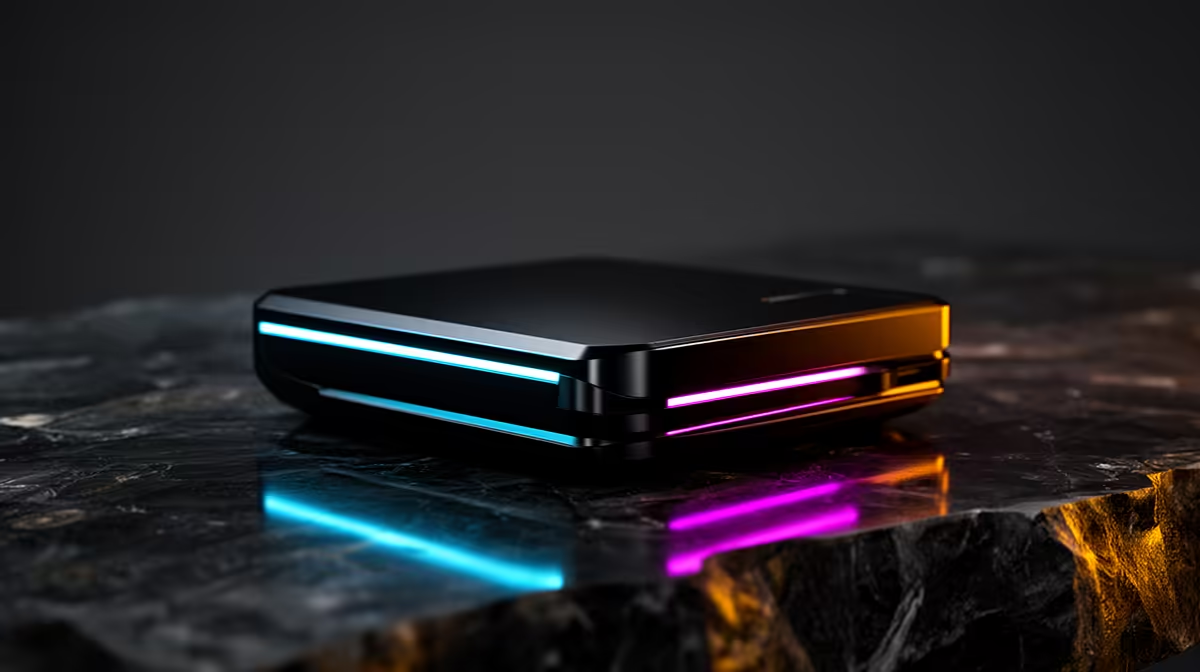
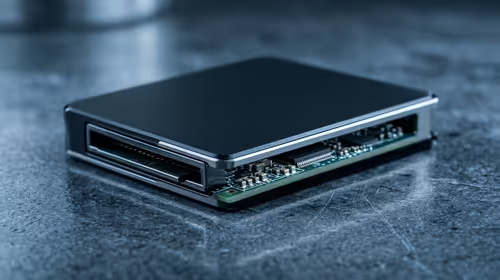
You plug a capture card into a console, open the recording software, and start playing. The software shows your gameplay on screen. And then you notice: something feels wrong. The timing is off. Inputs feel like they are landing a fraction of a second late. That is the capture software preview adding delay between your controller and your eyes, and for any game that punishes imprecision, it makes the session unplayable. Lag-free 4K60 pass-through exists specifically to close that gap.
Quick Answer
Pass-through forwards the HDMI signal from the console directly to your display before the recording software ever touches it, keeping the screen in under 1ms of lag. Without it, you play through the software preview window, which buffers 60 to 200ms. The difference is night and day in competitive play.
🎯 What Pass-Through Does That Software Preview Cannot
When a capture card receives an HDMI signal, it has two jobs: record it and show it to the player. A card without dedicated pass-through hardware combines both jobs through software. The recording pipeline processes incoming frames, compresses them, then routes a copy to your screen. That chain introduces buffering, and buffering means delay. The preview you are watching is always a little bit in the past.
Sixty milliseconds is around where skilled players start to feel something is wrong. Two hundred is the upper end of what capture software adds, and at that level competitive play in any shooter or fighting game becomes effectively impossible.
Pass-through is a separate hardware path. The card copies the incoming signal to the HDMI output before encoding starts, adding no buffering. The screen sees what it would see from a direct cable connection.
🔌 One Monitor Is Enough
Without pass-through, the standard workaround is a second monitor: the display connects directly to the console for gameplay, while a second screen runs the capture preview. This works but consumes desk space and adds cable clutter.
Pass-through collapses this to one screen. The console HDMI feeds the card's input, the card's pass-through output feeds the monitor, and the capture runs in software simultaneously. For South African setups where desk space in a res room or compact flat is at a premium, this is a practical gain, not just a convenience.
⚡ The 4K60 Spec Matters for the Pass-Through Path
Pass-through quality is not automatically equal to the console's output quality. A card with 4K60 pass-through carries the full 4K60 signal at 18 Gbps through the hardware path to the display, meaning the screen sees the same resolution and frame rate it would from a direct console connection. A card with 1080p60 pass-through only, connected to a 4K60 console, either downscales the pass-through signal or does not forward 4K at all.
Before selecting a card, confirm that the pass-through specification matches the console's output. The capture resolution and the pass-through resolution are listed separately on most capture cards, and they are not always the same. A card that records at 4K60 but passes through at 1080p60 forces a choice between recording quality and gameplay visual quality.
Frequently Asked Questions
Why does the software preview make competitive play so difficult?
The capture application buffers incoming video frames before displaying them in the preview window, which creates a visible delay between what happens in the game and what appears on screen. That gap sits between 60 and 200 milliseconds depending on the software and system. In shooters and fighting games where precise timing determines outcomes, playing through a delayed preview makes accurate reactions unreliable.
Does pass-through lower the image quality on screen?
No. The signal travels to the display at its native specification without any processing. A 4K60 pass-through carries 4K60 to the screen. The image is identical to what a direct cable from the console to the monitor would produce, because from the display's perspective, that is effectively what is happening.
Can pass-through work on a single monitor setup?
Yes, and that is its main advantage. The console HDMI feeds the card, the card's pass-through output feeds the monitor, and the recording runs in software in the background. The monitor receives the gameplay signal directly and responds normally. No second display, no compromised response speed.
If I only play casual single-player games, do I still need pass-through?
Not critically. A 60 to 200ms preview delay has minimal effect on slow-paced exploration or narrative games where split-second timing is never required. The investment in pass-through pays off most clearly in fast competitive titles. For casual single-player content, a card without pass-through at a lower price point is a reasonable decision.
Will pass-through HDR match what the recording captures?
Not always. The pass-through path carries the source signal unaltered, while the recording is compressed. Some cards strip HDR from the recorded output while forwarding it to the display in full. Check the card's HDR specifications if you play HDR titles and want accurate colour preserved in the file.
Ready to play and record without any lag in between?
Browse the capture card range and find the model with 4K60 pass-through that keeps your display at full speed while recording every frame in the background.