Why NVIDIA and AMD PSU Recommendations Run High
Quick Answer
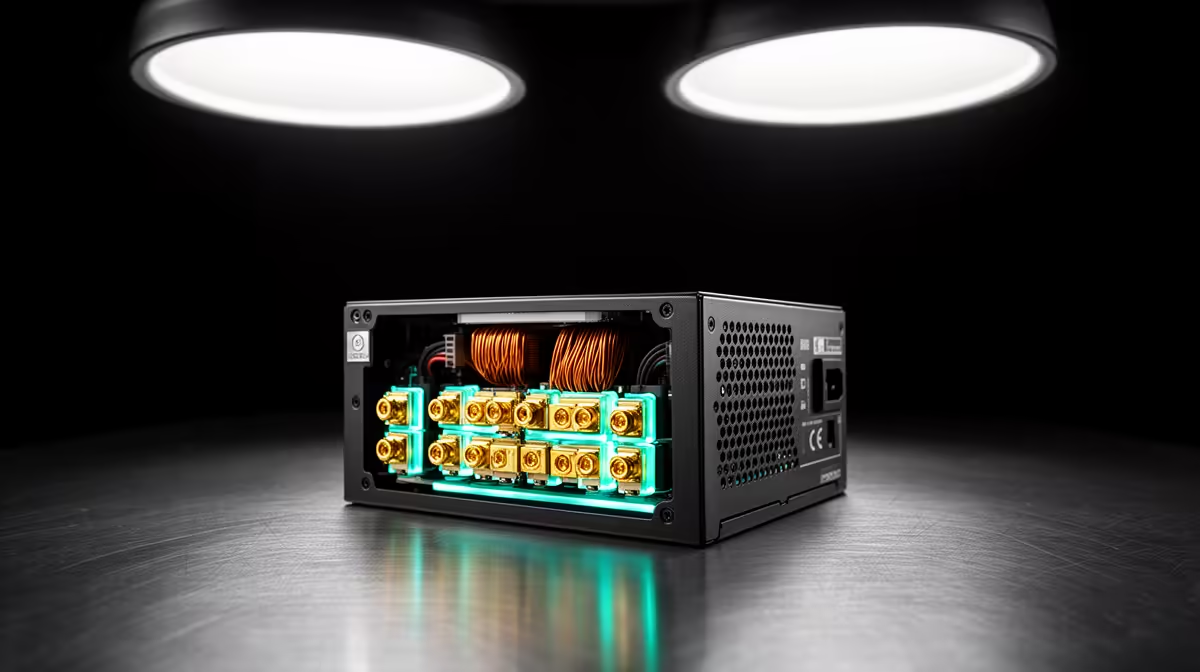
Graphics-card PSU recommendations cover the whole PC, not the card alone. They leave room for processor choice, board-partner power limits, short load spikes, other components and variation between power-supply designs.
Treat the published figure as the safe starting point for the specified card. Go below it only when the exact card maker supports the complete system calculation and a qualified builder has checked the unit, connectors and measured load.
Card Power Is One Part
A graphics card may have a listed board power, while the recommended PSU wattage refers to the complete system. The CPU, motherboard, drives, fans, USB devices and conversion losses all add demand.
Partner cards can use different limits from a reference design. Open the product page for the exact model and follow its recommendation and connector guidance.
Short Spikes Need Room
GPU load can change in milliseconds. A power supply must handle brief demand without its protection shutting the PC down.
Modern PSU and GPU standards include guidance for these excursions, but exact implementation matters. A wattage label cannot show transient response or protection quality.
Do not disable safety protections to keep a borderline system running.
CPU Choice Changes the Total
A card maker may describe a test system or assumed processor near the recommendation. Your CPU can draw less or more, depending on model, limits and workload.
Use measured CPU package power from a comparable sustained test rather than core count or TDP alone. Include any raised power limits.
Keep the vendor recommendation when the data is incomplete. The saving from a smaller unit rarely justifies uncertain stability.
Exact Unit Quality Still Matters
Browse Corsair power supplies by exact model and connector set. Use PSU best sellers for other named comparisons.
Check rated capacity, protections, native GPU cable, form factor and warranty. Efficiency certification does not rank every aspect of quality.
Use only modular cables approved for that precise power-supply model.
Check the Recommendation Source
The GPU-chip company, board partner and prebuilt maker may publish different figures because they describe different cards or systems. Use the guidance for the exact product in your basket.
Record whether the figure assumes a particular CPU or factory overclock. Check for later specification or connector updates on the official support page.
When a prebuilt has its own validated configuration, do not change the card or PSU from a generic table. Recalculate the revised machine.
Avoid Two Common Shortcuts
Do not subtract watts because a game benchmark showed low average draw. A different workload can raise CPU and GPU demand or create a sharper transition.
Do not add a huge unit to compensate for unknown quality. Identify the PSU model and supporting evidence.
A properly chosen unit should handle the complete supported configuration without nuisance shutdowns, hot connections or cables used outside their documented purpose.
FAQ
Is the recommended wattage the GPU's draw?
No. It is a whole-system power-supply recommendation for the card and stated assumptions.
Can a good PSU use fewer watts than the recommendation?
Some carefully measured systems may, but follow the exact card guidance and have the full load, spikes and connectors checked before reducing it.
Does a larger PSU make the GPU faster?
No. It provides capacity and headroom. Performance comes from the hardware operating within its intended limits.
Read the exact graphics-card recommendation, calculate the complete system and choose a named PSU whose capacity, transient support and native connectors cover both.