


Quick Answer
For architecture portfolio work, an entry-level mini PC is usually not enough. CAD and 3D modelling need a discrete GPU and 32GB+ RAM, which most R6,000-R10,000 mini PCs lack. A mini PC with an RTX-class GPU (R18,000+) or a proper tower is the safer call.
Where Mini PCs Win And Lose
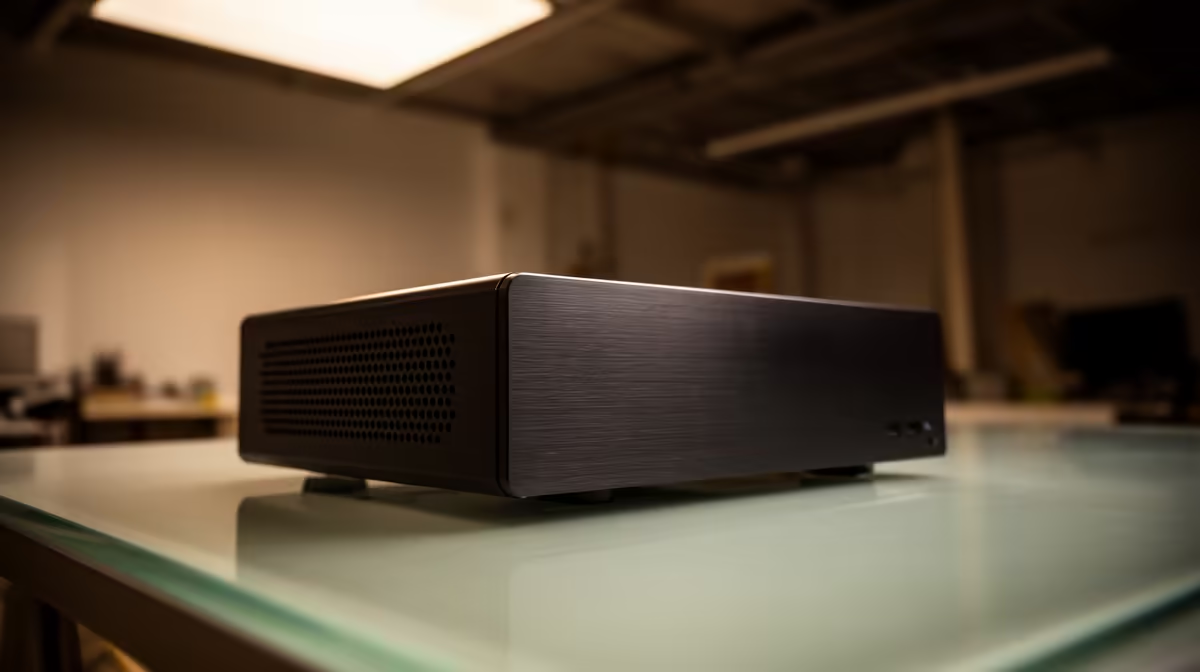
Mini PCs (Intel NUC-class, Beelink and Minisforum-style boxes) win on footprint, noise and power draw, which suits architecture portfolio work and a tidy res desk. They lose on three fronts: thermals under sustained load, limited internal storage, and weak integrated graphics. A R10,000 Ryzen 7 mini PC with 32GB RAM is genuinely capable for office, code and 1080p media; it struggles with 4K timelines, 3D rendering or any GPU-heavy task.
Storage And Thermal Headroom
Most mini PCs ship with a single 512GB-1TB NVMe and one spare M.2 slot. Editing footage or large datasets fills that in weeks, so plan a 1-2TB external NVMe or a second internal drive from day one. Thermals matter too: a compact chassis throttles under a 30-minute render, so for sustained workloads step up to a model with a larger heatsink or accept a small tower. For architecture portfolio work, check the spec sheet for at least 32GB RAM if you multitask.
What This Means For Your Budget
Pick the option that solves your specific bottleneck and skip the rest of the marketing. For architecture portfolio work, that usually means a mid-tier pick from a known brand rather than the cheapest or the flagship. For students in res or shared digs, footprint and noise usually matter more than raw peak specs.
FAQ
Can a mini PC handle video editing or 3D work?
Light 1080p editing yes, with 16-32GB RAM. Heavy 4K timelines, 3D rendering or CAD need a discrete GPU and 32GB+, which most small mini PCs cannot provide; a tower is the better tool there.
How much RAM should a mini PC have?
16GB is the floor for browsing and code; 32GB is the comfortable target if you multitask, edit or run virtual machines. Check whether the RAM is upgradeable before buying.
Do mini PCs run hot?
Under sustained load, yes; small chassis throttle on long renders. For bursty office and media work they stay cool and quiet, which is their main appeal.
least 32GB RAM and a free M.2 slot before buying, and budget for a 1-2TB external NVMe so your storage does not choke within the first month.







