Quick Answer
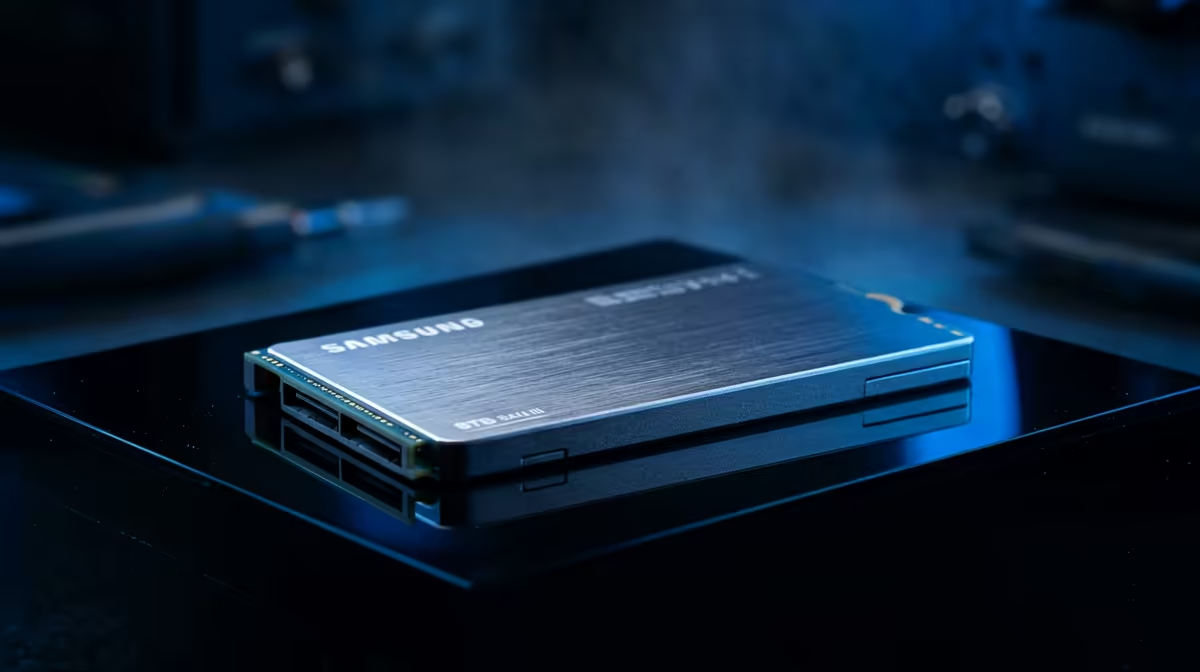
For a 4TB Gen 5 NVMe on X870, TLC is the safer main-drive choice and QLC is the value option for large read-heavy storage. QLC can make 4TB or 8TB capacity more affordable, but it slows more once its cache is exhausted. Plan broadly around R9,000-R18,000 for broad planning, with QLC often cheaper than TLC at the same size.
TLC For Main Drives
TLC drives usually deliver stronger sustained writes, better endurance and steadier behaviour when the drive is busy. That makes them a better fit for Windows, apps, editing projects and capture folders. If the system uses a GeForce RTX 4070 Super, RTX 5070-class or Radeon RX 7800 XT for 1440p or 4K gaming, TLC will not add FPS, but it keeps installs and updates less painful.
QLC For Big Libraries
QLC is not automatically bad. It is sensible for a large game library, media archive or backup-like storage where most activity is reading rather than constant writing. The risk appears when a nearly full QLC drive handles huge writes, because speed can drop hard after the cache fills.
How To Buy For This Platform
Use TLC for the boot drive on boards such as MSI MAG X670E Tomahawk, ASUS TUF Gaming X670E-Plus or Gigabyte X870 Aorus Elite. Add a larger QLC drive only if the price gap is large enough and the workload is mostly read-heavy. Keep 15-20% free space on QLC to protect consistency, especially with 4TB and 8TB models.
FAQ
Is QLC reliable enough for games?
Yes for a game library with enough free space. It is less ideal for a main workstation drive that writes large files every day.
Does TLC load games faster?
Sometimes, but the difference is usually smaller than the spec sheet suggests. Capacity, thermals and keeping the drive healthy matter more for most gamers.
What should SA buyers choose first?
Choose a TLC boot drive first. Add QLC later only when capacity is more important than sustained-write strength.
Buyer Check
Use QLC for affordable capacity, not for the only drive in a heavy editing or daily write-heavy PC.