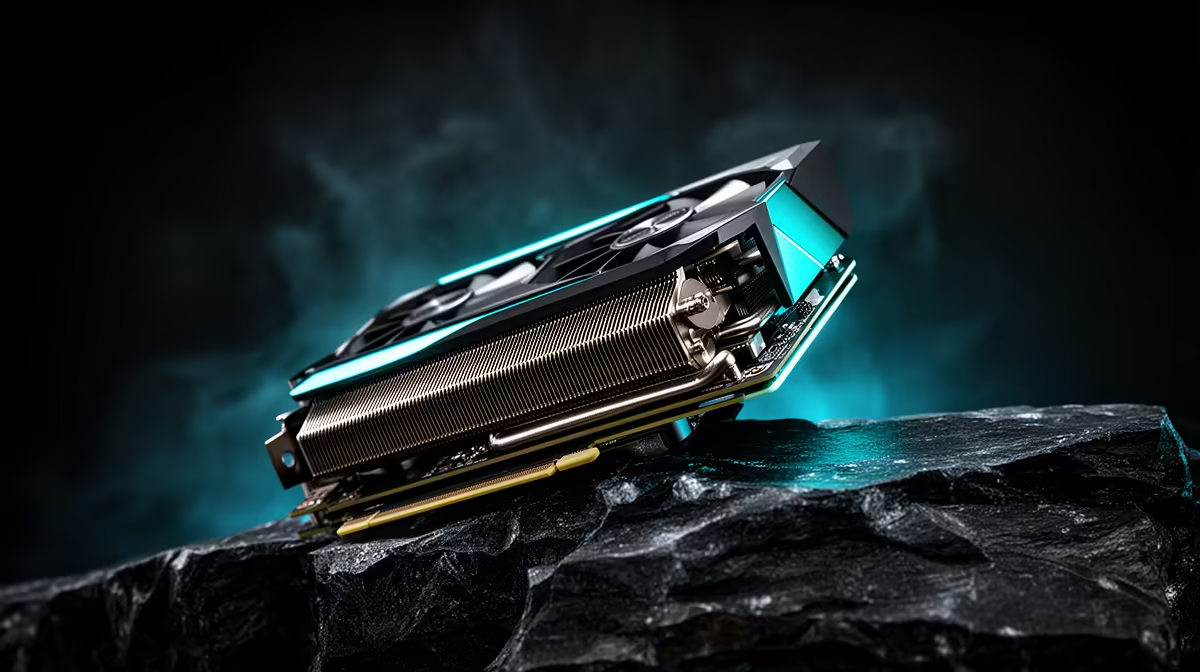
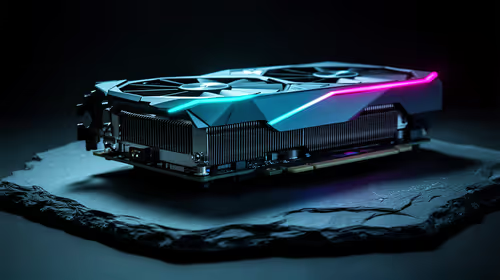
GPU fans staying off at idle is normal when the card supports zero-RPM mode and temperature remains inside its stop range. The exact threshold can be below or above 50C depending on card BIOS, sensor, fan profile and room conditions.
Quick Answer
Open a monitoring tool and run a game. The fans should start as the card warms, then settle at a speed that controls temperature. Investigate when they never spin under heat, one fan is stuck, the card throttles or noise suggests a failed bearing.
Compare cooling designs in the NVIDIA graphics-card catalogue and GPU best sellers. Product photos do not prove whether the exact card uses zero RPM.
Why the Fans Stop
Desktop work creates little GPU heat. Stopping the fans removes idle noise and avoids unnecessary fan hours. The heatsink and case airflow carry the small load until the start threshold is reached.
Video playback, multiple high-refresh monitors and background GPU apps can raise idle power enough to start the fans. That does not mean the mode is broken.
Check It Safely
Do not spin or stop fan blades by hand while the PC runs. Watch RPM, GPU temperature, hotspot and power in software. Start a game in a window and observe the transition.
If temperature climbs while RPM stays at zero, stop the load. Restore stock tuning, check fan cables where externally accessible and use the seller or manufacturer support route.
Fan Cycling Can Be Annoying
When idle temperature sits near the start point, fans can start, cool the card and stop again. Close background GPU tasks and improve case airflow. A supported custom curve with a low stable minimum may help, while it adds fan hours.
Different card fans have different minimum stable speeds. Avoid forcing an RPM where the fan pulses or stalls.
Case Temperature Changes Idle Behaviour
Heat from the CPU, SSD and room can collect around the card even when its own power use is low. Check intake filters and exhaust. A compact case may hold the GPU above its stop threshold during a large CPU task.
Run the same idle test with the PC cold and after an hour of gaming. A fan that stops on the first boot and runs after heat soak may be behaving as designed.
Multiple Monitors Can Raise Idle Power
Mixed refresh rates, high resolutions and HDR can keep memory clocks above their lowest state on some combinations. This raises idle power and can start fans.
Temporarily test one monitor at a standard refresh, then restore your normal setup. Update supported drivers and check for background hardware acceleration. Do not give up a useful display arrangement for silence until the extra power is proven.
Inspect the Startup Self-Test
Some cards spin fans briefly at power-on and then stop. Others remain still until load. Look for all fans in software and through the case without touching them.
If one fan never reports or turns while the others run hard, record the behaviour and use the proper support route. A custom curve cannot repair a disconnected or failed motor.
FAQ
Is 55C too hot for fans to be stopped?
Use the exact card's design and limits. Some zero-RPM profiles can sit around that range normally.
Should every fan spin at the same time?
Many do, while some coolers control fans separately. Check the model's intended behaviour.
Can I disable zero RPM?
Often through supported fan controls. Keep adequate cooling and verify stable minimum RPM.
Monitor temperature and fan RPM through one game, then seek support only when the fans fail to start under heat or the exact card leaves its safe range.