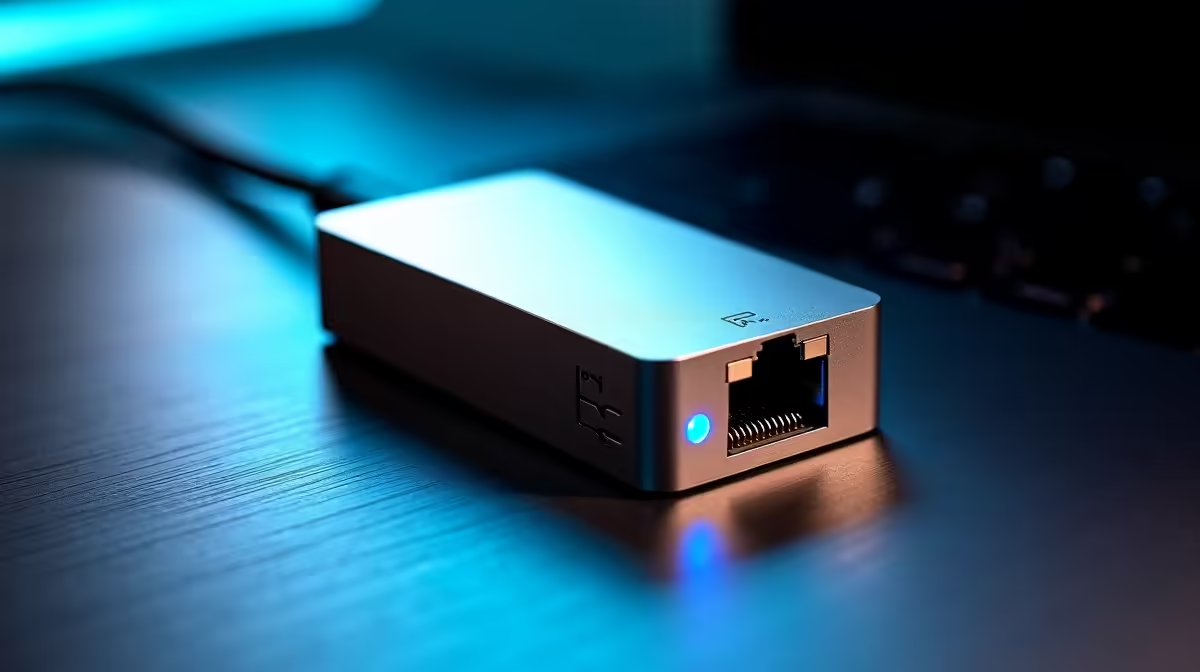
Is your Gigabit network starting to feel a bit... slow? In a world of 100GB game patches and blazing-fast South African fibre, that trusty 1Gbps connection can feel like a bottleneck. You’ve got the speed coming into your home, but your local network just can’t keep up. As we look towards 2026, the question on every power user's mind is clear: is it finally time to make the jump in the 2.5GbE vs Gigabit debate? 🚀
Unpacking the 2.5GbE vs Gigabit Speed Difference
For years, Gigabit Ethernet (1GbE) has been the gold standard for home networking. It delivers a solid 1,000 megabits per second (Mbps), which was more than enough for most tasks. But 2.5 Gigabit Ethernet (2.5GbE) kicks that up a notch, offering 2,500 Mbps.
Think of it this way: if Gigabit is a reliable two-lane highway, 2.5GbE is a brand-new five-lane superhighway. Both get you there, but one handles way more traffic without slowing down. This extra bandwidth is becoming essential as internet service providers in South Africa roll out fibre plans that exceed 1Gbps. A standard Gigabit network simply can't deliver the full speed you're paying for.
The best part? Many modern motherboards and PCs now ship with 2.5GbE ports built-in, making the 2.5GbE vs Gigabit decision easier than ever.
Who Really Needs a 2.5GbE Upgrade?
While a faster network sounds great, not everyone needs to rush out and upgrade. The benefits of moving from Gigabit to 2.5GbE are most noticeable for specific users. Let's break down who gets the biggest boost.
The Hardcore Gamer & Streamer
If you're constantly downloading massive games or updates from Steam, a 2.5GbE connection can slash those wait times significantly. Imagine downloading a 150GB game in under 10 minutes instead of 20+. For streamers, a faster local network means smoother, higher-quality streaming from a gaming PC to a dedicated streaming rig with zero lag.
The Content Creator & Data Hoarder
vvvvvvvvvvvvvvvvvvvvvvvvvvvvvvv
This is where 2.5GbE truly shines. If you work with large files like 4K video, transferring a 100GB project file from your PC to a Network Attached Storage (NAS) device over Gigabit takes over 13 minutes. With 2.5GbE, that same transfer takes less than 6 minutes. This is a massive productivity win, giving you more time to create and less time to watch a progress bar.
The Future-Proofer
With fibre speeds climbing, a 1Gbps network is already the bottleneck in many homes. Upgrading your internal network ensures that you're ready for the next wave of multi-gig internet plans. Making the switch now means your setup is prepared for years to come.
Check Before You Buy! 🔧
Before you start shopping, check your current gear. Your motherboard or laptop might already have a 2.5GbE port—it's often labelled and might have a different coloured LED. Look up your motherboard's specs online. If you see 'Intel I225-V' or 'Realtek RTL8125', you're already halfway there!
Your Blueprint for a 2.5GbE Home Network
Ready to make the leap? A full network overhaul involves a few key pieces. You can't just upgrade one component; the entire chain from your PC to your router needs to support the new speeds to avoid bottlenecks.
First, your computer needs a 2.5GbE port. If it doesn't have one, a simple PCIe card is an easy fix. You can find a range of affordable 2.5GbE network adapters that slot right into your motherboard.
Next, you'll need one or more multi-gigabit switches to connect all your wired devices. Plugging a 2.5GbE device into an old 1GbE switch will instantly cap its speed at 1Gbps, defeating the purpose of the upgrade.
The heart of your setup is the router. To get the most out of faster-than-gigabit fibre, you'll need one of the latest high-speed fibre routers with at least one 2.5GbE WAN and LAN port. A faster wired backbone also provides a huge boost to your home's Wi-Fi, allowing your access points to perform at their best. If you're looking to improve your signal, Evetech has a wide selection of modern wireless routers and other wireless networking gear. And for those pesky dead zones far from the router, Wi-Fi range extenders can help fill the gaps.
While you're upgrading your PC's internals with a new network card, it's a good time to consider the health of your whole system. A network card doesn't use much electricity, but ensuring you have a reliable power supply is key for system stability. For a clean build with great airflow, nothing beats the convenience of a fully modular power supply. ✨
The Final Verdict: Is 2026 the Year for 2.5GbE?
So, in the ongoing 2.5GbE vs Gigabit showdown, who wins?
For the average user who just browses the web and streams Netflix on a 100Mbps fibre line, Gigabit is still perfectly fine. There's no urgent need to upgrade.
However, if you're a gamer, a content creator, or a tech enthusiast with a fast fibre connection (500Mbps or higher), the answer is a resounding yes. The cost of entry has dropped significantly, and the real-world benefits are undeniable. It removes the final bottleneck in your home, unlocks the full potential of your internet connection, and sets you up for the future of digital content. The era of Gigabit as the high-end standard is officially over.
Ready to explore your options? Check out Evetech's full range of the latest wired networking hardware and start planning your speed boost today.